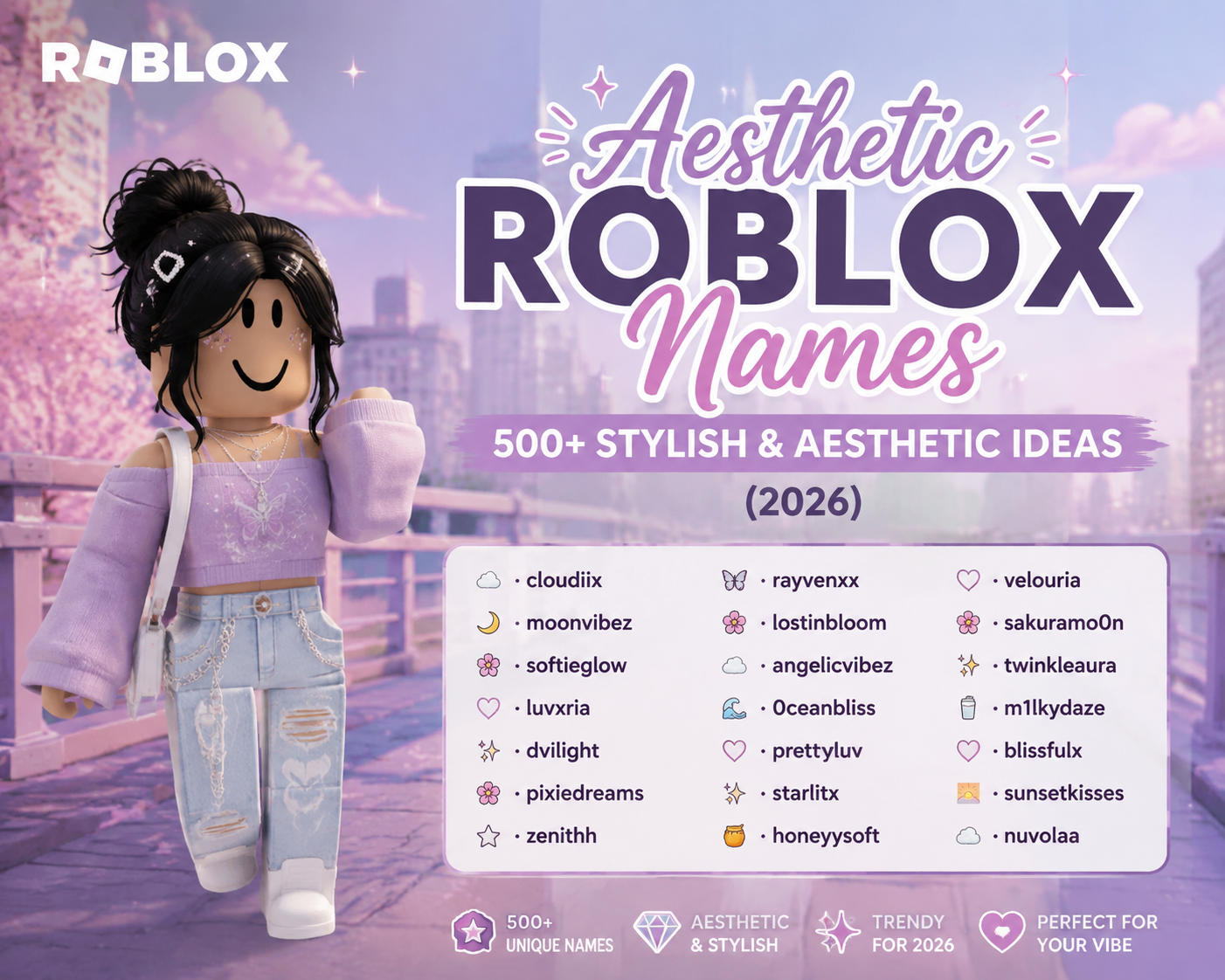
Your Roblox display name is the name that appears above your avatar and next to your messages in chat. It is not the same thing as your username, and mixing the two up is the most common naming mistake on the platform — your username is the permanent, unique handle people use to find and add you, while your display name is the flexible one you can change on your own, for free. Our Roblox naming hub covers which styles that flexible field actually accepts.
That difference is what makes Roblox display names worth thinking about. You can experiment with one without touching your account identity, and you can change your mind next week if it stops fitting. Below are 515 display name ideas sorted into ten styles, plus the actual platform rules, how to change yours, and how to pick one that still works six months from now.
What Is a Roblox Display Name?
A display name is the label Roblox shows to other players in place of your username. It appears above your character in an experience, on the leaderboard, and beside anything you type in chat. Your username still exists underneath — in most places Roblox shows it just below or alongside the display name, usually prefixed with an @ — but the display name is what people actually read first.
Roblox introduced display names so that your public identity and your account identity could be separated. Before that, the only name anyone saw was the username you picked when you signed up, which for a lot of long-time players was something they had outgrown. A display name lets you present differently without giving up the account handle your friends already know.
Two things follow from that design, and both are useful to know. Display names are not unique — Roblox states plainly that other players may have the same one as you — and they are filtered, like all text on the platform, against the Community Standards. A name that trips the filter can be rejected outright, or reset back to your username later.
Read also: → Nickname Idea Generator
Roblox Display Name vs Username
This is the distinction worth getting right before you pick anything. The short version: the username is your address, the display name is your face.
| Display name | Username | |
|---|---|---|
| What it is | The name shown to other players | Your unique account handle |
| Must be unique? | No — others can share it | Yes, one per account platform-wide |
| Cost to change | Free | Costs Robux |
| How often | Once every 7 days | No fixed cooldown, but each change is paid |
| Where it appears | Above your avatar, leaderboards, chat | Profile, friend search, shown with an @ |
| Used to add friends? | No | Yes — this is what people search |
| Spaces | Only on some accounts (see below) | No — letters, numbers, one underscore |
The practical consequence: pick your username for findability and permanence, and your display name for personality. If you are still choosing an account handle rather than a display name, our guide on how to create a stylish Roblox username covers that side properly.
515+ Roblox Display Name Ideas
Sorted by the feeling each style gives off rather than dumped into one long list. Every name below appears only once across the whole page. A note worth stating plainly: because display names are not unique, nothing here needs to be “available” — but that also means popular picks will be shared with other players, so the more unusual sections are the ones that make you stand out.
Cool Roblox Display Names
Short, punchy, and confident. These read well in a leaderboard and sound natural when a friend says them out loud in a voice call.
Select any name in the following list to copy it.
If you play ranked or competitive experiences, the naming conventions shift — our cool Roblox names for pro gamers guide covers that style specifically.
Cute Roblox Display Names
Soft, food-and-animal flavoured names with a friendly tone. They suit roleplay games, cafés, adopt-and-pet titles, and any server where you would rather look approachable than intimidating.
Select any name in the following list to copy it.
Stylish Roblox Display Names
Fashion-led names built from fabrics, metals, and colour words. They pair well with a carefully put-together avatar and stay readable at small sizes.
Select any name in the following list to copy it.
Aesthetic Roblox Display Names
Film-grain, faded-photo energy. These lean on mood rather than a single subject, which is what makes them feel personal instead of generic.
Select any name in the following list to copy it.
Roblox Display Names for Boys
Heavier consonants and stone-and-metal imagery — the style most often searched for as boys' names. Nothing here is restricted by the platform; it is a look, not a rule.
Select any name in the following list to copy it.
Roblox Display Names for Girls
Floral, celestial, and soft-natural picks. If you want a much larger set in this style, we have a dedicated collection linked below.
Select any name in the following list to copy it.
Want more in this style? Our stylish Roblox names for girls collection goes much deeper.
Funny Roblox Display Names
Self-aware names that get a reaction in the lobby. They also age better than a serious name, because a joke name attached to a bad round is still funny.
Select any name in the following list to copy it.
Short Roblox Display Names
Three to five characters. Easiest to read at a glance, hardest to misspell, and the quickest for a friend to type when searching for you.
Select any name in the following list to copy it.
Unique Roblox Display Names
Unexpected word pairings — an everyday object next to something that does not belong with it. Nobody reaches for these, which is exactly why they stick in people's heads.
Select any name in the following list to copy it.
One-Word Roblox Display Names
Single words, real and invented. The cleanest option on this page and the one that ages best as your account gets older.
Select any name in the following list to copy it.
How to Choose a Good Roblox Display Name
Having 515 options is only useful if you can narrow them down. These are the filters that matter:
- Say it out loud once. Display names get spoken in voice chat far more than usernames do. If a friend cannot repeat it back after hearing it once, it will get shortened to something you did not choose.
- Check it at small sizes. Your name renders above your avatar at a fairly small scale. Long names and heavy symbol use turn into a smudge from across the map.
- Go easy on symbols. One decorative character can look sharp; a wall of them makes you harder to read, harder to mention in chat, and harder for friends to describe to someone else.
- Avoid look-alike characters. Swapping an l for a 1 or an O for a 0 feels clever until someone tries to find you and cannot tell which is which.
- Match it to your account, not just your mood. A display name that clashes completely with your username and avatar reads as two different people.
- Keep it recognisable to friends. If you change display names often, keep one stable element — a word, a prefix — so the people on your friends list still know who they are talking to.
- Imagine it in a year. Names tied to one game, one meme, or one season date fastest. You can change it weekly, but a name you do not have to think about is worth more.
How to Change Your Roblox Display Name
Changing a display name is free and happens entirely inside your account settings. It is a completely separate action from changing your username, which is paid — if a screen is asking you for Robux, you are in the wrong place.
- Open Roblox and go to Settings (the gear icon on web, or the three dots then Settings in the app).
- Open the Account Info section.
- Find your display name — it sits above or beside your username — and select the edit control next to it.
- Type the new name and save. If it is rejected, the filter or the character rules have blocked it; adjust and try again.
After a successful change you will need to wait 7 days before you can change it again, so it is worth trying your shortlist out loud before committing. Roblox occasionally moves things around in Settings and adjusts what the field accepts, so treat the screen in front of you as the final word over any guide, including this one. The Roblox naming guide on our hub covers the surrounding options.
Roblox Display Name Ideas by Style
If you are stuck between sections, this is the quickest way to narrow down:
| If you want to come across as… | Try this section | Example |
|---|---|---|
| Confident and competitive | Cool | ZeroChill |
| Friendly and approachable | Cute | MochiCake |
| Put-together and deliberate | Stylish | GoldLeaf |
| Moody and personal | Aesthetic | FadedPolaroid |
| Solid and grounded | Boys | FlintKnight |
| Soft and natural | Girls | WillowGrace |
| Easy to talk to | Funny | JumpAndPray |
| Clean and memorable | Short | Kova |
| Genuinely different | Unique | ClockworkPigeon |
| Timeless | One-Word | Solstice |
Read also: → How to Create a Stylish Roblox Username: Steps + 250 Ideas