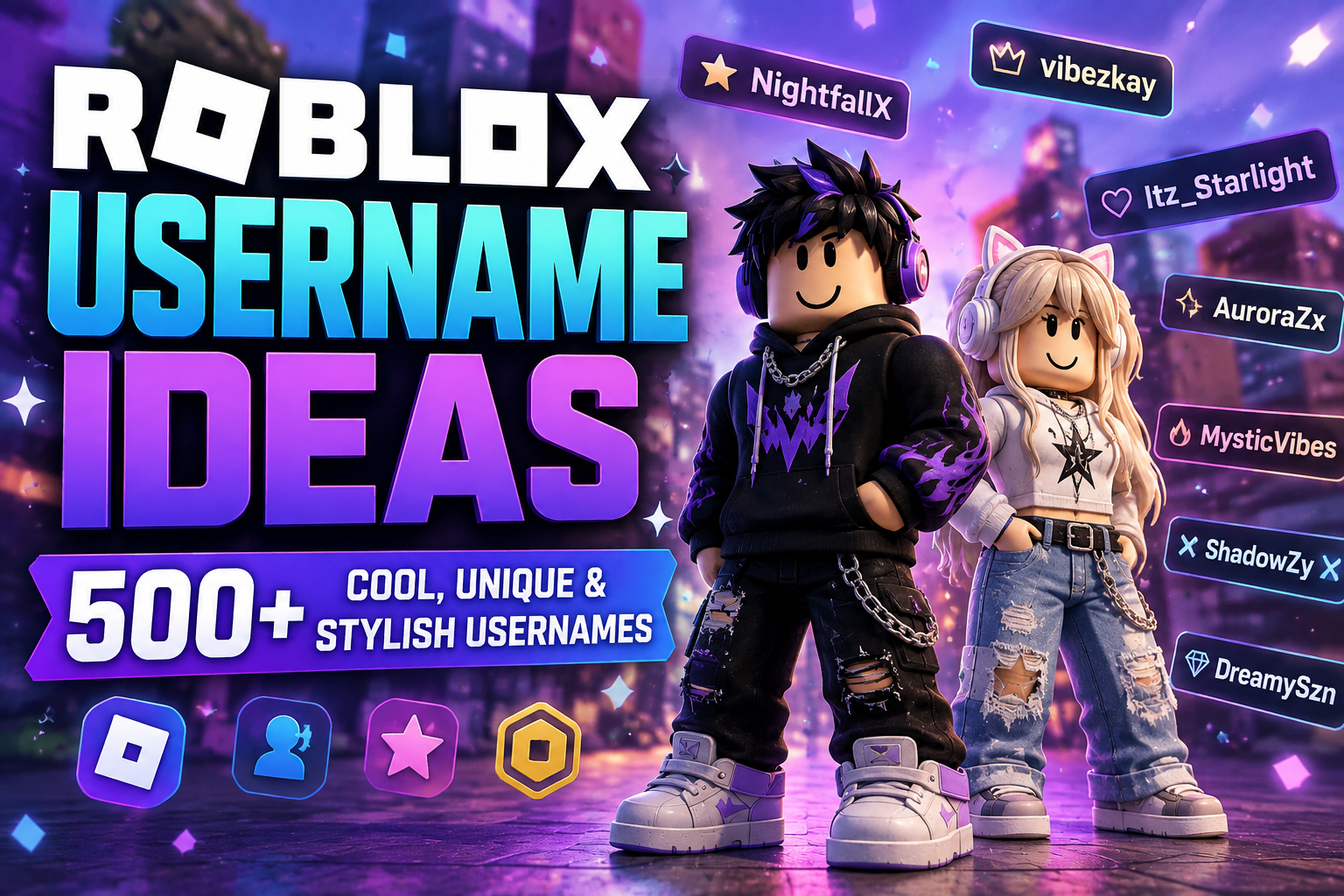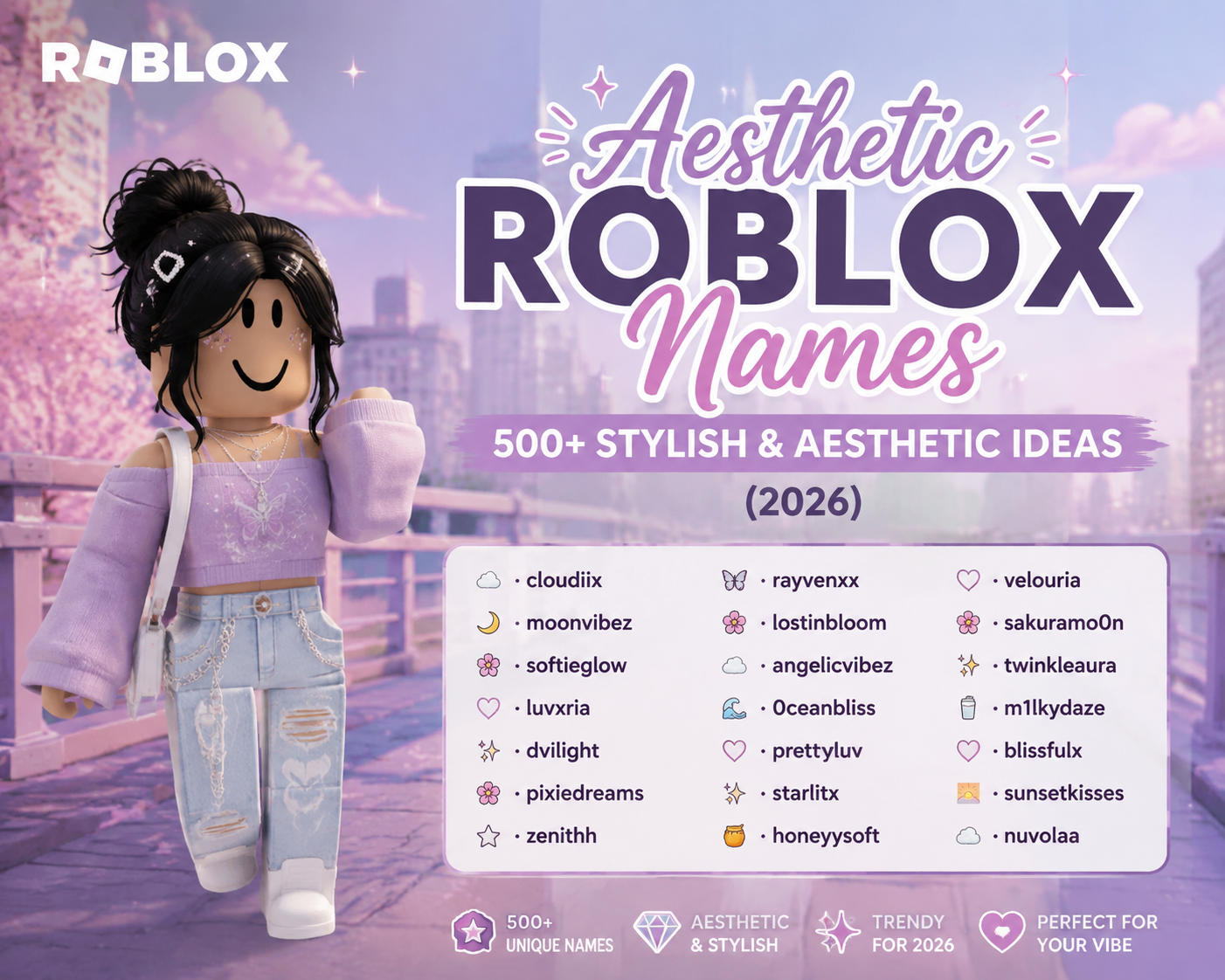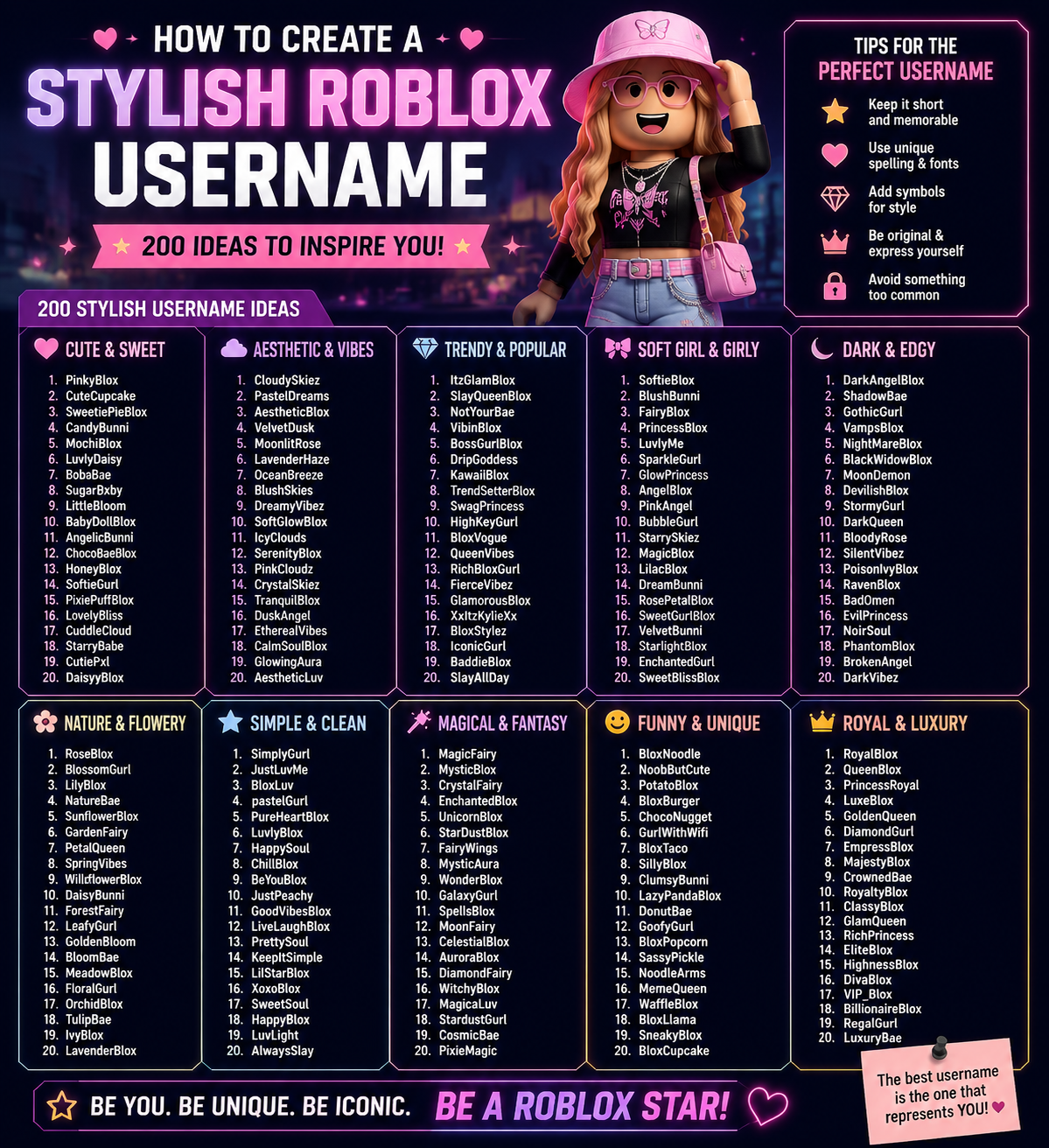
Knowing how to create a stylish Roblox username comes down to one idea: style it with the tools Roblox allows. Usernames only accept letters, numbers and one underscore, so fancy fonts can't go in the username itself. You can still make a name look deliberate and polished with capitals, a soft ending and smart word choice, then create a decorated font version for everywhere fancy text works.
This guide walks through Roblox's real username rules, a six-step method, formulas that turn plain words into stylish usernames, and 250 original examples in 10 styles. Each style has username-ready names plus stylish font versions like ꧁MʏsᴛɪᴄMᴇʀᴇ꧂ or ★彡BʟɪɴɢCʜᴀʀᴍ彡★.
Read also: → Roblox Name Generator — Instant Stylish Usernames
What Makes a Roblox Username Stylish?
A stylish username looks intentional. It reads cleanly at a glance, has a clear mood, and doesn't look like a fallback someone settled for after their first choice was taken. Three things separate a stylish username from a plain one:
- A clear aesthetic. Every word pulls in the same direction: dark, cute, fantasy, pro or Y2K.
- Clean structure. Two short words with visible capitals beat a long lowercase string or a pile of numbers.
- A signature detail. One small touch, like an xo ending or a single underscore, makes it feel designed rather than generated.
| Plain | Stylish username | Stylish font version | What changed |
|---|---|---|---|
| nightarc | NightArc | 〆NɪɢʜᴛAʀᴄ | Camel case makes both words visible |
| ivorypetal123 | IvoryPetalxo | ☾ivorypetalxo | Random digits swapped for a soft xo ending |
| emberblade | Ember_Bladex | ✦EᴍʙᴇʀBʟᴀᴅᴇ✦ | One underscore and an x add a signature |
| mysticknight2 | MysticKnight | ꧁MʏsᴛɪᴄKɴɪɢʜᴛ꧂ | Dropped the number, kept the fantasy mood |
Roblox Username Rules You Need to Know
Roblox Support states that usernames must be 3 to 20 characters, use only letters and numbers, and contain at most one underscore, which can't be at the start or end of the name (Roblox's username rules). That leads to a few practical rules:
| Rule | Allowed | Not allowed |
|---|---|---|
| Length | 3–20 characters | Two-letter names, anything over 20 |
| Characters | A–Z, a–z, 0–9 | Spaces, symbols, emoji, fancy fonts |
| Underscore | One, inside the name: Moon_Veil | Two underscores, or _MoonVeil / MoonVeil_ |
| Uniqueness | A name no other account uses | A name already taken by another account |
| Content | Clean words | Anything that breaks Roblox Community Standards |
Changing your username later costs Robux every time. According to Roblox's guide to changing your username, there's no discount for simple changes such as capitalization, and other players can see your previous usernames through People search. So decide on your capitals before you buy the change.
Username vs. display name
Your display name is the name shown above your avatar. It's free to change once every 7 days and doesn't have to be unique (Roblox's display name help page). Roblox officially lists Japanese as the additional character set currently in beta for display names, so don't assume fancy Unicode fonts will be accepted there. Our Roblox display names guide covers display names in detail.
How to Create a Stylish Roblox Username (Step-by-Step)
- Choose one aesthetic. Cool, aesthetic, cute, funny, minimal, pro, dark, fantasy, anime or Y2K. Mixing several looks cluttered.
- Pick a describing word. Something that sets the mood: Frost, Velvet, Grim, Sugar, Apex.
- Pick a naming word. A thing the describing word can attach to: Rift, Petal, Moth, Paws, Core.
- Join them with camel case. FrostRift reads better than frostrift, and costs nothing.
- Add one signature, only if needed. If the name is taken, try an x, xo or z ending, or put a single underscore between the words.
- Check length and rules. 3–20 characters, one underscore at most, no symbols.
- Make the font version. Style the same name with a font and one symbol pair for Discord, YouTube and bios.
- Test availability. Type it into the sign-up or username change field before committing.
Stuck for words? The nickname generator gives you starting points, and the Roblox name generator builds ideas around a keyword.
Stylish Username Formulas
These formulas produce names that pass Roblox's rules every time. Use them to build your own instead of copying:
| Formula | Stylish username | Why it works |
|---|---|---|
| Mood + object | WitherMoth | Two clear words, one mood |
| Colour or material + nature | MossTide | Soft, calm and easy to read |
| Word + x / xo / z | PoppyBunxo | A signature ending instead of numbers |
| Word_Word | Griffin_Grovex | One underscore as a stylish divider |
| Invented short word | Vryn | Short, rare and brandable |
| Game word + pro word | ApexCore | Signals a competitive player |
| Japanese word + English word | RyuSpark | Anime flavour that stays readable |
Avoid number swaps like h0n3y for anything but a Y2K look. They're allowed, but they make a name harder for friends to type and search.
250 Stylish Roblox Username Examples
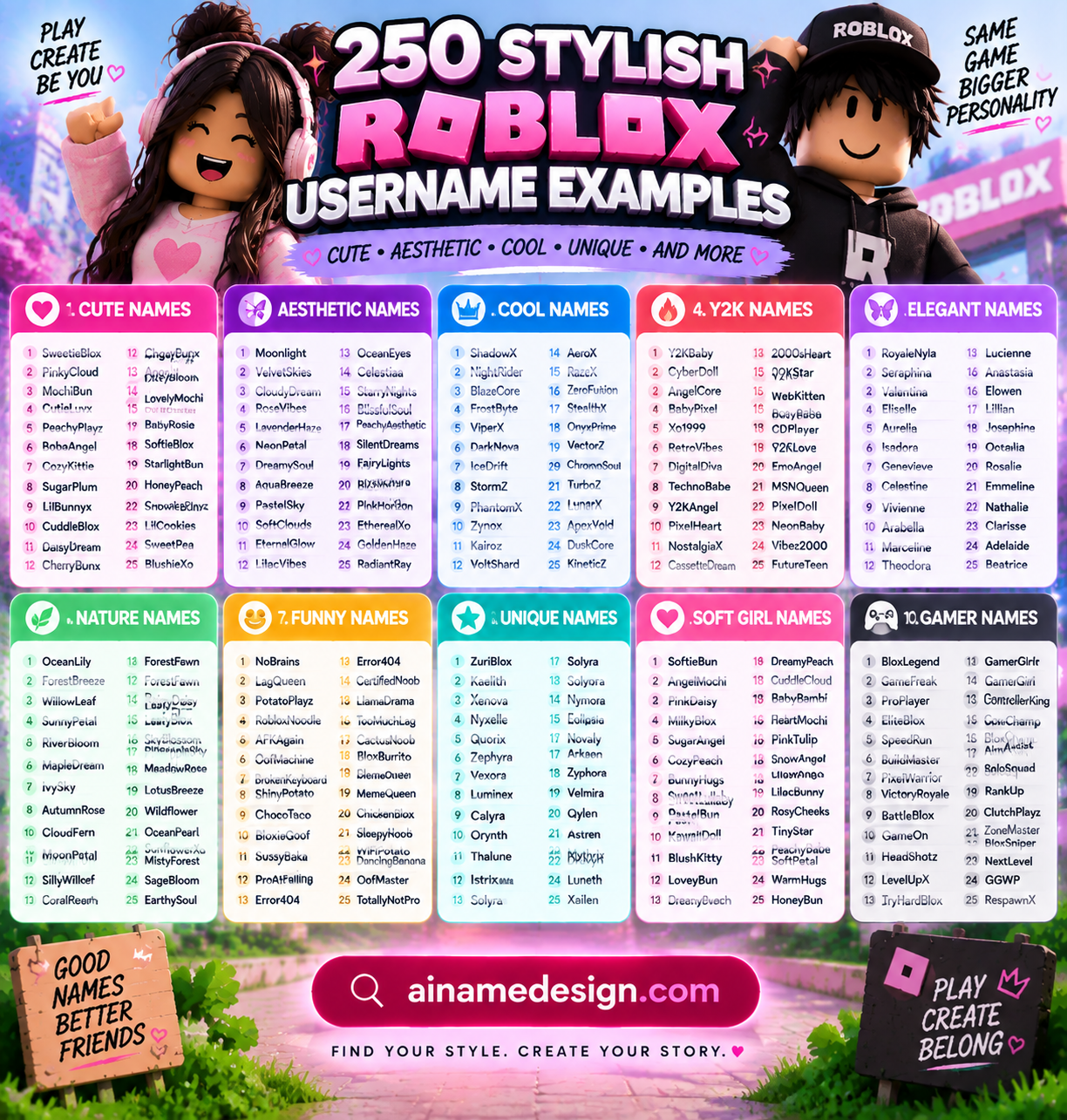
Every username-ready name below passes Roblox's rules. The stylish font versions use Unicode characters, so use them anywhere fancy text is accepted, and test before relying on them inside Roblox.
Cool Roblox usernames
Sharp, electric and confident. More in cool Roblox names for pro gamers.
Select any name in the following list to copy it.
Stylish font versions for display outside the username field:
Select any name in the following list to copy it.
Aesthetic Roblox usernames
Soft nature words with a calm mood. Browse more in our aesthetic Roblox names.
Select any name in the following list to copy it.
Stylish font versions for display outside the username field:
Select any name in the following list to copy it.
Cute Roblox usernames
Sweet, fluffy and friendly. See more in cute Roblox names.
Select any name in the following list to copy it.
Stylish font versions for display outside the username field:
Select any name in the following list to copy it.
Funny Roblox usernames
Self-aware jokes about lag, obbies and bad jumps. Hundreds more in funny Roblox names.
Select any name in the following list to copy it.
Stylish font versions for display outside the username field:
Select any name in the following list to copy it.
Minimalist Roblox usernames
Short invented words. They're the hardest to find available, so check a few at once.
Select any name in the following list to copy it.
Stylish font versions for display outside the username field:
Select any name in the following list to copy it.
Pro gamer Roblox usernames
Clean competitive names that look good on a leaderboard.
Select any name in the following list to copy it.
Stylish font versions for display outside the username field:
Select any name in the following list to copy it.
Dark Roblox usernames
Crypts, moths and shadows, styled with gothic letters in the font versions.
Select any name in the following list to copy it.
Stylish font versions for display outside the username field:
Select any name in the following list to copy it.
Fantasy Roblox usernames
Runes, dragons and knights for roleplay and adventure games.
Select any name in the following list to copy it.
Stylish font versions for display outside the username field:
Select any name in the following list to copy it.
Anime-inspired Roblox usernames
Japanese words mixed with English. Pair them with Japanese symbols in the font versions, or see kawaii Roblox usernames.
Select any name in the following list to copy it.
Stylish font versions for display outside the username field:
Select any name in the following list to copy it.
Y2K Roblox usernames
Glitter, chrome and flip-phone energy from the early 2000s.
Select any name in the following list to copy it.
Stylish font versions for display outside the username field:
Select any name in the following list to copy it.
Looking for names by gender? See stylish Roblox names for girls and Roblox names for boys.
How to Make the Stylish Roblox Names Fonts Version
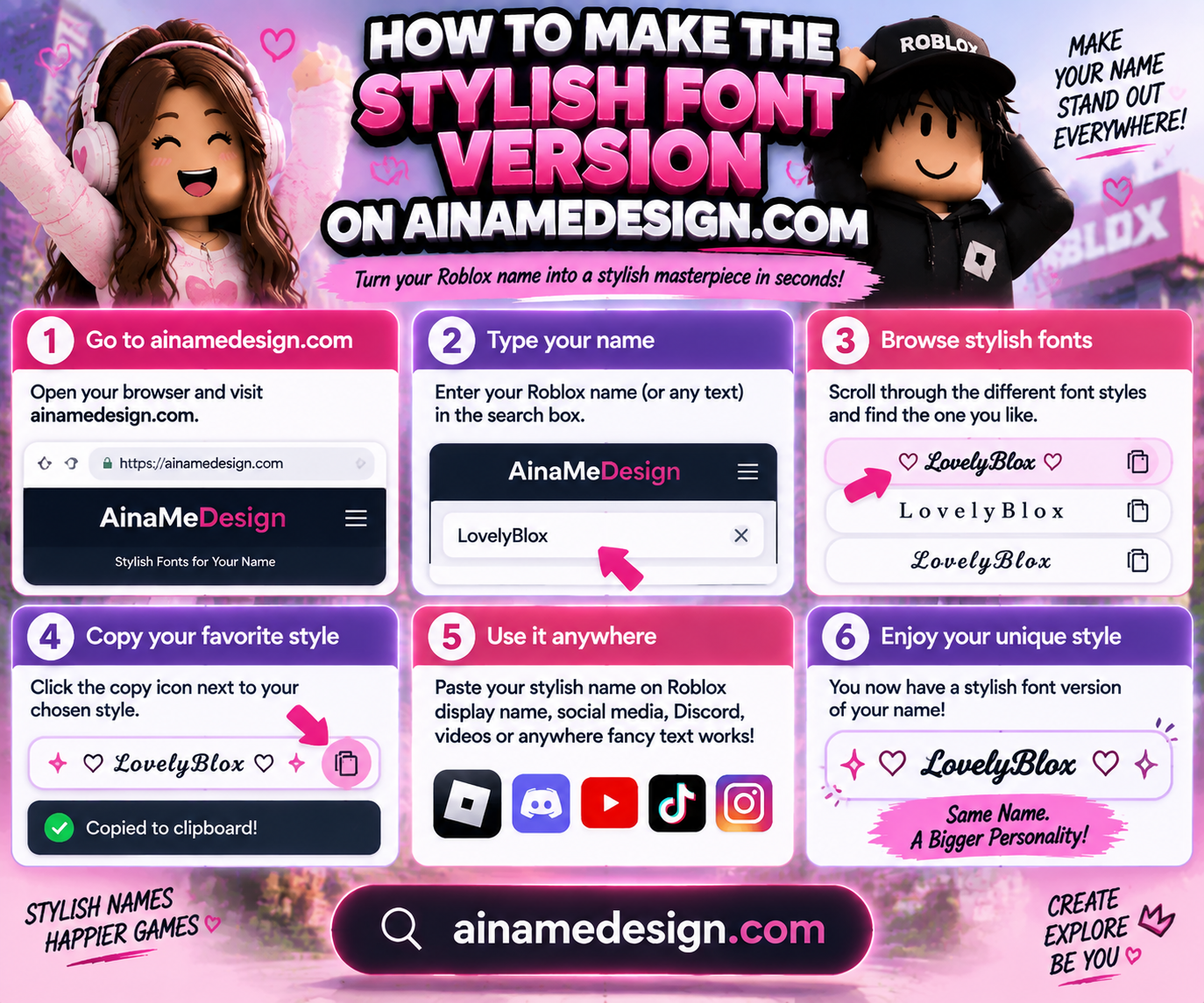
Once you have a username you like, turn it into a decorated version you can use outside Roblox and anywhere Unicode text is accepted:
- Paste your username into the fancy text generator or font generator.
- Pick one style that suits your aesthetic: small caps for cool names, script for elegant names, gothic for dark names.
- Add one symbol pair from the symbols collection, such as stars, crowns, skulls or flowers.
- Copy it with the copy button and paste it where you want to use it. Check that every character shows.
| Font style | Example | Best for |
|---|---|---|
| Small caps | FʀᴏsᴛRɪꜰᴛ | Cool, pro, fantasy |
| Bold serif | 𝐅𝐫𝐨𝐬𝐭𝐑𝐢𝐟𝐭 | Cool, pro |
| Script | 𝓕𝓻𝓸𝓼𝓽𝓡𝓲𝓯𝓽 | Cute, elegant, Y2K |
| Gothic | 𝕱𝖗𝖔𝖘𝖙𝕽𝖎𝖋𝖙 | Dark |
| Double-struck | 𝔽𝕣𝕠𝕤𝕥ℝ𝕚𝕗𝕥 | Minimal, fantasy |
| Full-width | FrostRift | Y2K, funny |
| Symbol | Mood | Pairs with |
|---|---|---|
| 〆 ⚡ ✦ | Sharp, fast | Cool and pro names |
| ☾ 。 ˚₊‧ | Soft, dreamy | Aesthetic names |
| ʚɞ ♡ 🍓 | Sweet | Cute names |
| † ☠ ✞ | Gothic | Dark names |
| ꧁꧂ ⚔ ♛ | Epic, royal | Fantasy names |
| 🌸 ⛩ 亗 | Japanese-inspired | Anime names |
| ★彡 🦋 💿 | Retro sparkle | Y2K names |
| 💀 🤡 🥔 | Playful | Funny names |
For more on decorating gaming names, read how to use gaming symbols in usernames and our gaming fonts guide.
How to Check Whether a Roblox Username Is Available
- New account: type the name into the username field on the Roblox sign-up page. Roblox shows whether it can be used.
- Existing account: open Settings, then Account Info, and select the pencil icon next to your username. The change box checks the name before you pay.
- If it's taken, change one element: swap the describing word, add an x, xo or z ending, or insert one underscore between the words.
Common Mistakes When Creating a Stylish Username
- Pasting fancy fonts into the username box. They'll be rejected. Usernames are letters, numbers and one underscore only.
- Paying twice for capitals. Changing moonveil to MoonVeil counts as a paid username change, so choose capitals first.
- Stacking numbers. Names like x4rk3n9z2 are impossible to remember or say in voice chat.
- Using underscores at the edges. _MoonVeil and MoonVeil_ are rejected; Moon_Veil works.
- Alternating caps. MoOnVeIl looks messy and dated. Capitalize word starts only.
- Using your real name. For privacy, keep real names and birth years out of a public username.
Final Thoughts
A stylish Roblox username isn't about fancy characters. It's about a clear mood, clean capitals and one signature detail. Build it within Roblox's rules, make a decorated font version for everywhere else, and you get a name that looks polished in-game and stands out across your socials. Need more ideas? Try our Roblox username ideas, Roblox nicknames or Roblox clan names.
Generate Your Roblox Username →Read also: → Stylish Roblox Names for Girls: 389 Aesthetic Ideas & Fonts