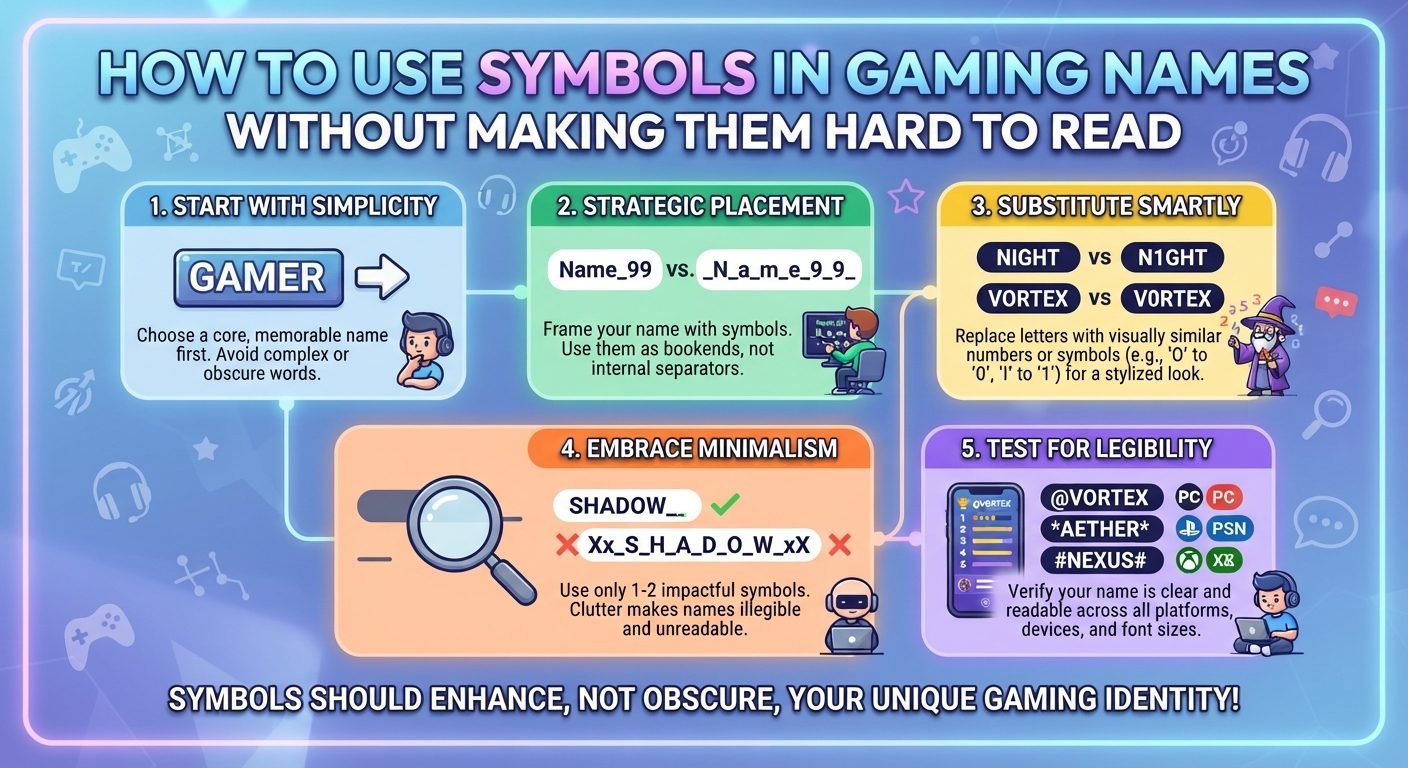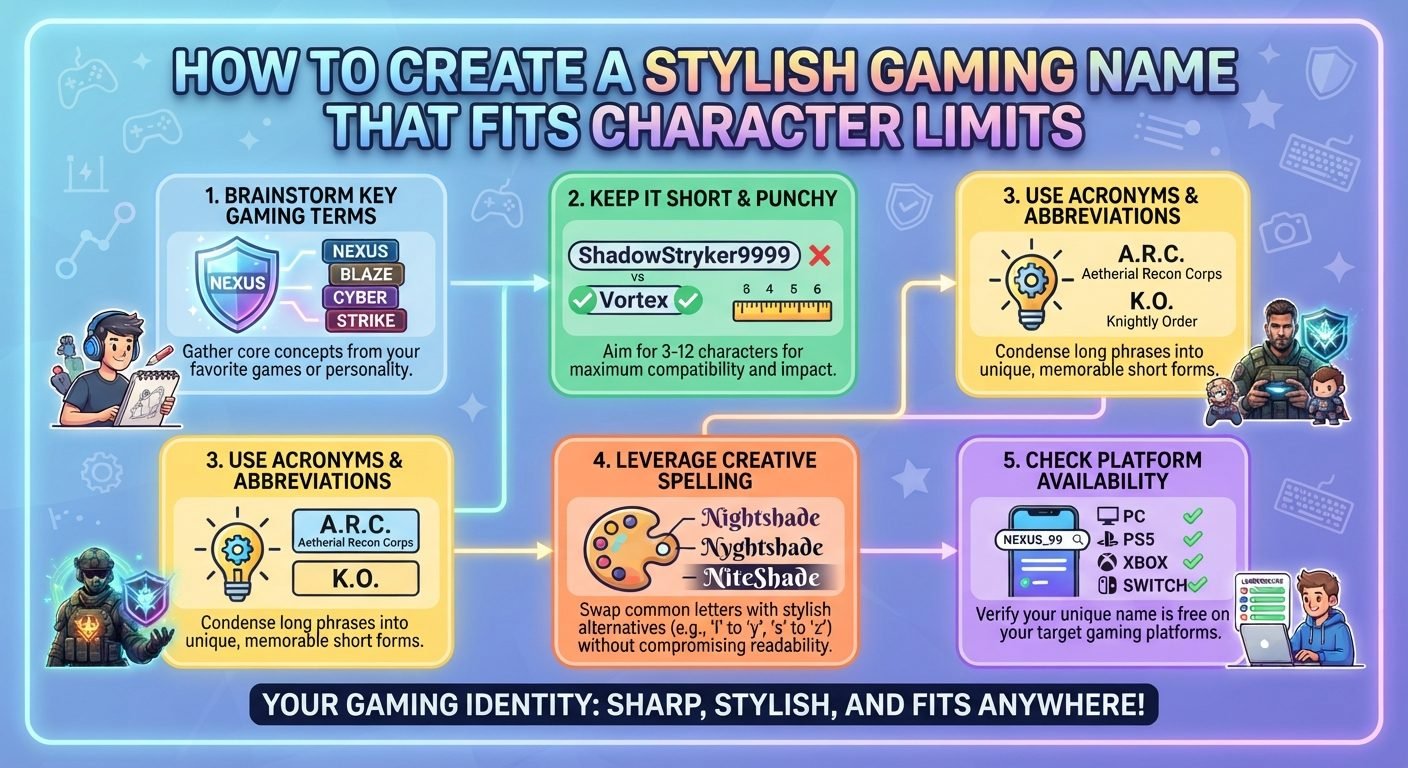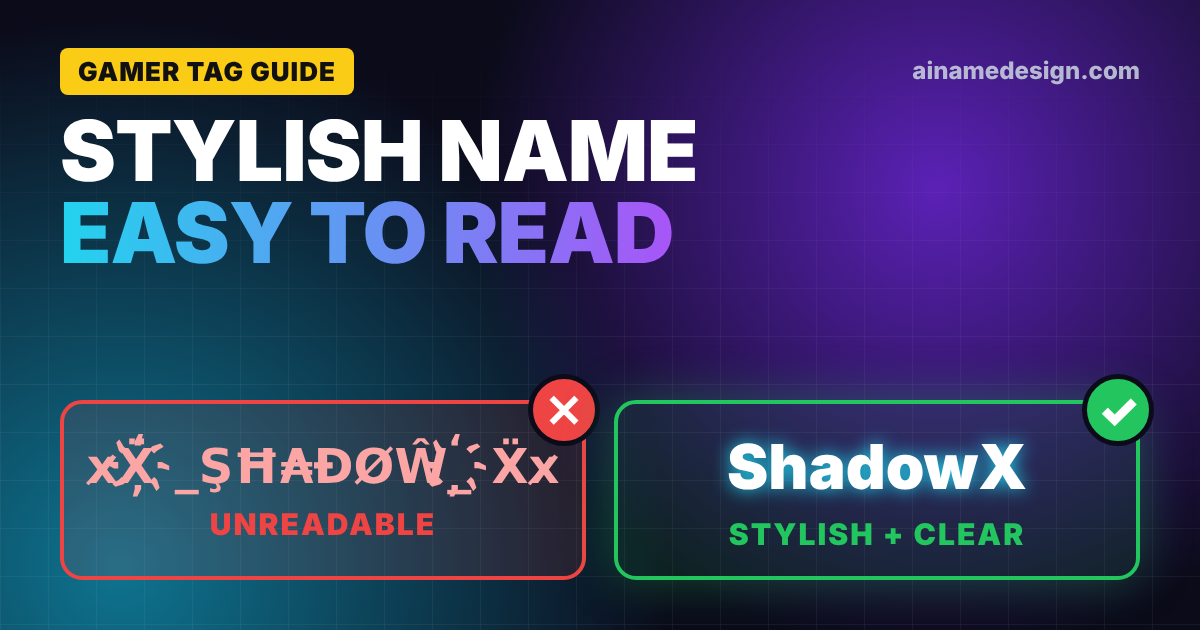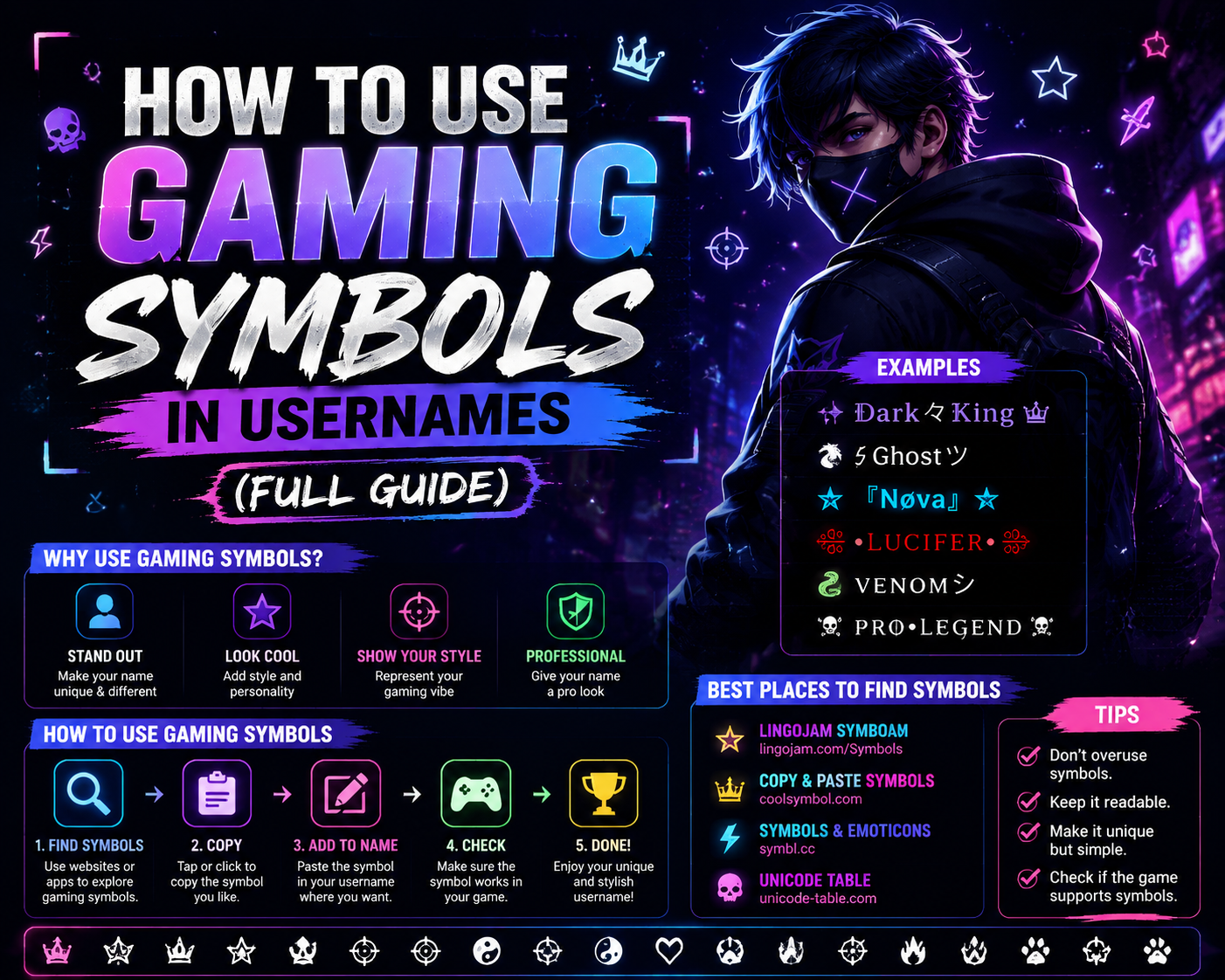
Gaming symbols are Unicode characters — crowns, skulls, swords, stars — that players add to usernames, clan tags, and nicknames. Picking one is easy; getting it to actually display in Free Fire, PUBG, or Roblox without turning into an empty box is the part that trips people up. This guide explains how gaming symbols work, which ones survive which games, and how to use gaming symbols in a name that still reads well. If you just want to grab symbols, the gaming symbols tool is the faster route — this page is the why and the how behind it.
Read also: → Gaming Symbols Tool — Browse and Copy Every Gaming Symbol
What Are Gaming Symbols?
Gaming symbols are special characters drawn from the Unicode Standard — the universal system that assigns a unique code to every character across all languages and scripts. According to the Unicode Consortium, the standard currently covers over 149,000 characters, including hundreds of decorative, symbolic, and pictographic characters that gamers use to personalize their identities.
These symbols are not fonts or images. They are actual text characters that can be typed, copied, and pasted wherever plain text is accepted. That distinction matters: a gaming font changes how letters look, but gaming symbols are independent characters that stand on their own.
Gamers use them to:
- Stand out in lobbies and leaderboards
- Create recognizable clan tags
- Add visual personality to streaming profiles and bios
- Build stylish, memorable nicknames that go beyond plain letters
Best Gaming Symbols
The best gaming symbols are visually striking, widely supported across games, and easy to combine with names. Here are the top picks across every major category:
| Symbol | Name | Unicode |
|---|---|---|
| ♛ | Black Chess Queen | U+265B |
| ♚ | Black Chess King | U+265A |
| ★ | Black Star | U+2605 |
| ☆ | White Star | U+2606 |
| ☠ | Skull and Crossbones | U+2620 |
| ⚔ | Crossed Swords | U+2694 |
| 🔥 | Fire | U+1F525 |
| ⚡ | Lightning Bolt | U+26A1 |
| 💀 | Skull | U+1F480 |
| 👑 | Crown | U+1F451 |
| 🌙 | Crescent Moon | U+1F319 |
| 🩸 | Drop of Blood | U+1FA78 |
| ⭐ | White Medium Star | U+2B50 |
| 🗡 | Dagger | U+1F5E1 |
| 🛡 | Shield | U+1F6E1 |
Cool Gaming Symbols (100+ Symbols and Combinations)
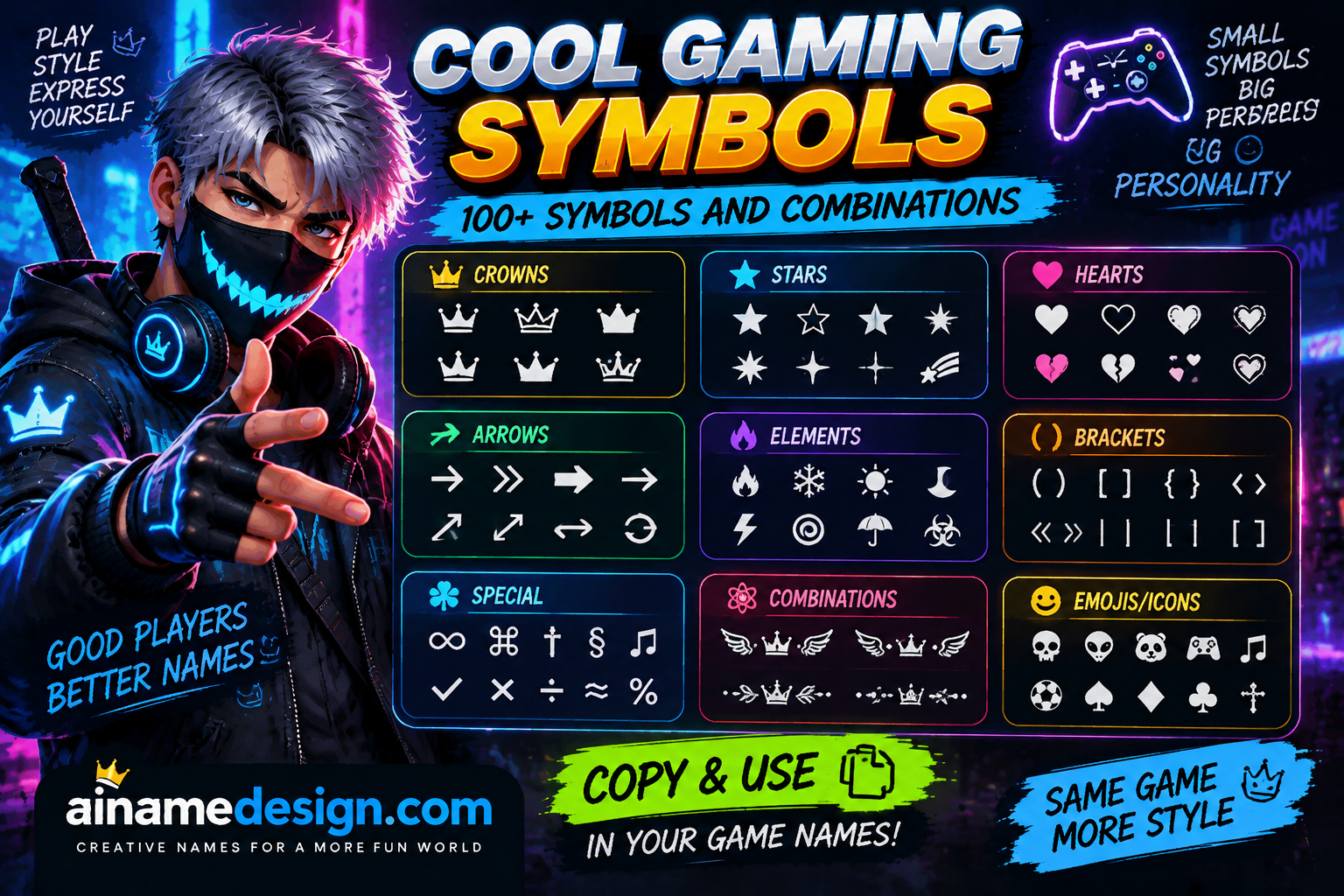
These are the coolest, most battle-tested symbols in the gaming world. Copy any of them instantly.
Single Cool Symbols
Select any name in the following list to copy it.
Cool Symbol Combinations
Select any name in the following list to copy it.
Stylish Gaming Symbols (100+ Symbols and Combinations)
Stylish symbols lean toward elegance, beauty, and aesthetic flair. Perfect for players who want their name to look like it belongs on a loading screen.
Single Stylish Symbols
Select any name in the following list to copy it.
Stylish Symbol Combinations
Select any name in the following list to copy it.
Gaming Symbols for Usernames
Your username is your identity. Symbols placed around your name can make it look polished, intimidating, or beautifully stylish — depending on your gaming style. Here are the best symbols specifically for usernames:
Prefix + Name + Suffix combinations
Select any name in the following list to copy it.
Gaming Symbols for Names (Nicknames and Display Names)
Display names and in-game nicknames allow slightly more creativity than permanent usernames. These combinations work great for names:
Select any name in the following list to copy it.
The katakana middle dot (•), the Japanese smile character (ツ), and the Tibetan symbols (꧁꧂) are especially popular because they look clean and unique without being too complex. Want a ready-made stylish name? Try our Gaming Name Generator for instant ideas.
Crown Symbols for Gaming Names
Crown symbols signal royalty and dominance. They're perfect for clan leaders, top-ranked players, and anyone who wants to project power. The full range sits on our crown symbols page.
Select any name in the following list to copy it.
Best crown combinations
Select any name in the following list to copy it.
Star Symbols for Gaming Names
Stars add shine and prestige to any name. Gamers use them to emphasize ranking or just add visual sparkle. Our star symbols page collects every variant.
Select any name in the following list to copy it.
Best star combinations
Select any name in the following list to copy it.
Heart Symbols for Gaming Names
Hearts are especially popular in casual games, roleplay servers, and among players who want a cute, warm vibe for their names. There are many more on our heart symbols page.
Select any name in the following list to copy it.
Best heart combinations
Select any name in the following list to copy it.
Skull Symbols for Gaming Names
Skulls are iconic in gaming. They say "danger," "elite," and "don't mess with me" all at once. The complete set lives on our skull symbols page.
Select any name in the following list to copy it.
Best skull combinations
Select any name in the following list to copy it.
Fire Symbols for Gaming Names
Fire symbols are used by aggressive players, top fraggers, and anyone who wants to signal raw energy. See our fire symbols page for the rest.
- 🔥 — Fire (emoji)
- ♨ — Hot Springs / Steam
- 🌋 — Volcano (high energy)
- ⚡ — Lightning
- 💥 — Explosion
- 🌡 — Temperature (heat theme)
Best fire combinations
Select any name in the following list to copy it.
Sword and Weapon Symbols for Gaming Names
Weapon symbols are perfect for battle royale and FPS players who want their names to communicate aggression and skill. Every option is listed on our weapon symbols page.
Select any name in the following list to copy it.
Best weapon combinations
Select any name in the following list to copy it.
Wings and Decorative Symbols for Gaming Names
Wings and decorative symbols add an epic, mythological, or angelic feel to usernames. Our wing symbols page has the wider selection.
Select any name in the following list to copy it.
Best decorative combinations
Select any name in the following list to copy it.
Arrow Symbols for Gaming Names
Arrows can point players to your rank, add direction and dynamism, or just look sharp in a name. The full list is on our arrow symbols page.
Select any name in the following list to copy it.
Best arrow combinations
Select any name in the following list to copy it.
Cross and Religious-Looking Symbols
These symbols carry gothic, medieval, and dark fantasy energy — extremely popular in RPG and battle royale communities.
Select any name in the following list to copy it.
Invisible and Blank Characters
Invisible characters are Unicode whitespace symbols that appear empty but count as a character. Gamers use them to create the illusion of a blank username or add hidden spacing in names.
- ㅤ — Hangul Filler (U+3164) — most widely supported
- — Ideographic Space (U+3000)
- ⠀ — Braille Blank Pattern (U+2800)
- Zero Width Non-Joiner (U+200C)
- Zero Width Joiner (U+200D)
- En Space (U+2002)
- Em Space (U+2003)
How to use invisible characters: copy one of the blank characters above and paste it as your username where text is required but you want it to appear empty. This works in select games — but not all. Verify support in your specific game before relying on it. See the full tested set in our invisible character tool.
Gaming Symbols by Game
Different games have different character encoding rules. Here's a breakdown of commonly used symbols in popular games — but always verify current support in each game's official help documentation, as these rules can change with updates.
Free Fire Symbols
Free Fire accepts a wide range of Unicode characters, which makes it one of the friendlier games for decoration. Garena publishes no character list, so symbol-heavy combinations are hit and miss. Matching sets for a whole roster are in our Free Fire guild names. Popular picks:
Select any name in the following list to copy it.
Try pairing these with our Free Fire Name Generator for a complete stylish nickname. Also check out Free Fire Names for Girls and Free Fire Squad Names for more ideas.
PUBG Symbols
PUBG Mobile (BGMI included) supports many Unicode symbols in player names. Changing a name needs a Rename Card, so preview the exact string first. Clan versions are in our PUBG clan names. Common picks:
Select any name in the following list to copy it.
Build your PUBG identity with the PUBG Name Generator.
Fortnite Symbols
Epic publishes display name rules covering length (3 to 16 characters) and content, but no list of allowed characters. In practice the field decides: a symbol is accepted when you save, or the name is refused. Keep a plain backup, and see our Fortnite naming guide for what Epic does spell out. Symbols players commonly try:
Select any name in the following list to copy it.
Use the Fortnite Name Generator to combine these into a winning name.
Roblox Symbols
Roblox splits this cleanly. Usernames are letters and numbers with at most one underscore, so symbols simply won't go in, and Roblox charges Robux to change a username. Display names are where symbols belong: free to change and heavily moderated. Our Roblox username ideas keep to the username rules. Popular display-name picks:
Select any name in the following list to copy it.
Get more ideas with the Roblox Name Generator.
Valorant Symbols
Valorant identities are Riot IDs, and Riot's Riot ID FAQ says Game Names must be 3 to 16 alphanumeric characters. That means letters and numbers: plan on a plain Riot ID and put your symbols where they're welcome, like your Discord name or stream overlay. Build the plain version in the Valorant name generator or browse our Valorant username ideas.
If you want decoration attached to your Valorant identity, put it on the profiles around the game rather than the Riot ID itself. Our Discord name ideas cover the display name that sits beside it in every squad call.
Pair with the Valorant Name Generator for a complete identity.
Brawl Stars Symbols
Brawl Stars uses the same short Supercell name field, which holds 15 characters, and some styled letters count as two of them. Most simple symbols display well and some get filtered. Test in the rename screen, and see our stylish Brawl Stars names for names that already fit.
Select any name in the following list to copy it.
Try the Brawl Stars Name Generator for instant combinations.
Clash Royale Symbols
Supercell doesn't publish a character list, so the rename screen is the test, and it shows the cost before you confirm. Its Safe and Fair Play policy is the part that is published, and it covers names and clan names alike. Ready-made picks are in our Clash Royale name ideas. Symbols players commonly use:
Select any name in the following list to copy it.
Build your Clash Royale persona with our Clash Royale Name Generator.
Call of Duty Symbols
Call of Duty players commonly use simple symbols in clan tags and display names. Activision doesn't publish a character list, so treat anything beyond the basics as something to test in your own account before you rely on it:
Select any name in the following list to copy it.
How Symbols Count Toward a Name Limit
A symbol looks like one character, but name fields usually count in UTF-16 code units, and that's where names get rejected for being too long. Plain symbols from the older parts of Unicode count as one. Emoji sit outside that range and count as two, and an emoji with a skin tone or a joined sequence can cost far more.
| Symbol type | Examples | Counts as | Best use |
|---|---|---|---|
| Classic symbols | ★ ♛ ☠ ⚔ ✦ ❀ | 1 | Tight fields like Brawl Stars or Clash Royale |
| Bracket frames | 『 』 【 】 ꧁ ꧂ | 1 each, so 2 per pair | Framing a short name |
| Emoji | 🔥 💀 👑 ⭐ | 2 | Roomier fields, Discord, bios |
| Emoji with modifiers | Skin tones, joined sequences | 4 or more | Avoid in name fields |
So a 12-character name with one emoji at each end has 8 characters left for letters, while the same name with ★ and ★ keeps 10. In a tight field, classic symbols buy you room. For the letters themselves, our gaming fonts guide explains which styles also count double.
Which Symbols Render Almost Everywhere
The boxes people see in a lobby aren't random. A symbol shows correctly only if the font on that device includes a glyph for it, and older phones ship smaller fonts. Some ranges are near-universal, and some are a gamble worth avoiding on a paid rename.
| Reliability | Ranges | Notes |
|---|---|---|
| Very reliable | Stars, hearts, chess pieces, arrows, crosses, geometric shapes | Long-standing characters with wide font coverage |
| Reliable | Common emoji like 🔥 💀 👑 | Supported on modern devices; the drawing style differs by platform |
| Risky | ꧁ ꧂ ༒ ☬ and other decorative scripts | Popular in mobile lobbies, but they're the ones that show as boxes on older phones |
| Avoid | Newest emoji, rare script characters | Font support lags years behind the Unicode release |
A practical test: send the finished name to a friend on a different phone before you commit. If it renders for both of you, it will render for most of the lobby.
What Symbols Won't Do
- They won't dodge a moderation filter. Filters read the letters underneath. Decorating a banned word is still the banned word, and it reads as an attempt to get around the rules.
- They won't make you searchable. Friends typing your plain name won't match a decorated one, so keep a plain version somewhere people can find you.
- They won't work in every field. Login names, clan tags and display names often follow different rules inside the same game.
- They won't read well stacked. Two symbols frame a name; six bury it. If you want more decoration, put it in a bio rather than a name, and our gaming channel name ideas explain why a searchable handle wins there.
How to Copy and Paste Gaming Symbols
Copying and pasting gaming symbols is easy. Here's exactly how to do it on every device.
On PC (Windows or Mac)
- Find the symbol you want from this page.
- Click and drag your cursor to highlight it, or triple-click the line.
- Press Ctrl + C (Windows) or Cmd + C (Mac) to copy.
- Open your game and navigate to the username or nickname field.
- Press Ctrl + V (Windows) or Cmd + V (Mac) to paste.
- Save your changes.
On Mobile (iOS or Android)
- Tap and hold on the symbol until the selection handles appear.
- Drag the handles to select the exact symbol(s) you want.
- Tap Copy from the popup menu.
- Open your game and tap the username or nickname field.
- Tap and hold, then select Paste.
- Confirm your new name.
Using a Symbol Keyboard App
Symbol keyboard apps for iOS and Android give you fast access to hundreds of Unicode symbols directly from your phone keyboard, making the process even quicker.
How to Create a Stylish Gaming Name With Symbols
A great gaming name is more than a collection of random symbols. It tells other players something about you — your style, your skill, your attitude. Here's a simple system for building one that looks intentional and polished:
- Choose your name or word. Start with something short and memorable — a nickname, a word that describes your playstyle, or a made-up name with attitude.
- Pick a theme. Dark and menacing? Elegant and royal? Cute and friendly? Your theme determines which symbol category fits best.
- Choose a symbol pair. Pick one opening symbol and one closing symbol that match your theme — dark:
☠ NAME ☠; royal:♛ NAME ♛; cute:✿ NAME ✿. - Check the character limit. Every game has a limit. Count your symbols plus your name length and make sure it fits.
- Test it in-game. Paste the name into the game's name field. If a symbol shows as a box (□) or question mark, the game doesn't support that Unicode character — swap it for one that works.
For maximum inspiration, pair this system with our Gaming Name Generator.
Are Gaming Symbols Supported in Every Game?
No, and this is the most important thing to understand. Each game filters characters its own way, and only some publishers document what they allow. Here's what each one actually says, rather than what players assume:
| Game | What the publisher documents | What that means for symbols |
|---|---|---|
| Free Fire, PUBG Mobile | No published character list | Broad support in practice. Test symbol-heavy combos before paying for a rename |
| Clash Royale, Brawl Stars | No character list; a 15-character name field | Simple symbols usually display. The rename screen is the real test |
| Valorant (Riot ID) | Game Names are 3–16 alphanumeric characters | Plan on letters and numbers in game, and decorate elsewhere |
| Fortnite | Display names are 3–16 characters, with content rules | No character list, so the field accepts or refuses your symbol |
| Roblox | Usernames: letters, numbers, one underscore | Symbols belong in the display name, never the username |
| Call of Duty | No published character list | Simple symbols are the safe bet in clan tags and display names |
Always check the official support page or help documentation for the specific game you play. Game updates can also change symbol support without notice.
Common Gaming Symbol Mistakes
- Using symbols the game doesn't support. If a symbol renders as a blank box, it's unsupported. Test before committing to a name change — some games charge currency for renames.
- Overloading the name with symbols. More symbols doesn't always mean more style.
꧁☠✦♛★NAME★♛✦☠꧂looks cluttered. Two or three well-chosen symbols beat ten random ones. - Confusing Unicode symbols with gaming fonts. Unicode symbols are real characters that work in plain text fields. Gaming fonts are visual transformations of letters. Our Gaming Fonts guide explains the distinction in detail.
- Exceeding the character limit. Each symbol counts as one or more characters. Always count your total before saving.
- Using culturally insensitive symbols. Some Unicode symbols carry significant cultural or political meaning. Know what a symbol represents before putting it in your name.
Expert Tips for Choosing Gaming Symbols
- Prioritize readability. Your name should be scannable in 1–2 seconds during a fast-paced game. If the symbols obscure your name, rethink the layout.
- Match symbols to your genre. Skull and crossbones fit a battle royale; stars and hearts fit a casual or social game. Stay consistent with the tone.
- Use bracket-style symbols for clan tags.
【CLAN】or《CLAN》instantly signals organization and looks official. - Stick to one or two symbol types per name. Mixing crown + sword + star + fire + skull is too much. Pick one theme and commit.
- Keep a backup name ready. If your preferred combination doesn't work in a new game, have a simpler fallback prepared.
Gaming Symbols vs. Gaming Fonts
These two tools are often confused — but they serve different purposes.
| Feature | Gaming Symbols | Gaming Fonts |
|---|---|---|
| What it is | Unicode characters (real text) | Visual text transformations |
| Works in plain text fields | ✅ Yes | ✅ Yes (as Unicode letter variants) |
| Requires an app or generator | ❌ No — copy and paste | ✅ Usually yes |
| Changes how letters look | ❌ No | ✅ Yes |
| Adds decorative characters | ✅ Yes | ❌ Limited |
| Best for | Borders, decorations, accents | Stylized name lettering |
| Example | ★, ☠, ⚔ | 𝕹𝖆𝖒𝖊, ᴺᴬᴹᴱ, ⓃⒶⓂⒺ |
The best gaming names often combine both — stylish font lettering wrapped in matching symbols. Explore your options with our Gaming Fonts guide.
Best Symbol Combinations by Player Type
For Pro Gamers
Select any name in the following list to copy it.
For Girl Gamers
Select any name in the following list to copy it.
For Boy Gamers
Select any name in the following list to copy it.
For Clans
Select any name in the following list to copy it.
For Squads
Select any name in the following list to copy it.
For Duos
Select any name in the following list to copy it.
For Streamers
Select any name in the following list to copy it.
Read also: → Gaming Names for YouTube Channel: 631 Cool, Unique Ideas
Build a Gaming Identity Worth Remembering
Gaming symbols are the easiest, fastest way to make your name stand out in any lobby, leaderboard, or profile. The right combination turns a plain username into something that feels like a brand. Browse the full symbol library or the emoji collection when you want more, and start with the symbols from this guide, experiment with combinations that match your style, and always test them in your specific game before committing.
Ready to level up your name? Try our Gaming Name Generator and pair it with our Gaming Fonts guide for the complete package.