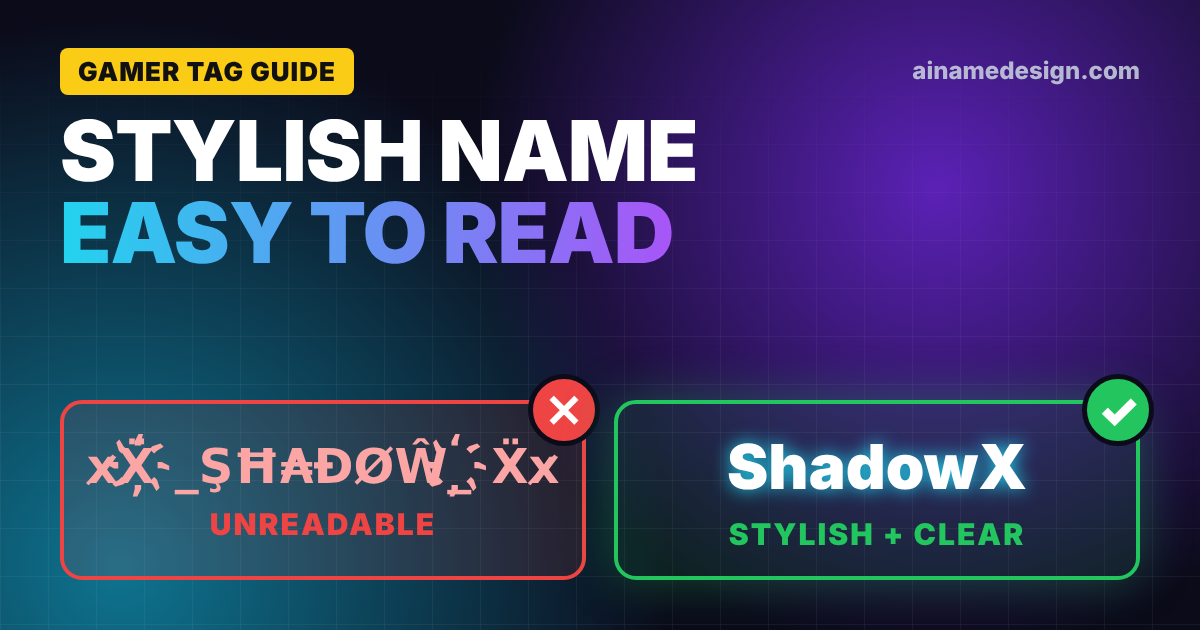
Symbols can turn an ordinary gaming name into something more distinctive, but adding too many can have the opposite effect. A username surrounded by unusual characters may look impressive in a name generator yet become difficult to recognize in an actual game.
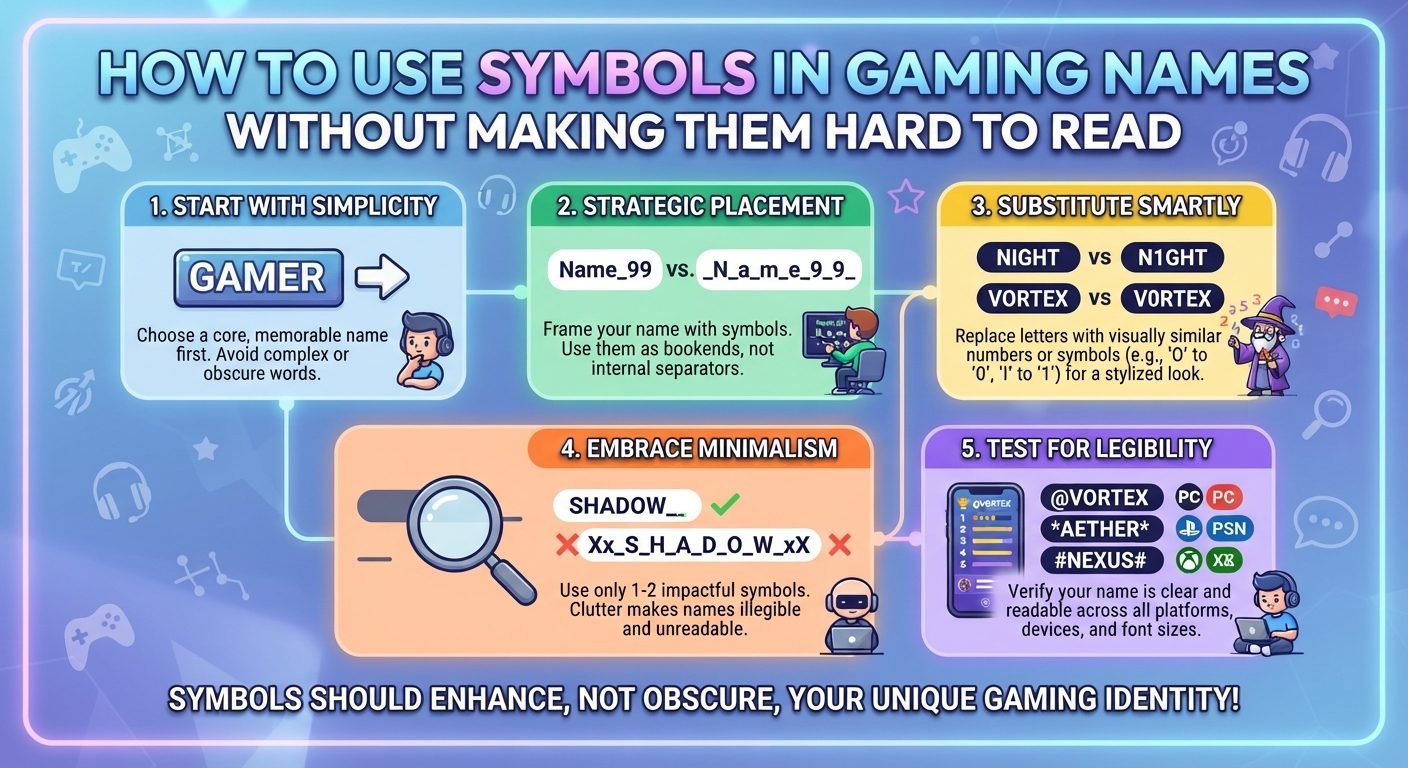
The goal is not to use as many symbols as possible. Good styling uses symbols to support the name while keeping the main word clear. A single character placed in the right position can often create more visual impact than a long collection of decorative marks.
Choosing symbols carefully also matters for practical reasons. Some games do not support every character, some devices display unusual symbols differently, and heavily decorated names can be difficult for teammates to remember or type.
Why Symbols Can Improve a Gaming Name
Read also: → How to Use Gaming Symbols in Usernames (Full Guide)
A basic name may already be memorable, but a small decorative element can give it a more distinctive appearance.
For example, a simple name such as Nova can be styled in several ways:
★NovaNova★『Nova』Nova_•Nova•
The main word remains recognizable while the symbol provides additional personality.
Symbols can also help separate a username from other players with similar names. If Nova is already common, a supported decorative element may create a visually different version without requiring a completely new word.
The important part is keeping the decoration secondary. The player should notice the name first and the styling second.
Start With the Name, Not the Symbol
One of the easiest mistakes is choosing a collection of attractive symbols before deciding what the actual username should say.
Instead, create the base name first.
For example:
Shadow
Then consider what style fits it:
★Shadow
Shadow★
『Shadow』
ShadowX
This approach gives the name a clear foundation. If a particular symbol does not work in the game, you can remove it without losing the identity of the username.
A strong base name should be readable even when all decoration is removed.
Use One Main Decorative Idea
A gaming name usually looks cleaner when its symbols follow one visual idea.
For example, matching symbols on both sides can create a frame:
『Nova』
A single symbol can provide a simpler accent:
Nova★
A repeated symbol can create a more playful style:
•Nova•
Using unrelated symbols together can make the name look crowded. For example, combining stars, arrows, brackets, hearts, lines, and several different decorative shapes may make it difficult to see where the actual name begins and ends.
Choose one visual treatment and see whether it is enough before adding anything else.
Put Symbols Where They Help the Name
Symbol placement can change how easy a username is to read.
A symbol before the name can act like a small introduction:
★Raven
A symbol after the name can create a visual ending:
Raven★
Matching symbols can frame the word:
『Raven』
Separating words can sometimes improve readability:
Night•Raven
The best position depends on the name and the symbols available. There is no universal placement that works for every username.
When in doubt, place the symbol outside the main word rather than replacing one of its letters.
Consider the Game's Character Limit
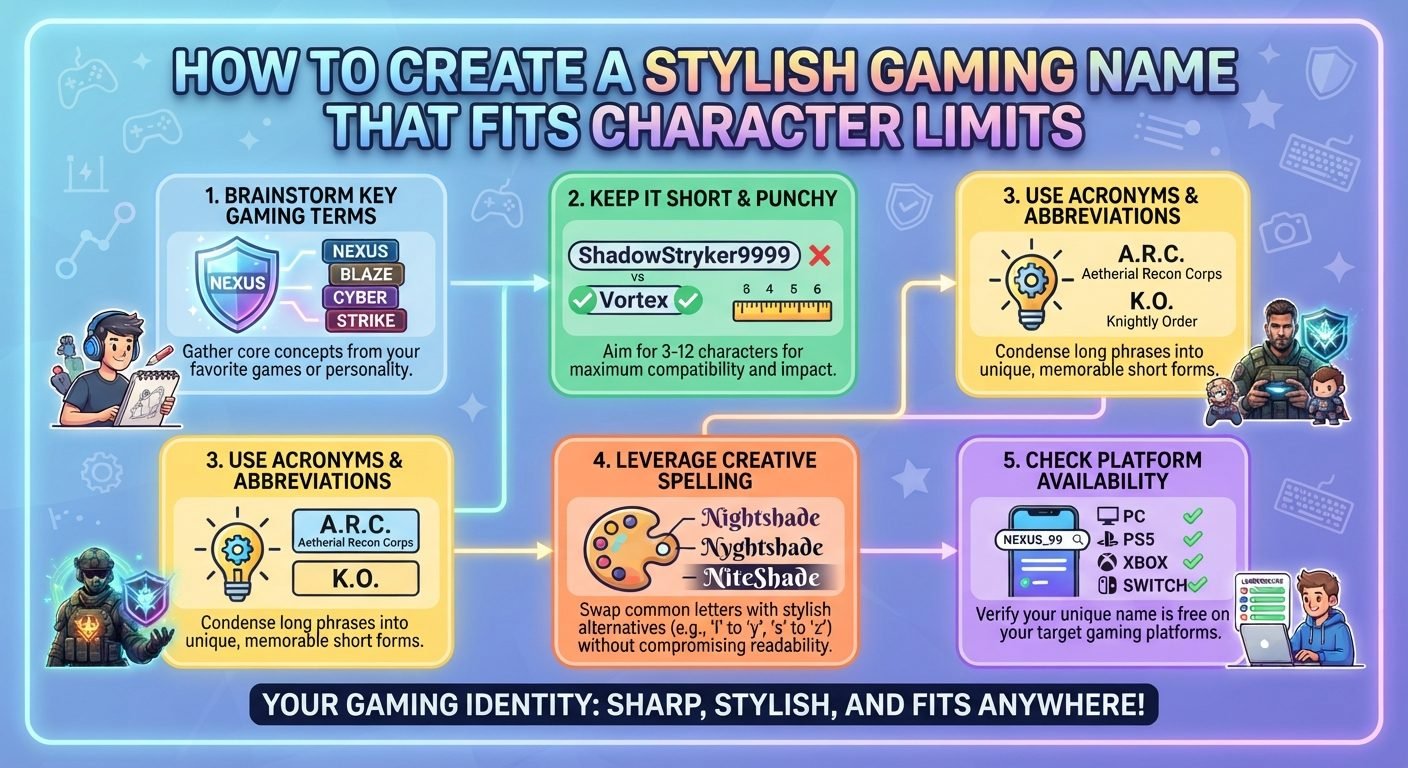
Symbols take up space in many username systems. A name that fits perfectly before decoration may become too long after adding even two or three characters.
For example:
ShadowRaven
may already use much of the available space. Adding several symbols could push it beyond the game's limit.
Before styling a name, check the game's maximum length and leave enough room for the decorative elements you actually want.
Do not assume that a symbol that looks visually small takes no space in the naming system.
A useful strategy is to create the shortest acceptable version first. Once you know how much space remains, you can decide whether to add decoration.
Check Whether the Game Supports the Symbols
Not every game accepts every symbol available on a phone or computer keyboard.
A character may be:
- Accepted normally
- Rejected completely
- Displayed differently
- Replaced by a box
- Converted into another character
- Allowed in one part of the platform but not another
Unicode contains a huge range of characters, but game developers can restrict which ones are accepted.
This is why a symbol that looks perfect in a text editor should be tested in the actual username field before you commit to it.
If the game rejects the symbol, use a simpler alternative rather than trying to force an unsupported character into the name.
Avoid Symbols That Look Like Other Characters
Some decorative characters can resemble letters or numbers.
This can create confusion, especially when players need to search for your username.
Potentially confusing combinations can involve characters that resemble:
Oand0Iand1land1Sand5Band8
This does not mean you should never use numbers or decorative characters. Instead, consider whether the complete name can be understood without guessing.
A username should ideally be distinctive without becoming a puzzle.
Use Matching Symbols for a Cleaner Appearance
If you want symbols on both sides of a name, matching or visually related characters usually create a more balanced design.
For example:
『Raven』
looks intentionally framed.
Using two completely unrelated shapes may create more visual noise.
You can experiment with:
- Matching brackets
- Matching dots
- Matching stars
- Matching lines
- Matching geometric shapes
The exact characters available will depend on the platform. The principle is simple: symmetry can make decoration easier to process.
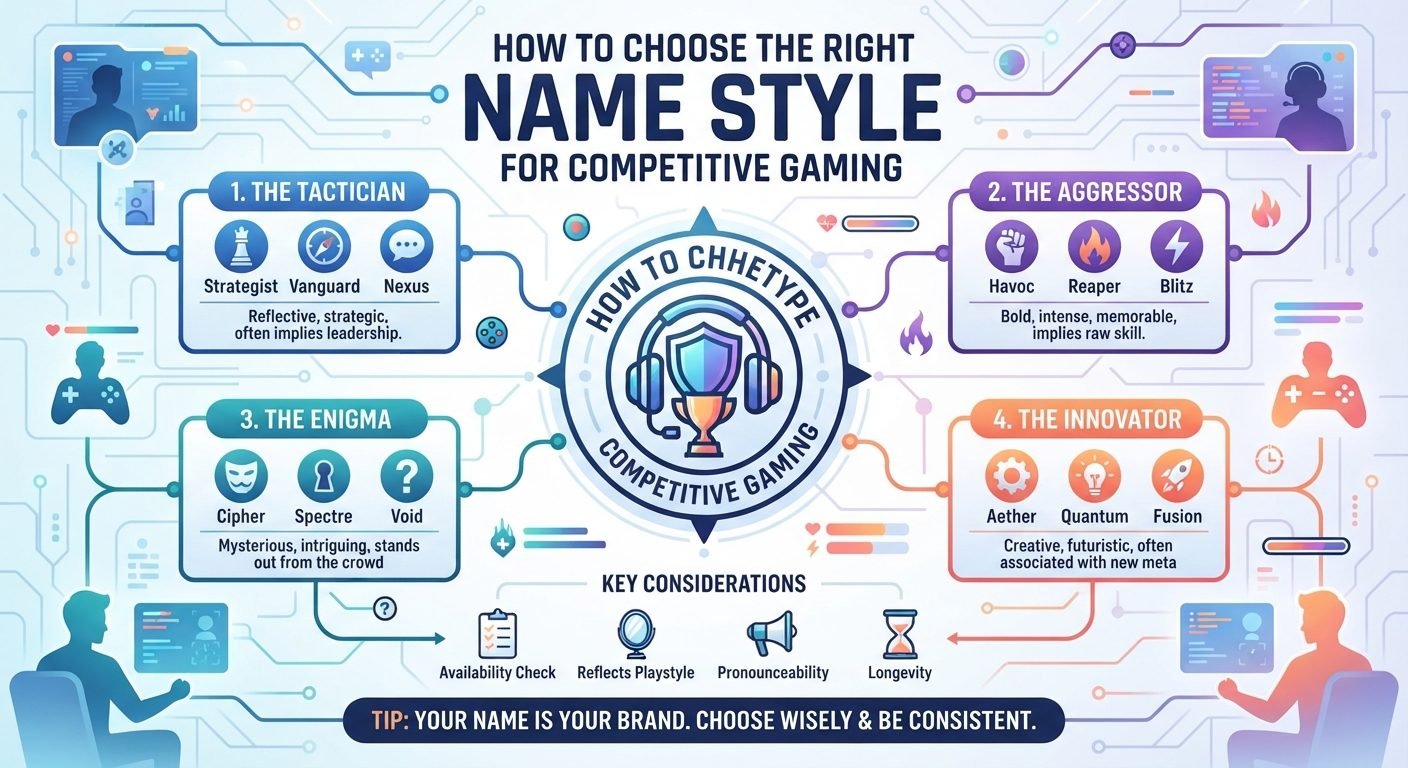
Use Symbols to Match the Gaming Vibe
Different symbols can create different impressions.
Stars can suggest a bright or energetic style. Geometric shapes can create a modern appearance. Simple brackets can make a name feel structured. Dots can provide subtle separation.
The exact impression depends on the symbol and the surrounding name.
For example, a calm name might work well with minimal decoration:
•MoonDrift•
A competitive name might use a sharper, simpler accent:
Vex★
A fantasy-style name might use framing characters:
『RuneKnight』
The important thing is consistency between the symbol and the overall personality of the name.
Test the Name Without the Symbols
A useful way to judge whether your styling has gone too far is to remove all the symbols temporarily.
For example:
★『NightRaven』★
becomes:
NightRaven
If the base name is strong and recognizable, the decoration is doing its intended job.
If the username only looks interesting because of the symbols, consider improving the underlying name first.
The base word should carry most of the identity. Symbols should enhance it rather than carry it entirely.
Create Several Versions
Instead of committing to the first design, make a few variations with different amounts of decoration.
For example:
Plain
Nova
Lightly styled
Nova★
Framed
『Nova』
More decorative
★『Nova』★
Then compare them at a small size.
You may discover that the simplest version is easier to read while still looking distinctive. Testing several versions also gives you alternatives if a particular symbol is unavailable.
Common Mistakes When Using Symbols
Using Too Many Symbols
A username can quickly become crowded when symbols are added before, after, and between every word.
Replacing Important Letters
Decorating the main letters can make the actual username difficult to recognize.
Ignoring Character Limits
Symbols often count toward the total length. Check the complete name rather than only counting the letters.
Choosing Unsupported Characters
A symbol may work in a browser but fail inside the game.
Using Visually Similar Characters
Characters that resemble letters or numbers can make the username difficult to search for.
Mixing Too Many Styles
Combining several unrelated symbol types can make the design look accidental rather than intentional.
Forgetting Small-Screen Display
A detailed symbol may lose its shape when displayed at a small size.
Making the Name Difficult to Type
A username that requires a complicated explanation is less practical for social gaming.
A Simple Method for Styling a Gaming Name
You can create a readable symbol-based username with a straightforward process.
Step 1: Choose the base name.
Start with a short word or combination that already looks good without decoration.
Step 2: Check the character limit.
Find out how much space the game gives you.
Step 3: Decide on the mood.
Think about whether you want the name to feel competitive, mysterious, funny, futuristic, calm, or playful.
Step 4: Select one type of decoration.
Choose a symbol that supports the intended style.
Step 5: Place it strategically.
Try putting it before, after, or around the name.
Step 6: Check readability.
Make sure the letters remain clear and recognizable.
Step 7: Test compatibility.
Enter the name in the actual game and confirm that the symbols display correctly.
Step 8: Compare simpler versions.
Remove one or more symbols and see whether the name becomes easier to read.
Step 9: Keep a backup.
Save a plain or lightly styled version in case the preferred design is unavailable.
Examples of Simple Symbol Styles
Here are several general approaches you can adapt to your own name.
Single Symbol Before the Name
★Raven
This is simple and gives the username a clear visual starting point.
Single Symbol After the Name
Raven★
This keeps the name itself completely unobstructed.
Matching Symbols
『Raven』
Matching characters can create a neat frame around the name.
Dot Decoration
•Raven•
Small symbols can provide styling without overwhelming the letters.
Word Separation
Night•Raven
A small separator can make two words easier to distinguish.
Minimal Accent
Raven_
A single character can be enough when the base name is already distinctive.
These are patterns rather than requirements. The actual symbols you can use depend on the game's rules.
Which symbols survive a game name field
Games filter characters more aggressively than social apps, and they filter by type rather than by taste. This is what tends to pass, and what gets rejected or shown as a box.
| Symbol type | Example | Typical outcome in a game name | Notes |
|---|---|---|---|
| Plain text symbols | ϟ ★ ✦ ♛ ↯ | Usually accepted | Take the colour of the name, no emoji filter |
| Emoji | ⚡ 🔥 💀 | Often rejected outright | Fixed colours; blocked by most name fields |
| Combining marks | A̶r̶i̶a̶ | Accepted, then doubles the length | Four letters count as eight characters |
| CJK ornaments | 『』 彡 乂 | Accepted where the game ships CJK fonts | Boxes on clients without them |
| Box drawing | ▂▃▅█ | Accepted, rarely readable | Looks like noise above a character model |
| Invisible characters | blank space characters | Rejected by most games | Some treat it as an empty name and refuse the save |
One text symbol at the start or end is the configuration that survives the most fields; everything beyond that is a gamble you repeat every time the game updates its filter.
Read also: → Gaming Symbols — copy and paste
Frequently Asked Questions
How many symbols should I use in a gaming name?
There is no fixed number, but fewer is usually easier to manage. Start with one or two and add more only if they genuinely improve the design.
Do symbols make gaming names harder to search?
They can. If a username contains unusual characters, another player may have difficulty typing or reproducing it. Simple, recognizable symbols are generally more practical.
Why does my symbol look different inside the game?
Games can use different fonts and character-rendering systems. A symbol may look different from how it appears on your phone, browser, or text editor.
Can symbols make a gaming name exceed the character limit?
Yes. Symbols commonly count toward the username's total length. Always check the complete name inside the platform where you intend to use it.
Should I put symbols between letters?
Usually, it is better to avoid separating every letter with symbols because this can interrupt the natural reading flow. A symbol between two words can sometimes improve separation, but excessive use can make the name harder to scan.
What should I do if my favorite symbol is not supported?
Keep the base name and replace the unsupported character with a simpler one. You can also use capitalization, a number, or a small spelling variation to create distinction without relying on that particular symbol.
Read also: → Gaming Symbols — Copy & Paste Free