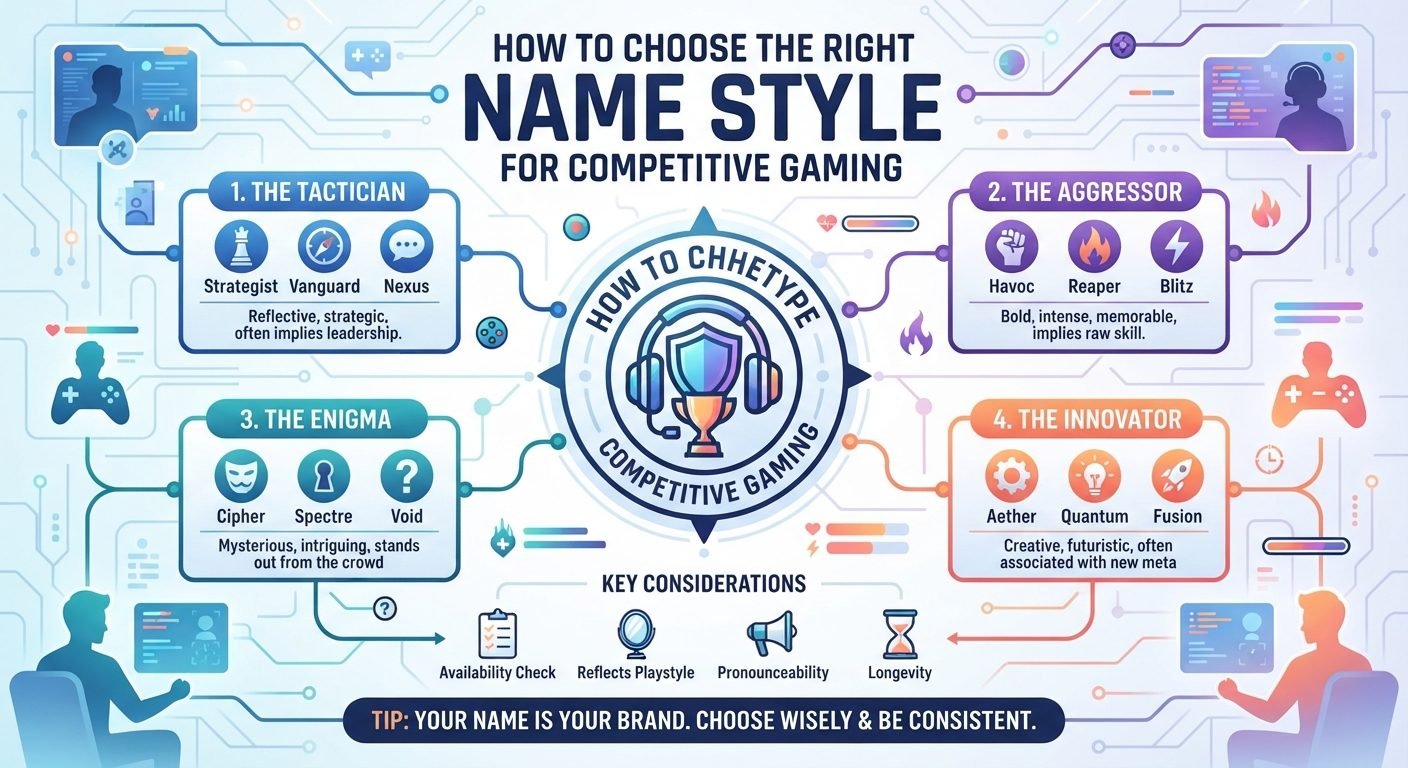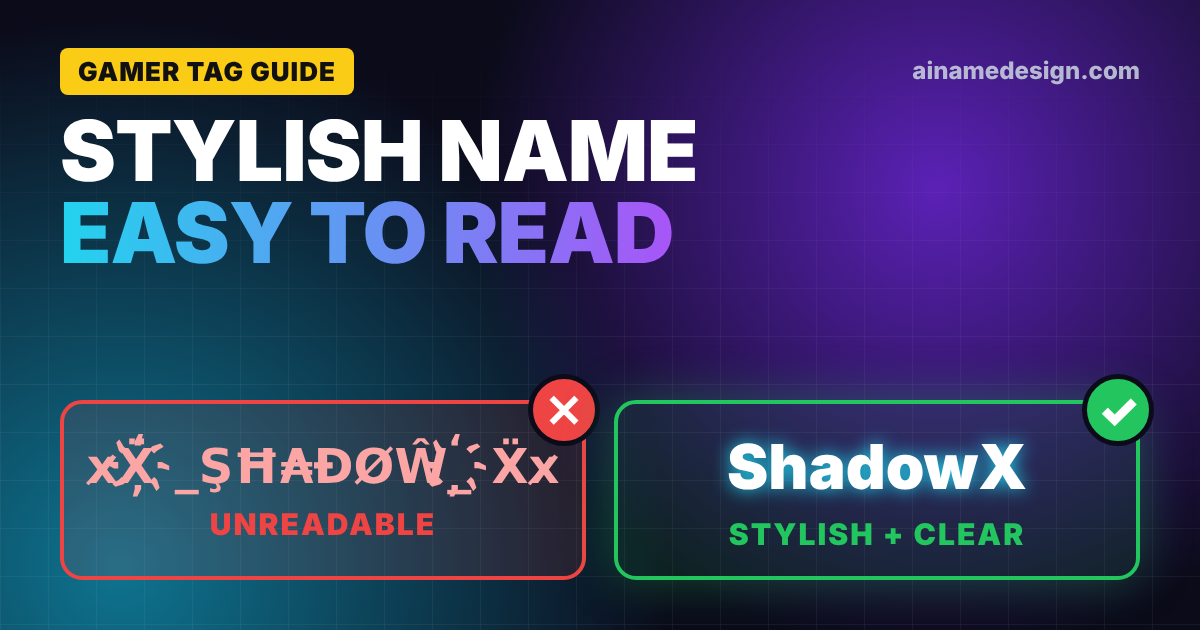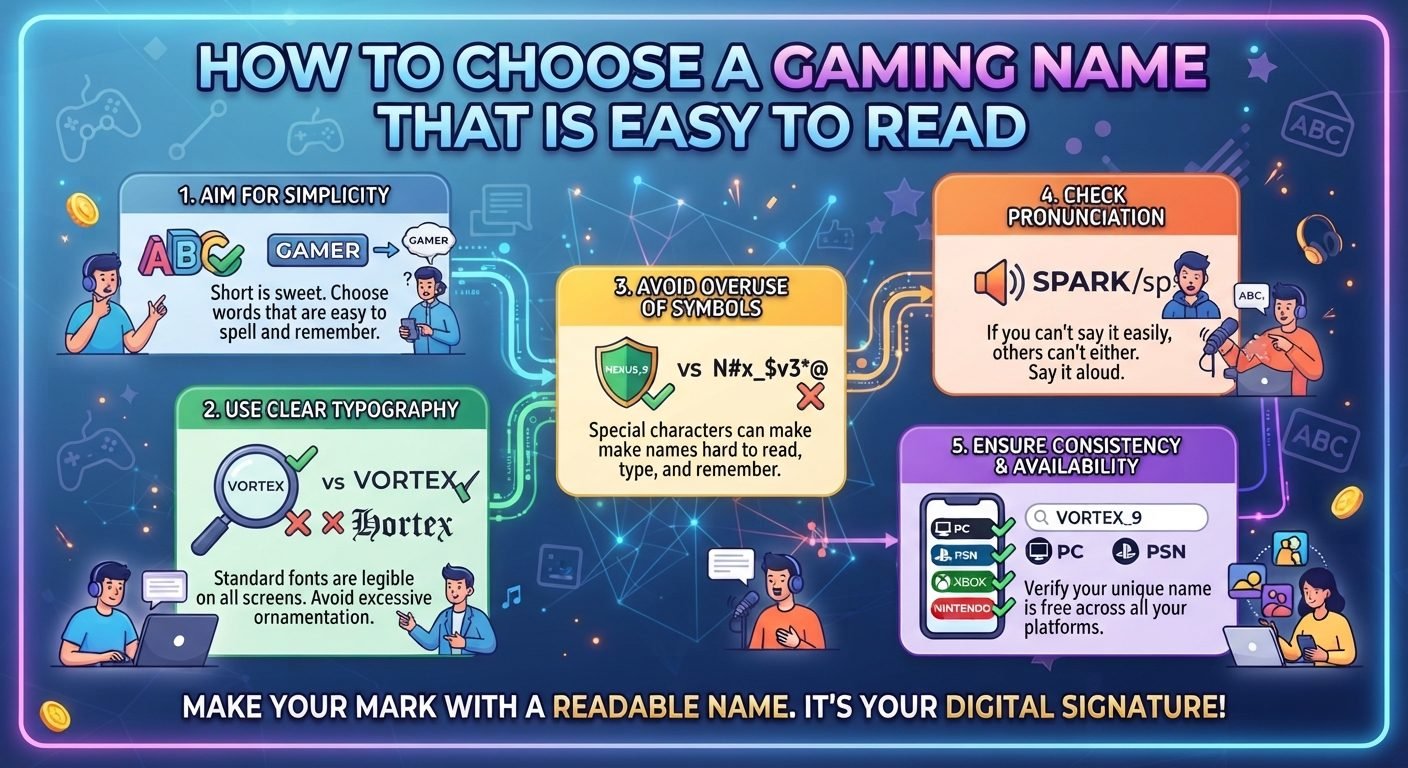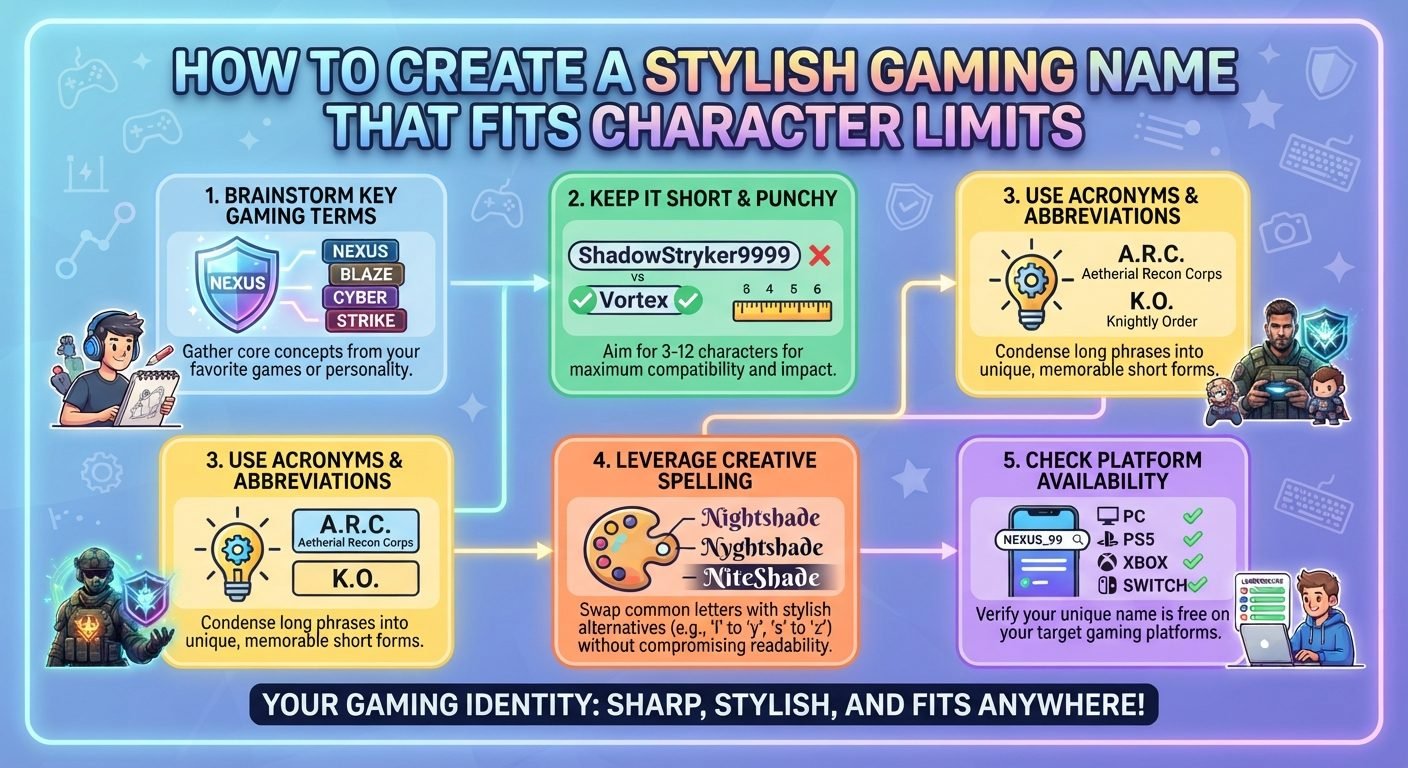
Creating a stylish gaming name is partly a design challenge and partly a space-management problem. A name may look excellent in a username generator, but that does not mean it will fit inside the character limit of the game or platform where you want to use it.
Gaming usernames often have limited space, and some games count letters, numbers, spaces, punctuation, or special characters differently. A name that looks short can also become longer than expected when decorative characters are added.
The best approach is to design the name around the available space from the beginning. Instead of creating an elaborate name and trying to shorten it afterward, start with a clear idea, choose compact words, use decoration carefully, and check the exact character count before settling on the final version.
Read also: → Gaming Fonts: 650+ Cool & Stylish Copy-Paste Styles
Start With the Core Idea
Before worrying about fonts and symbols, decide what you want the name to communicate.
A gaming name can be based on:
- A nickname
- A favorite theme
- A fictional concept
- A hobby
- A type of game
- A personality trait
- An animal
- A location or environment
- Space or science
- Technology
- A memorable word combination
For example, instead of starting with decorative characters, begin with a simple concept such as:
ShadowNova
FrostByte
SilentWolf
PixelRush
StormRay
These names already have a visual identity. Styling can be added later without making the name dependent on decoration.
Starting with a strong base is especially useful when the character limit is strict because you can remove unnecessary elements without destroying the identity.
Check the Character Limit Before Designing
One of the easiest mistakes is designing first and checking the limit afterward.
Find out the maximum number of characters allowed by the game. Then determine what the game actually counts as a character.
Depending on the system, the limit may involve more than ordinary letters.
For example, you may need to consider:
- Letters
- Numbers
- Spaces
- Underscores
- Dashes
- Punctuation
- Special characters
- Decorative Unicode characters
Some platforms may also reject certain characters completely.
The safest method is to enter your proposed name directly into the relevant game or account interface when possible. If the system accepts the name, you have confirmation that it meets the platform's current requirements.
Choose Short Words With Strong Visual Impact
When space is limited, short words are extremely useful.
Instead of using a long phrase such as:
MasterOfTheNight
you could consider a shorter concept such as:
NightLord
Similarly:
UltimateShadowWarrior
could potentially be reduced to something more compact such as:
ShadowAce
Short does not mean boring. A carefully chosen four- or five-letter word can create a stronger gaming identity than a long phrase.
Look for words that immediately communicate a theme.
Examples include:
- Nova
- Frost
- Blaze
- Ghost
- Rift
- Storm
- Echo
- Void
- Pixel
- Rogue
- Drift
- Flux
- Viper
- Lunar
- Apex
Combining two short words can produce a distinctive result while keeping the total length manageable.
Use One Symbol When It Adds Value
If the game allows special characters, you may be able to use one as a finishing touch.
For example:
NovaX
could become:
NovaX✦
or:
✦NovaX
A single symbol usually consumes less space than a long decorative border.
You can also use a simple separator if the platform permits it:
Nova.X
Nova_X
Nova-X
The choice depends on the available character limit and the rules of the specific platform.
If you are already close to the maximum length, removing the symbol may be preferable to shortening an important word.
Avoid Decorative Borders When Space Is Limited
Decorative borders can look attractive, but they consume characters quickly.
A name surrounded by multiple symbols might look like:
✦『NovaX』✦
The visual result may be interesting, but several characters have been used for decoration rather than identification.
When character space is limited, the core name should get priority.
A simpler version such as:
NovaX✦
can provide a similar decorative effect while preserving more space.
Choose a Style That Survives Small Displays
Gaming names often appear in places where text is small.
Your name may appear beside:
- A player avatar
- A score
- A health bar
- A team list
- A leaderboard position
- A chat message
- A match result
- A friend list
An elaborate character style may become difficult to read in these situations.
Before choosing a decorative font or Unicode style, check the name at a small size. Look for letters that become difficult to distinguish.
Characters such as uppercase I, lowercase l, O, zero, S, and five can become particularly confusing when heavily stylized.
A gaming name should remain recognizable during fast gameplay, not just when viewed in a profile editor.
Be Careful With Unicode Characters
Some stylish gaming names use Unicode characters that resemble ordinary letters.
These can produce interesting visual effects, but they can also create compatibility problems.
A decorative character might:
- Fail to display
- Appear differently on another device
- Be difficult to type
- Be difficult to search
- Look like another letter
- Be rejected by the game's username system
For this reason, do not assume that every stylish character is safe to use simply because it appears in a name generator.
Test the exact characters in the game or service before committing to them.
Remove Repeated Words
Repeated ideas can consume space without adding much meaning.
For example, a name containing several words that all communicate darkness may be unnecessarily long.
Instead of combining several similar terms, choose one strong word.
For example:
DarkShadowNight
could potentially be simplified to:
DarkNight
or:
ShadowNight
The shorter name can actually feel stronger because the concept is more focused.
Consider the Difference Between a Display Name and an ID
Some gaming services distinguish between a visible display name and a unique account identifier.
When both options exist, they may serve different purposes.
A display name can sometimes provide more room for personality, while the underlying account ID may need to remain unique and follow stricter formatting rules.
If the platform offers separate fields, use each one according to its purpose.
A readable display name can provide style, while a simple identifier can make the account easier to manage and recognize.
The exact behavior varies between platforms, so check the rules for the specific service.
Common Mistakes to Avoid
Using Too Many Symbols
Decorative characters can quickly consume the available space.
Making Every Letter Unusual
Heavy Unicode styling can reduce readability and compatibility.
Adding Random Numbers
Long strings of numbers make names harder to remember.
Keeping Unnecessary Words
Words such as "The," "Official," or repeated descriptive terms may not contribute much to the identity.
Ignoring the Platform's Rules
A name that works elsewhere may contain characters the game does not accept.
Choosing a Name That Is Too Similar to Another Player
A name can technically fit the character limit and still be confusing if it closely resembles another player's identity.
Forgetting How the Name Looks During Gameplay
The profile editor is not the only place where the name will appear.
A Practical Step-by-Step Method
Step 1: Check the Rules
Find the current character limit and restrictions for the game or platform.
Step 2: Write the Basic Idea
Create a simple name using ordinary letters.
Step 3: Shorten It
Remove unnecessary words while keeping the central concept.
Step 4: Improve the Word Combination
Choose stronger or more distinctive words rather than adding decoration.
Step 5: Add Capitalization
Use capitalization to separate words without increasing the character count.
Step 6: Add One Decorative Element
Only if the platform allows it and enough space remains.
Step 7: Count the Characters
Count the complete version, including spaces and symbols.
Step 8: Test Compatibility
Enter the name into the actual game or account system.
Step 9: Check Small-Size Readability
Look at the name where it will appear during normal gameplay.
Step 10: Choose the Cleanest Version
If two names work equally well, the simpler one may be easier to remember and use.
Read also: → Gaming Names Hub — Stylish Usernames for Every Game
Name limits and rename rules, game by game
A gaming name is constrained twice: by the length of the field, and by what a second attempt costs once the free rename is used. These are the rules documented on this site's game pages.
| Game | Length | Renaming | Where styled text belongs |
|---|---|---|---|
| PUBG Mobile | 16 characters, symbols included | Rename card from the inventory | The in-game name |
| Free Fire | 12 characters, symbols included | Rename card | The in-game nickname |
| Clash Royale | Set in settings | One free change, then Gems | Player and clan name |
| Clash of Clans | Set in settings | One free change, then Gems | Player and clan name |
| COD Mobile | Set in the profile | Limited free changes, then in-game currency | Nickname; the clan tag is separate |
| Mobile Legends | Set in the profile | Limited free changes, then in-game currency | IGN and squad name |
| Fortnite | Epic account display name | Free periodically, with a cooldown | Epic display name |
| Roblox | Username is letters, numbers, underscores | Display name changes freely | Display Name, never the username |
| Minecraft | Account name is letters, numbers, underscores | Microsoft account, with a cooldown | Server, Realm and SMP nicknames |
| VALORANT | Riot ID plus a #tagline | Riot Account settings | The display name; the tagline stays plain |
Count before you design: a decorative character spends the same budget as a letter, so 16 characters holds a 10-letter name and three ornaments — not a framed one.