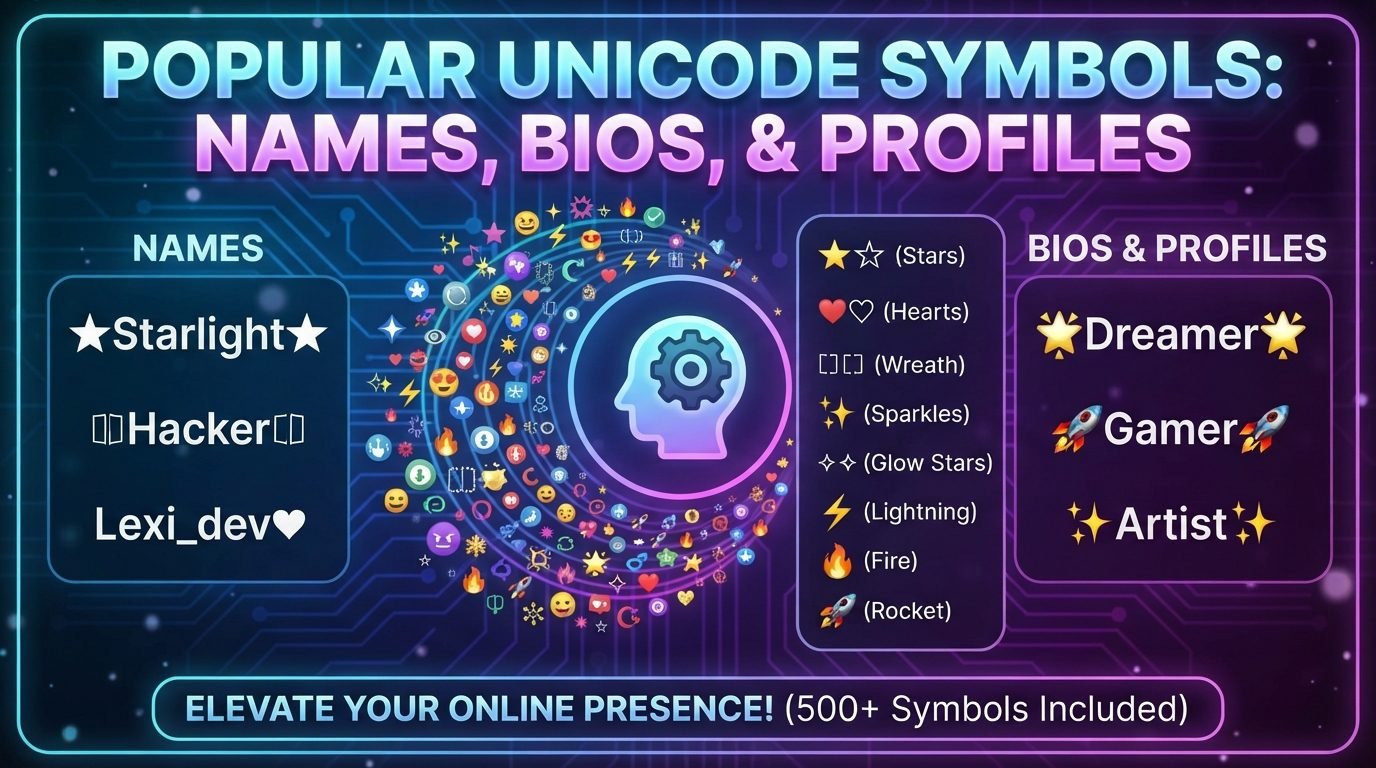
Unicode symbols are an easy way to add personality to names, bios, usernames, and online profiles. A simple word can look completely different when it is surrounded by stars, hearts, arrows, dots, brackets, or other decorative characters.
Unlike ordinary images, Unicode symbols are text characters. This means they can often be copied, pasted, searched, and displayed directly as part of a name or profile description. However, not every symbol works perfectly on every platform or device, so choosing symbols carefully is important.
Whether you want a clean username, a decorative gaming name, a creative social media bio, or a stylish profile heading, understanding the most useful Unicode symbols can help you create a design that looks attractive without becoming difficult to read.
What Are Unicode Symbols?
Read also: → Unicode Symbols — Copy and Paste 400+ Symbols Free
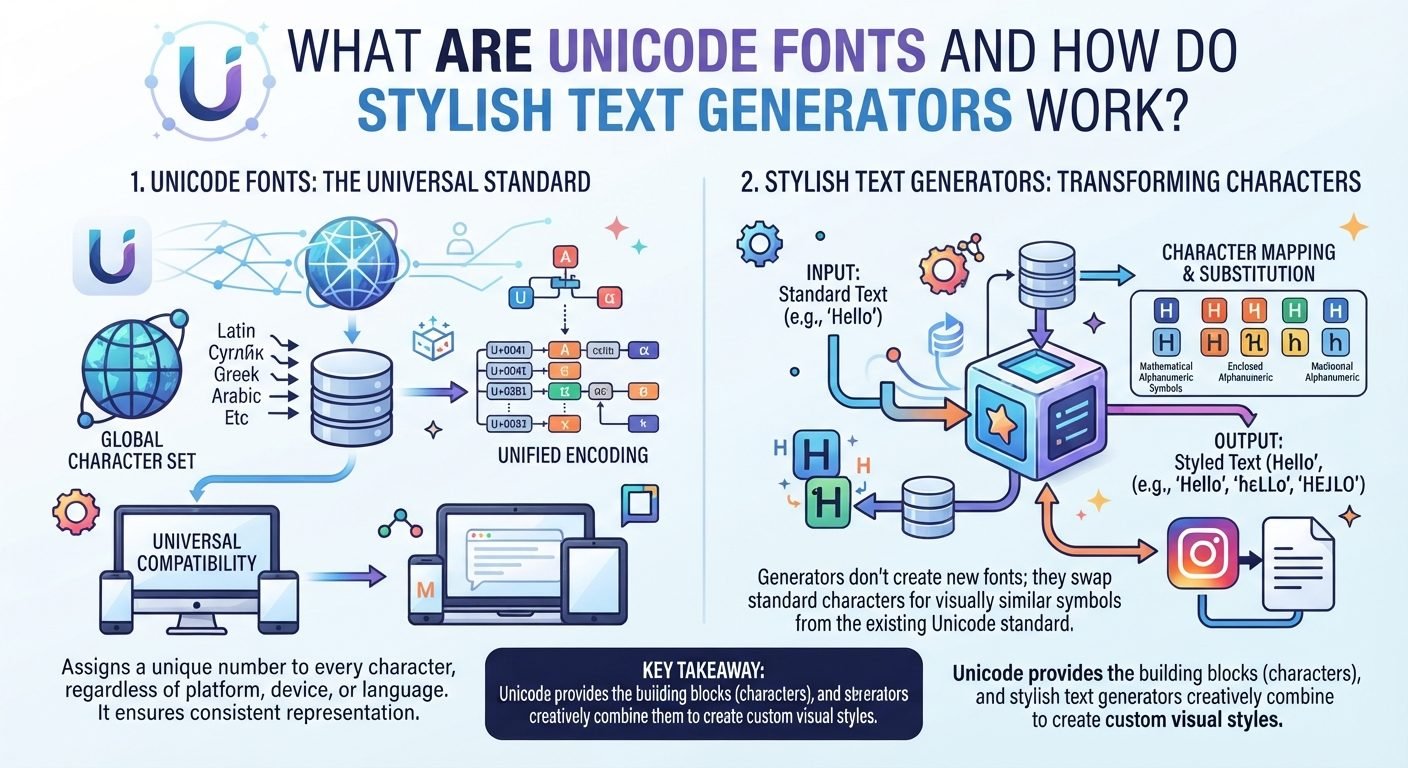
Unicode is a character standard that gives computers and other digital systems a way to represent text from many languages and writing systems.
It includes far more than ordinary letters and numbers. Unicode also contains thousands of symbols, punctuation marks, mathematical characters, arrows, geometric shapes, decorative characters, and emoji.
For example, these are Unicode characters:
- ★
- ☆
- ✦
- ✧
- ♡
- ♥
- ✓
- →
- •
- ◆
- ❖
- 『 』
- 【 】
When you copy one of these characters into a name or bio, you are copying a text character rather than inserting a separate image.
Why People Use Unicode Symbols in Profiles
Symbols can make plain text more visually interesting.
For example, a simple name such as:
Nova
could become:
★ Nova ★
or:
『Nova』
A bio can also use symbols to organize information:
✦ Gamer✦ Creator✦ Traveler
Symbols can serve both decorative and practical purposes. A small icon can separate sections, highlight important information, or create a visual style without requiring an image.
Popular Star Symbols
Stars are among the most commonly used decorative symbols for names and profiles.
Some popular choices include:
- ★
- ☆
- ✦
- ✧
- ✩
- ✪
- ✫
- ✬
- ✭
- ✮
- ✯
Each has a slightly different appearance.
For example:
★ Nova
has a bold appearance, while:
☆ Nova
looks lighter.
Other combinations can create a more decorative effect:
✦ Nova ✦
or:
Nova ✧
Stars work particularly well with gaming names, social media display names, creative profiles, and short bios.
Heart Symbols
Heart characters are useful when you want a friendly, soft, romantic, or playful appearance.
Popular options include:
- ♡
- ♥
- ❤
- ❥
- ღ
Examples include:
Luna ♡
♡ Dreamer ♡
Music ♥ Travel
Nova ❥
The outline heart ♡ often creates a lighter appearance than the filled heart ♥.
When using hearts in a professional or informational profile, a single small symbol may be enough. For casual profiles, you can use them more freely.
Flower and Nature Symbols
Nature-inspired symbols can give a profile a softer or more creative appearance.
Examples include:
- ❀
- ✿
- ❁
- ❃
- ❋
- ☘
- ☀
- ☾
- ☽
You can use them around a name:
✿ Luna ✿
or as separators in a bio:
☀ Travel | ☾ Photography
Nature symbols can work especially well for personal profiles, lifestyle accounts, creative pages, and usernames with a calm or artistic theme.
Arrow Symbols
Arrows are useful for both decoration and organization.
Common Unicode arrows include:
- →
- ←
- ↑
- ↓
- ↗
- ↘
- ➜
- ➤
- ➜
- »
- «
For example, a bio could use:
Gaming → Editing → Creating
or:
Follow ➜ Create ➜ Share
Arrows can also point attention toward a particular part of a profile.
For example:
➜ New videos every week
Because arrows have a clear visual direction, they can be more useful than purely decorative symbols when organizing profile information.
Dot and Circle Symbols
Small dots and circles are excellent for creating simple separators.
Popular choices include:
- •
- ·
- ●
- ○
- ◦
- ◉
- ◎
- ◌
Examples:
Nova • Creator
Gaming • Music • Design
About Me
A dot is often a better choice than a complicated symbol when you want a clean appearance.
Dots are especially useful in bios because they separate information without taking up much space.
Square and Diamond Symbols
Geometric symbols can give names and bios a sharper or more structured appearance.
Examples include:
- ■
- □
- ◆
- ◇
- ◈
- ◇
- ▪
- ▫
- ▣
- ❖
For example:
◆ Nova ◆
or:
◇ Photography | Travel | Design ◇
Diamonds can look decorative without being as visually strong as large stars.
Brackets and Decorative Frames
Brackets are popular because they can surround an entire name.
Some examples include:
- 『 』
- 【 】
- 《 》
- 〈 〉
- 「 」
- 〔 〕
- 〖 〗
- ⟦ ⟧
For example:
『Nova』
【Shadow】
《Luna》
These styles are particularly popular for gaming names and display names.
However, not every platform accepts every bracket as part of a username. A character can also look different depending on the font used by the device or application.
Checkmark and Cross Symbols
Checkmarks can be useful when creating an organized profile or bio.
Common examples include:
- ✓
- ✔
- ☑
- ✕
- ✖
- ✗
For example:
✓ Designer
✓ Gamer
✓ Content Creator
They can make a list easier to scan.
A checkmark is generally more functional than decorative, so it can be useful when you want your profile to communicate information quickly.
Music Symbols
Music-related symbols are useful for musicians, DJs, music fans, and creative profiles.
Common examples include:
- ♪
- ♫
- ♬
- ♩
- ♭
- ♯
Examples:
♫ Music Lover
Nova ♪
♪ Creating sounds
These symbols can help communicate the theme of a profile without requiring additional words.
Weather and Celestial Symbols
The Unicode collection also includes symbols associated with the sky, weather, and astronomy.
Examples include:
- ☀
- ☁
- ☾
- ☽
- ☼
- ☄
- ✦
- ✧
These can be useful for aesthetic profiles and names.
For example:
☾ Luna
or:
Nova ✦ Night
They can create a specific atmosphere without making the name excessively complicated.
Cross and Religious Symbols
Unicode contains various historical and religious symbols as well.
Examples include:
- ✝
- ☪
- ☯
- ☮
- ☸
These symbols can have specific cultural or religious meanings, so they should be used intentionally rather than simply because they look decorative.
If a symbol has an established meaning, consider whether that meaning matches the message you want your profile to communicate.
Mathematical and Technical Symbols
Some profiles use mathematical or technical characters for a futuristic, academic, or technology-focused style.
Examples include:
- ∞
- ≈
- ≠
- ±
- √
- ∆
- ∑
- π
- Ω
For example:
Nova ∞
or:
π • Code • Design
These symbols can work particularly well for technology, science, mathematics, programming, and educational profiles.
However, they should be used when they fit the profile. A random mathematical character may look unusual but may not communicate anything meaningful.
Currency Symbols
Currency symbols are also part of Unicode and can sometimes be used creatively.
Examples include:
- $
- €
- £
- ¥
- ₹
- ₩
For example:
$martMind
or:
Design € Ideas
These characters have real-world meanings, so they should not be used purely as decoration if they could make the name misleading.
Decorative Lines and Separators
Lines are useful for separating sections in a bio or profile.
Examples include:
- ─
- ━
- │
- ┃
- ║
- ═
- •
- ⋆
For example:
Nova ─ Creator ─ Gamer
or:
ABOUT ME │ GAMING │ MUSIC
A separator can make a crowded bio easier to understand because it creates visual divisions between different pieces of information.
How to Choose the Right Unicode Symbol
Having thousands of symbols available does not mean you should use many of them.
Start by deciding what you want your name or profile to communicate.
For a clean style, consider:
- •
- ○
- ·
- │
For a decorative style, consider:
- ★
- ✦
- ✧
- ❖
For a soft style, consider:
- ♡
- ❀
- ✿
- ☾
For a gaming style, consider:
- 『 』
- 【 】
- ★
- 〆
For an organized bio, consider:
- ✓
- →
- •
- │
The symbol should support the style rather than overwhelm it.
Keep the Main Name Easy to Read
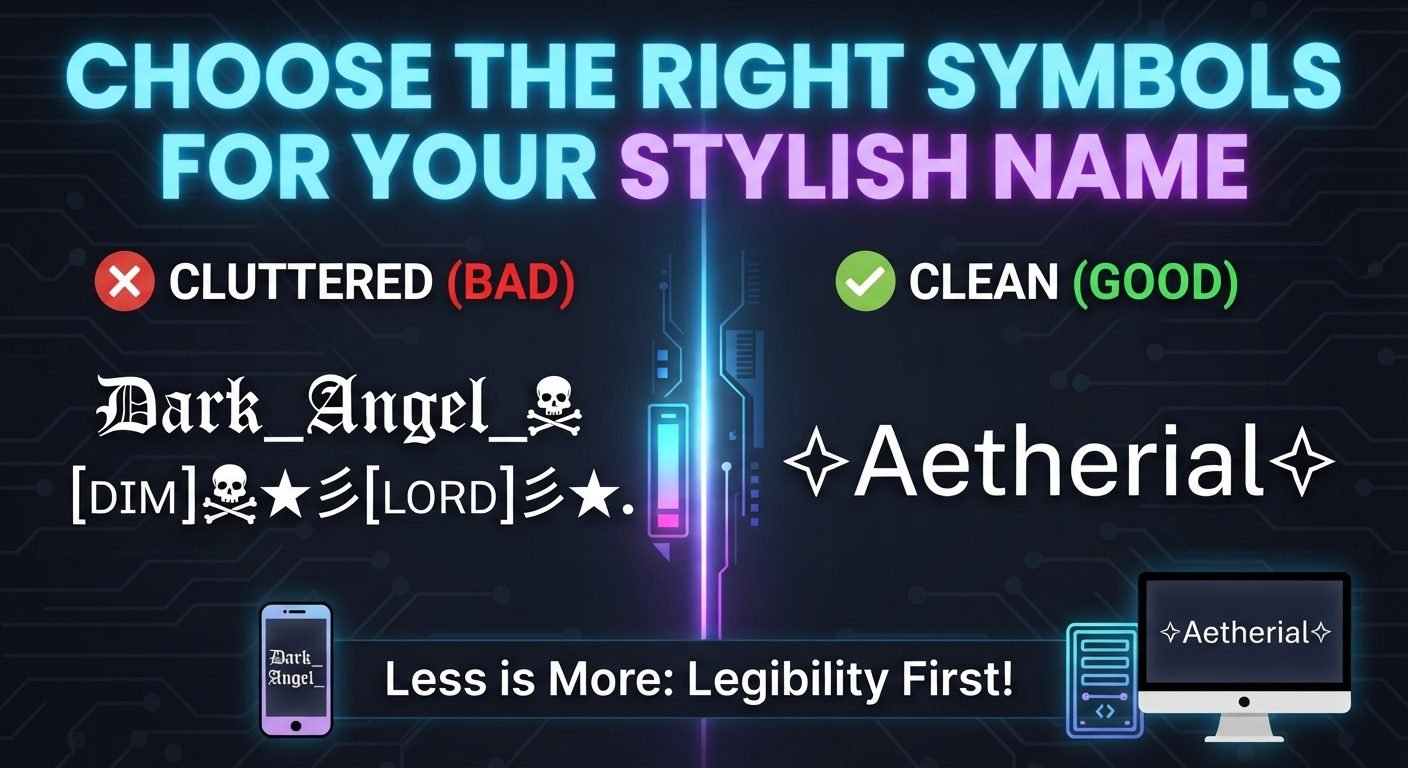
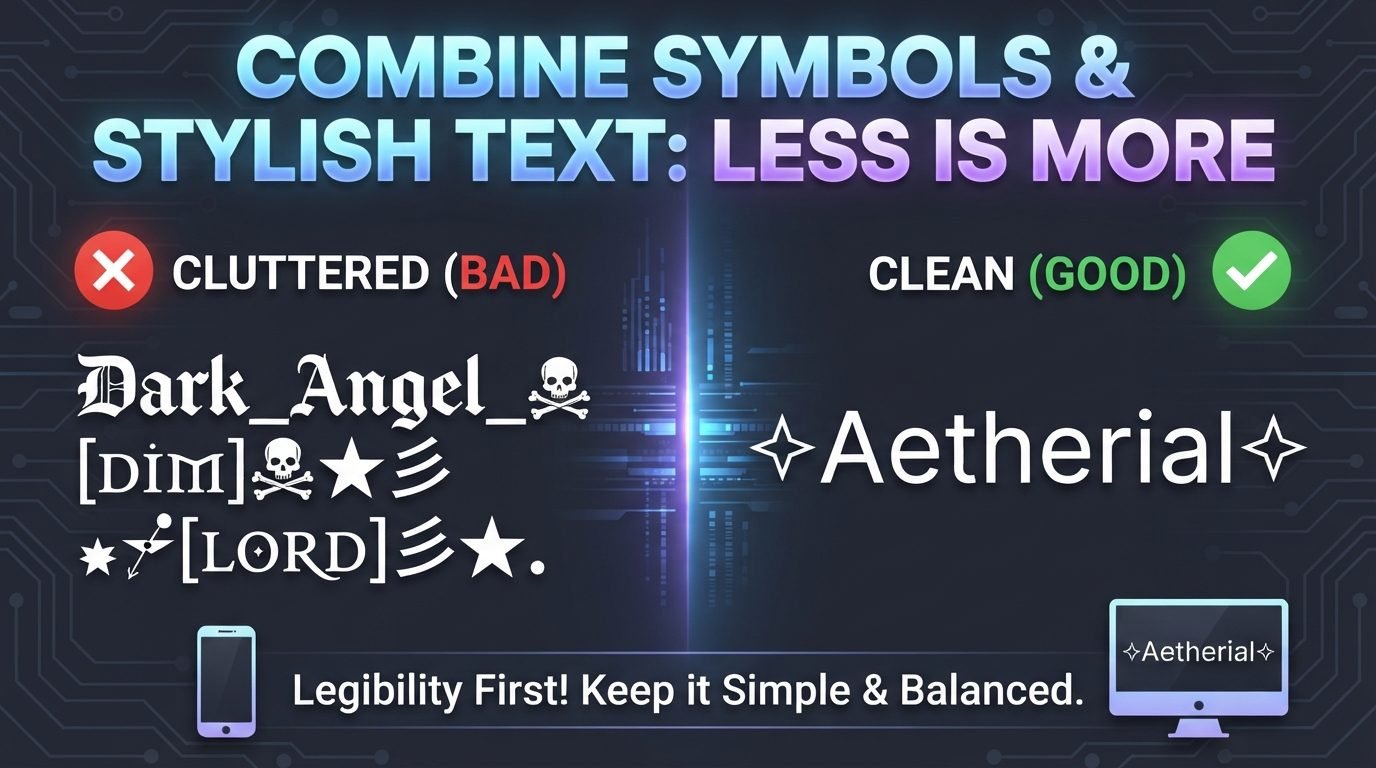
One of the biggest mistakes with Unicode symbols is using so many that the original name becomes difficult to identify.
Compare:
★ Nova ★
with a name surrounded by several layers of decorative characters.
The first version immediately shows the name. The second may attract attention, but the actual word can become harder to find.
If recognition is important, keep the base name simple and use symbols around it.
Use One Main Symbol Style
A consistent design usually looks more organized.
For example:
★ Nova ★
uses the same symbol on both sides.
Another option is:
✦ Nova ✦
Instead of combining several unrelated characters:
★✿『Nova』♡✦
you might choose one visual theme.
This does not mean every stylish name needs perfect symmetry. It simply means that fewer, coordinated symbols often create a cleaner result.
Think About the Platform
Unicode support varies between websites, applications, games, browsers, and devices.
A symbol may:
- Display correctly everywhere
- Look slightly different on different devices
- Use a different font
- Appear as a replacement character
- Be rejected by a username field
- Work in a display name but not a username
This is why you should test a stylish name before relying on it.
If the name is important, keep a plain version available as well.
Test Unicode Symbols on Different Devices
A symbol should not be judged only from the device where you created it.
Check your name on:
- A computer
- An Android phone
- An iPhone
- Different browsers
- The actual platform where you will use it
The appearance may change because different systems use different fonts and Unicode versions.
A simple star may look almost identical everywhere, while a more unusual character can have a noticeably different appearance.
Avoid Overusing Rare Characters
Rare Unicode characters can make a name look unique, but they can also create practical problems.
They may be:
- Difficult to type
- Difficult to remember
- Unsupported by some platforms
- Difficult for others to search
- Displayed differently across devices
If your goal is simply to make a profile attractive, common symbols are often enough.
A unique name does not necessarily require an obscure character.
Unicode Symbols in Bios
Symbols are particularly useful in profile bios because they can organize information.
For example:
✦ Gamer✦ Designer✦ Coffee Lover
Or:
📷 Photography • 🎵 Music • ✈ Travel
When using symbols as section markers, keep the structure consistent. This makes the bio easier to scan.
You can also use lines:
━━ ABOUT ME ━━
or simple separators:
Creator • Gamer • Explorer
The best choice depends on how much information your bio contains.
Unicode Symbols in Display Names
Display names usually provide more creative freedom than usernames.
You can experiment with:
★ Nova ★
『Luna』
✦ Shadow ✦
Alex •
The key advantage is that the symbol can be part of the visual identity of the profile.
Still, avoid making the name so decorative that friends or followers cannot easily recognize it.
Unicode Symbols in Gaming Names
Gaming names often use stars, brackets, diamonds, and other decorative symbols.
Examples include:
★Nova★
『Raven』
Shadow✦
◆Hunter◆
Nova〆
Before choosing one, check the game's character restrictions. Some games allow many Unicode characters, while others permit only a limited selection.
Character limits can also make heavily decorated names impractical.
Create Your Own Combination
You do not need to copy an existing username style.
Start with your name and experiment with one symbol at a time.
For example, with the name Raven:
Raven★RavenRaven★★Raven★『Raven』Raven✦
Compare the results and remove anything that feels unnecessary.
This simple process can produce a personalized design without making the name overly complicated.
Read also: → Arrow Symbol Copy and Paste → ← ↑ ↓ & More
The symbols people use most, and what each one is
Knowing a symbol's real name and type tells you where it will work. Text symbols take the colour and weight of your text and pass most filters; emoji are drawn by the device and are the first thing a name field blocks.
| Symbol | Name | Common use | Text or emoji |
|---|---|---|---|
| ★ ☆ | Black star, white star | Rank, rating, a frame around a short name | Text |
| ✦ ✧ | Four-pointed star | A light accent either side of a name | Text |
| ❖ | Black diamond with centre | Separator between two words | Text |
| ♥ ♡ | Heart, white heart | Takes your text colour, unlike the emoji heart | Text |
| ❤️ | Red heart | Fixed red; ignores styling | Emoji |
| ϟ | Greek koppa | Reads as a bolt in plain text | Text |
| ↯ | Downwards zigzag arrow | A bolt that passes emoji filters | Text |
| ♛ ♔ | Chess queen, chess king | Rank in a clan or squad name | Text |
| ༺ ༻ | Tibetan ornaments | A frame around a whole name | Text |
| ⚡ 🔥 | High voltage, fire | Energy, streaks | Emoji |
If a name is rejected or shows boxes, swap the emoji for its text equivalent first — ϟ for ⚡, ♥ for ❤️ — before changing the name itself.
Read also: → Unicode Symbols — 3,300+ to copy