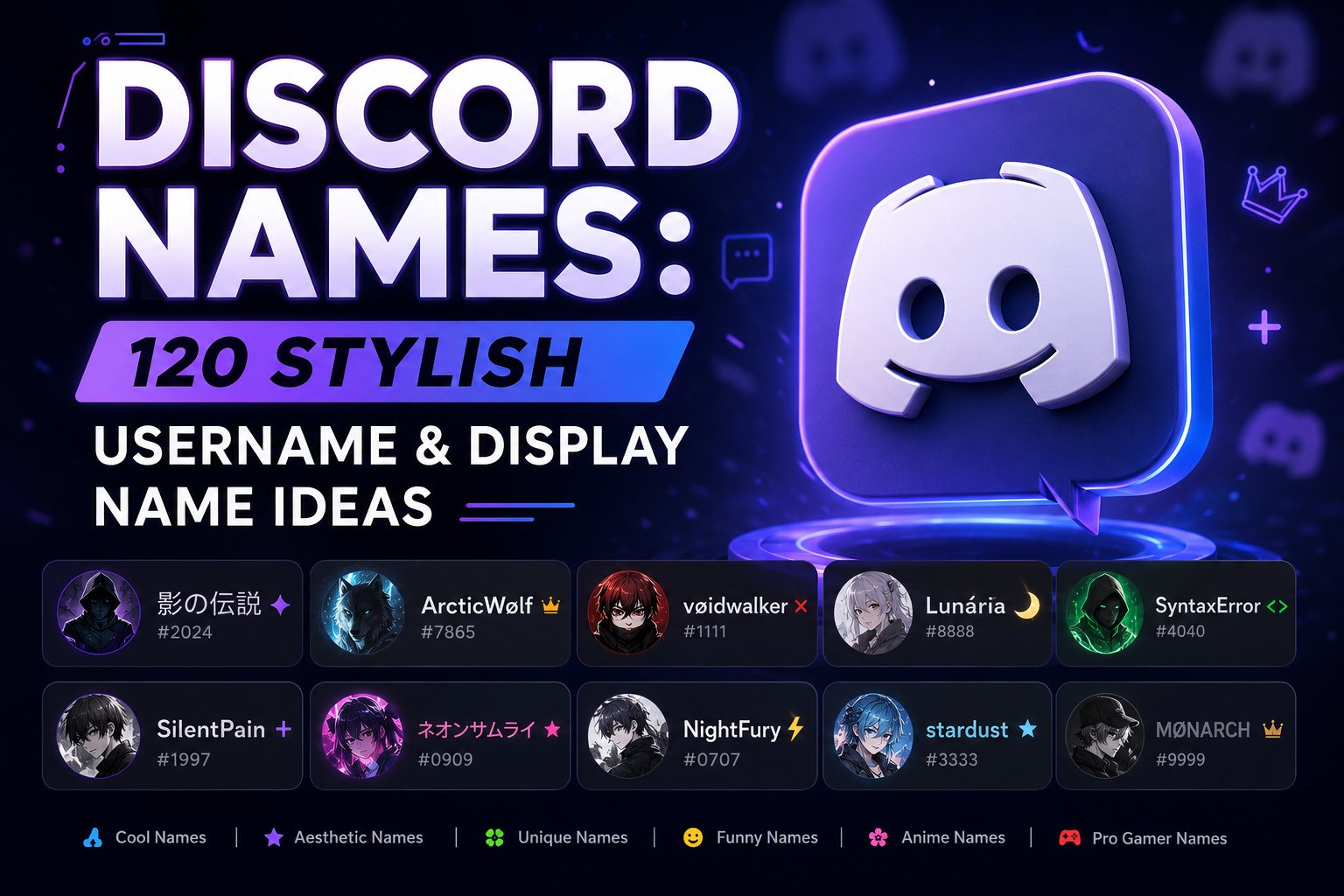
Quick answer: good Discord names are short, easy to say in voice chat, and consistent across the servers you're active in. Discord usernames must be 2–32 characters, lowercase and unique across the platform, while your display name can use fonts, symbols and emoji. This guide has 280+ name ideas: 120 usernames, a styled display name version of every one, 20 more stylish display names and 21 server nicknames, plus the naming rules that decide which you can use where.
Your Discord name design shows up in every server you join, every voice call, and every DM — it's doing more identity work than most people give it credit for. If you want the fastest route, the Discord name generator builds ideas from any word, but the lists below give you a username and a matching display name in one go.
Read also: → Discord Name Generator — Instant Stylish Usernames
120 Discord Username Ideas
Grouped by the feeling they give off rather than by formula, so you can jump to the section that sounds like you. Each username is written in lowercase and ready to paste. Under every list you'll find the same names styled as display names, so you can keep one anchor word in both places. Tap any name to copy it.
Minimal One-Word Names
Short, plain, and quietly confident. These age the best — they never look dated, they fit any server, and they are easy to say out loud.
Select any name in the following list to copy it.
Display name versions, minimal names: the same names styled for your display name, which allows fonts, symbols, spaces and emoji. Each stays within the 32-character display name limit. Restyle any of them in a different font with the fancy text generator.
Select any name in the following list to copy it.
Soft & Aesthetic Names
Warm, low-key, cozy-server energy. They pair especially well with a styled display name.
Select any name in the following list to copy it.
Display name versions, soft names: the same names styled for your display name, which allows fonts, symbols, spaces and emoji. Each stays within the 32-character display name limit. A single heart symbol or flower is usually enough for a soft look.
Select any name in the following list to copy it.
Dark & Moody Names
Heavier atmosphere without tipping into edgy. Good for art, music, and late-night servers.
Select any name in the following list to copy it.
Display name versions, dark names: the same names styled for your display name, which allows fonts, symbols, spaces and emoji. Each stays within the 32-character display name limit. For more dark name ideas, see our goth usernames for every platform.
Select any name in the following list to copy it.
Gaming & Competitive Names
Built for servers where you are mostly playing something. Readable in a voice-chat sidebar at a glance.
Select any name in the following list to copy it.
Display name versions, gaming names: the same names styled for your display name, which allows fonts, symbols, spaces and emoji. Each stays within the 32-character display name limit. Gaming servers love marks like 乂 and ▲ from our gaming symbol collection.
Select any name in the following list to copy it.
Funny & Chaotic Names
The ones that get a reaction in a new server. Just remember you will be reading this to people out loud for months.
Select any name in the following list to copy it.
Display name versions, funny names: the same names styled for your display name, which allows fonts, symbols, spaces and emoji. Each stays within the 32-character display name limit. Funny names work best with one emoji that finishes the joke.
Select any name in the following list to copy it.
Tech & Cyber Names
For dev, homelab, and infosec servers, where the joke landing depends on the room.
Select any name in the following list to copy it.
Display name versions, tech names: the same names styled for your display name, which allows fonts, symbols, spaces and emoji. Each stays within the 32-character display name limit. Monospace letters look like code, which suits dev and homelab servers.
Select any name in the following list to copy it.
Short names get claimed fastest. If one of these is taken, Discord's own help center suggests adding numbers, underscores or periods, so quiet.bloom or quietbloom_ are both fair game.
Read also: → Stylish Font Generator — 32 Unicode Fonts to Restyle Your Name
20 Stylish Discord Display Name Ideas
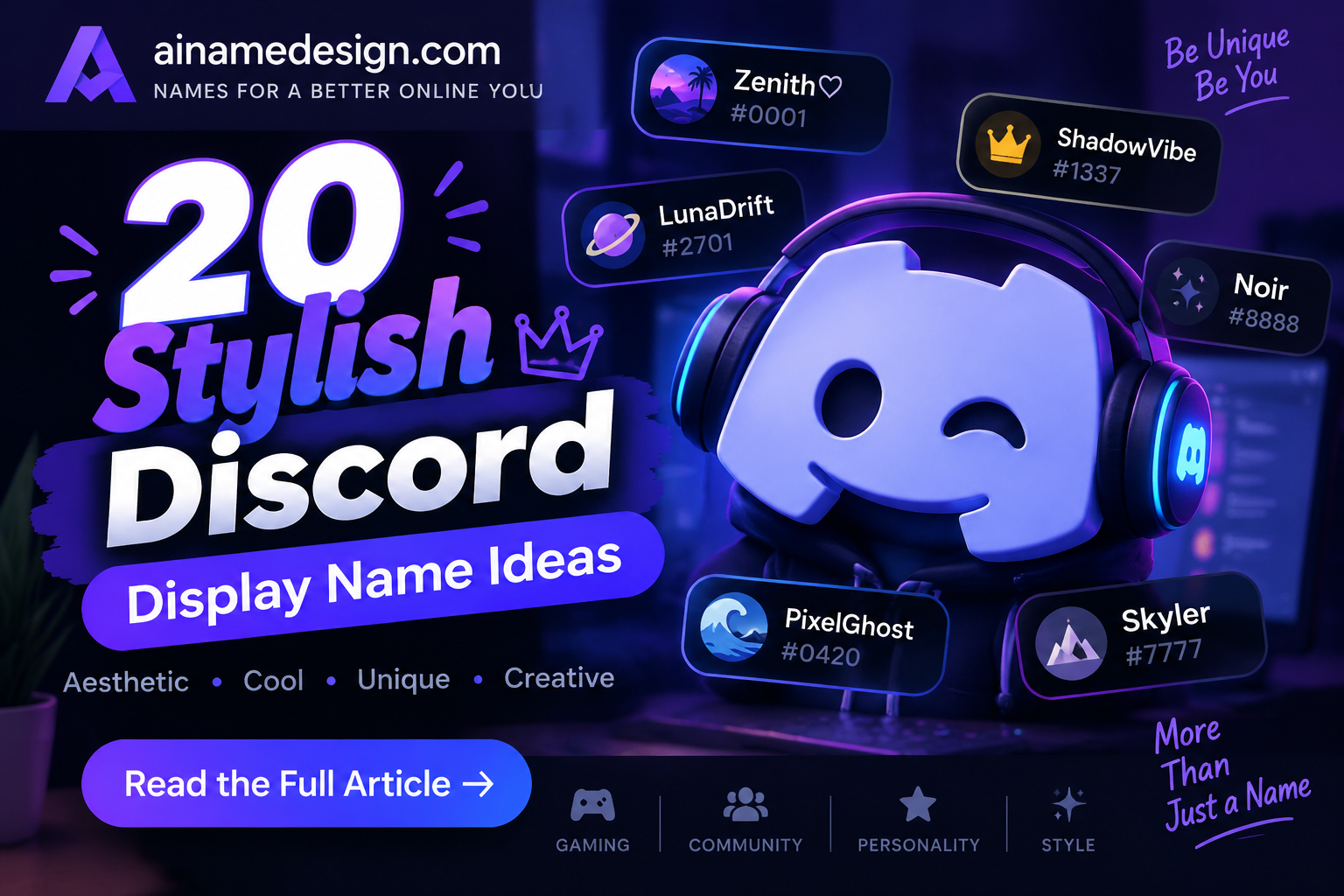
Display names can use fonts, symbols and emoji, so this is where styling belongs. Each of these is within the 32-character limit. Restyle your own with the font generator.
- ✧ 𝓜𝓸𝓸𝓷𝓿𝓮𝓼𝓹𝓮𝓻
- 『Qᴜɪᴇᴛᴇᴍʙᴇʀ』
- ☾ Hᴏʟʟᴏᴡʟᴀʀᴋ
- 𝕲𝖗𝖆𝖛𝖊𝖌𝖑𝖔𝖜 ✞
- ʚ Pᴇᴀᴄʜᴍɪʟᴋ ɞ
- 𝕊𝕥𝕒𝕥𝕚𝕔𝕓𝕝𝕠𝕠𝕞
- ★彡 Nᴇᴏɴʜᴀʟᴄʏᴏɴ 彡★
- 𝚗𝚞𝚕𝚕_𝚜𝚊𝚒𝚗𝚝
- 🌙 Sʟᴇᴇᴘʏꜰᴏx
- ⚡ Vᴏʟᴛᴘʀɪᴇsᴛ
- ꧁ Asʜᴄᴀɴᴛᴏʀ ꧂
- 𝓛𝓪𝓿𝓮𝓷𝓭𝓮𝓻𝓱𝓪𝔃𝓮 ♡
- ✦ Sᴛᴀʀᴡʀɪɢʜᴛ ✦
- 🎧 Lᴏꜰɪᴅʀɪꜰᴛ
- 𖤐 Eᴍʙᴇʀᴡɪᴛᴄʜ
- ⋆。 𝓢𝓸𝓯𝓽𝓸𝓻𝓫𝓲𝓽 。⋆
- 🪐 Rɪɴɢᴡᴏʀʟᴅ
- ♛ Cʀᴏᴡɴʟᴇssᴋ
- 🥀 Dᴜsᴋʙʟᴏᴏᴍᴇʀ
- 🌿 Fᴇʀɴǫᴜɪᴇᴛ
Fancy Fonts for Discord Display Names
Fancy fonts on Discord aren't really fonts. They're Unicode characters that look like styled letters, which is why you can paste them into a display name. Here's how the main styles compare:
| Style | Example | Readability | Best for |
|---|---|---|---|
| Small caps | Qᴜɪᴇᴛʙʟᴏᴏᴍ | High | Almost any server |
| Script | 𝓜𝓸𝓸𝓷𝓿𝓮𝓼𝓹𝓮𝓻 | Medium | Soft and aesthetic names |
| Gothic (Fraktur) | 𝕬𝖘𝖍𝖋𝖆𝖑𝖑 | Low | Dark, short names |
| Double-struck | ℂ𝕠𝕓𝕒𝕝𝕥 | Medium | Minimal one-word names |
| Monospace | 𝚗𝚞𝚕𝚕_𝚛𝚘𝚞𝚝𝚎 | High | Tech and dev servers |
| Bold italic | 𝑷𝒍𝒖𝒎𝒆 | High | Short names that need to stand out |
Keep readability in mind. Some fonts are hard to read in a busy member list, and people who use screen readers may hear styled letters read out oddly or not at all. A safe pattern is plain or small-caps letters with one symbol or emoji at the start. Try several in the font generator and pick the one you can still read at a glance.
Want more? Our gaming fonts collection has hundreds of copy-paste styles, and the guide to using gaming symbols in usernames shows how to place symbols without cluttering a name.
Server Nickname Ideas by Role
A per-server nickname lets you match a server's vibe without touching your main identity. These also work as usernames, since they're lowercase with only periods and underscores:
| Your role in the server | Nickname ideas |
|---|---|
| Moderator | the.lawkeeper, quietwarden, calmhammer |
| Artist | inkwright, pigment.fox, sketchbloom |
| Music bot fan | queue.tender, lofi.librarian, bpm.ghost |
| Gamer | raidcaller, lootlogic, respawn.poet |
| Study server | notesbynight, deadline.drifter, quietquill |
| Lurker | readsonly, silent.observer, justwatching |
| Event host | partyplanner, hypebeacon, eventsmith |
Discord Username vs. Display Name
Discord splits identity into two separate fields, and mixing them up is the most common naming mistake.
- Username — globally unique across all of Discord, 2–32 characters, lowercase letters, numbers, underscores, and periods only. This is what people search to add you as a friend.
- Display name — how you mainly appear in DMs, servers and friend requests. It isn't unique, can change anytime, and supports spaces, capital letters, non-Latin letters, special characters and emoji.
There are actually two more layers people forget. A server nickname replaces your display name in one server, and it can be set by you or by someone with permission in that server. A friend nickname is a name you give a friend in your own DMs. They can't see it, and it only shows on your side. Both take priority over display names wherever they're set.
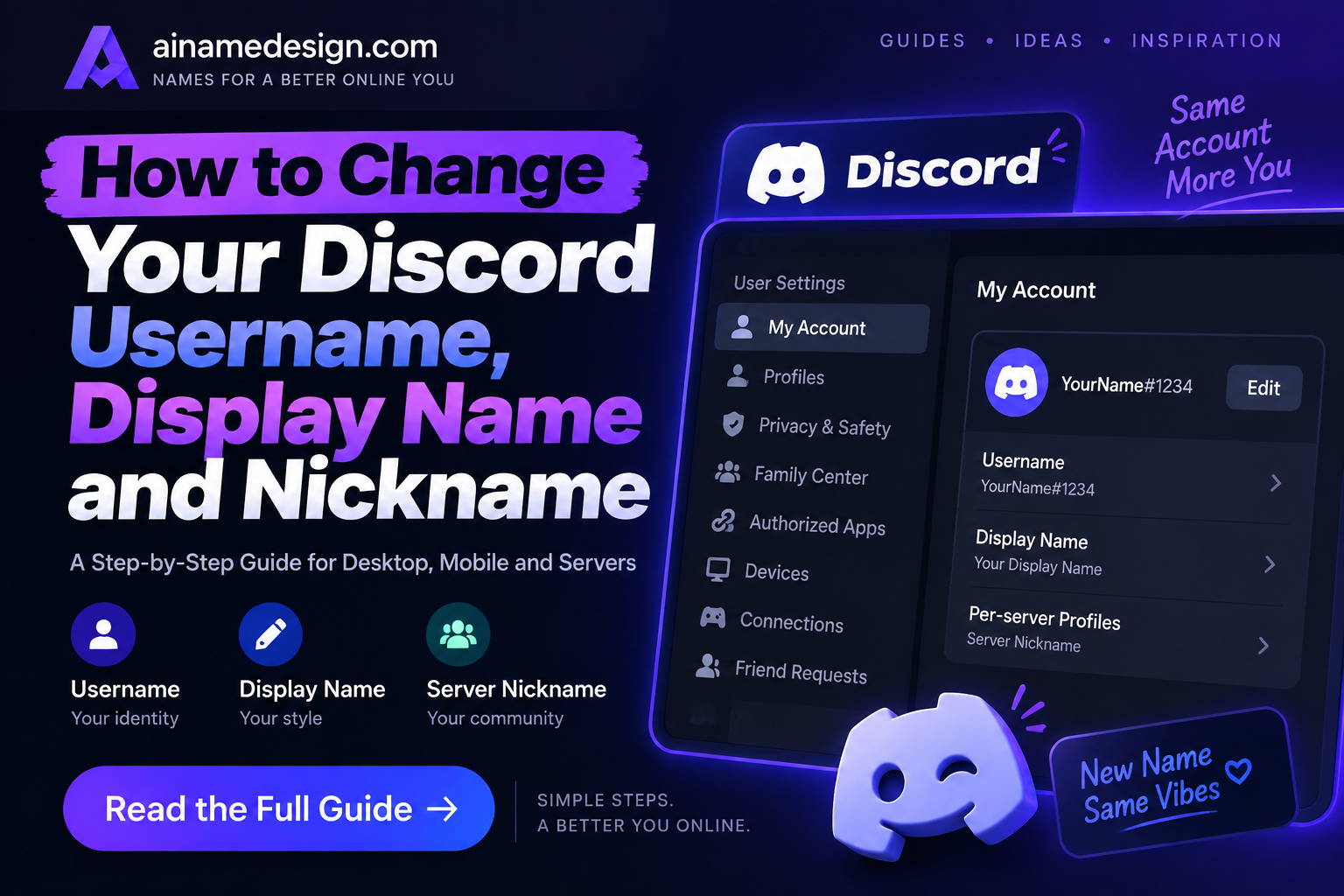
How to Change Your Discord Username, Display Name and Nickname
Username
- On desktop or browser: go to User Settings, then My Account, and press Edit next to Username.
- On mobile: open the profile tab in the bottom right, choose Account, then Username.
- Enter your new username and save. Your account has to be verified by email or phone number to claim a new username.
Display name
Go to User Settings, then My Account, then Profiles, and change your display name there. There's no limit on how often, so feel free to try a few styles and see how they look in chat.
Server nickname
- Go to User Settings, then Profiles, then Per-server Profiles.
- Pick the server you want to change.
- Enter a server nickname and save. It only shows in that server.
Keep in mind that a server's moderators may be able to change your nickname there. If yours changes without you touching it, check the server's rules before changing it back.
Keeping One Identity Across Many Servers
Most people are in a dozen servers or more, so three layers of names can get confusing fast. A simple system keeps you recognizable:
- Username: your permanent handle. Keep it plain and the same everywhere you share it, from Twitch to Steam.
- Display name: your default look. This is where one font or a single emoji goes.
- Server nicknames: only where they add something, like your role, timezone or in-game name in a gaming server.
- One anchor word: keep one word in common across all three (quietbloom, 🌸 Quiet Bloom, bloom | EU) so people can always connect them.
If you ever rebrand, change the display name first. It's free to change as often as you like, so you can test the new look for a few days. Only change your username once you're sure, since you get just 2 username changes per week and anyone who saved your old username will need the new one to add you.
What to Do If Your Discord Username Is Taken
- Add a period or underscore. quiet.bloom or quiet_bloom are different usernames from quietbloom, but don't put two periods in a row.
- Add a short, meaningful word. quietbloom.art or quietbloom.gg can say what you do, too.
- Swap to a synonym. quietbloom → hushbloom keeps the feel while freeing the name.
- Avoid long number strings. quietbloom48213 is hard to say in voice chat and looks like a leftover account.
- Keep your display name the same. Friends mostly see your display name, so a slightly different username barely changes how you appear.
- Verify your account early. Discord says an unverified new account gets 5 random digits added to its username 7 days after it's created, so verify by email or phone before you settle on a name.
Pick a Name You Can Say Out Loud
This is the test almost everyone skips, and it is the one that matters most on Discord specifically. Unlike a name that only ever gets read, a Discord name gets spoken — every time someone pings you in voice chat, tags you in a call, or asks whose turn it is.
- Can someone say it without asking how? If a name needs spelling out on every introduction, it will quietly get shortened to a nickname you did not choose.
- Does it survive being shortened? People will clip it to the first syllable or two. Check that what remains still sounds like you.
- Is it distinct in a member list? Six people whose names start with the same three letters make @-mentions genuinely annoying.
- Does it still fit in a year? A name tied to one game or one running joke ages faster than a neutral one, and your username is the hardest part to change.
Discord Naming Rules
These rules come straight from Discord's New Usernames & Display Names help article:
| Rule | Username | Display name |
|---|---|---|
| Length | 2–32 characters | 1–32 characters |
| Characters | Latin letters, numbers, underscore and period, never two periods in a row | Almost anything: spaces, capitals, special characters, emoji, non-Latin letters |
| Capital letters | No, usernames are forced lowercase | Yes |
| Unique? | Yes, across all of Discord | No, anyone can use the same one |
| How often you can change it | Up to 2 times per week | Whenever you want |
| Not allowed | Impersonating Discord, its staff, system messages, or any person, group or organization; attacking others or promoting hate; sexually explicit language | The same Community Guidelines apply |
The impersonation rule covers more than Discord staff. Names made to pass as another person, group or organization aren't allowed either, so avoid names that copy a streamer, a brand or a well-known server's moderators, even as a joke.
Using the Same Name Beyond Discord
Most people who spend time on Discord also have a name on TikTok, Instagram or Telegram. Using the same anchor word everywhere makes you easy to find when someone asks for your other accounts. Our Telegram username ideas, Threads usernames and Instagram username ideas use the same styles as this list.
If you game, match your Discord name to your in-game name so squadmates can find you. See our Fortnite name guide, Valorant username ideas, or Roblox username ideas, and keep in mind each game has its own character rules.
Your Discord identity is really two names working together — a stable, searchable username and a flexible display name you can restyle anytime. Pick a username from the ideas above, then use the Stylish Font Generator to build a display name that matches your vibe.
Generate Your Discord Name →Naming yourself somewhere else too? Our social media names hub covers every platform, the TikTok name generator builds matching handles, and our guide to fancy fonts in your Instagram bio shows how to reuse the same styles.