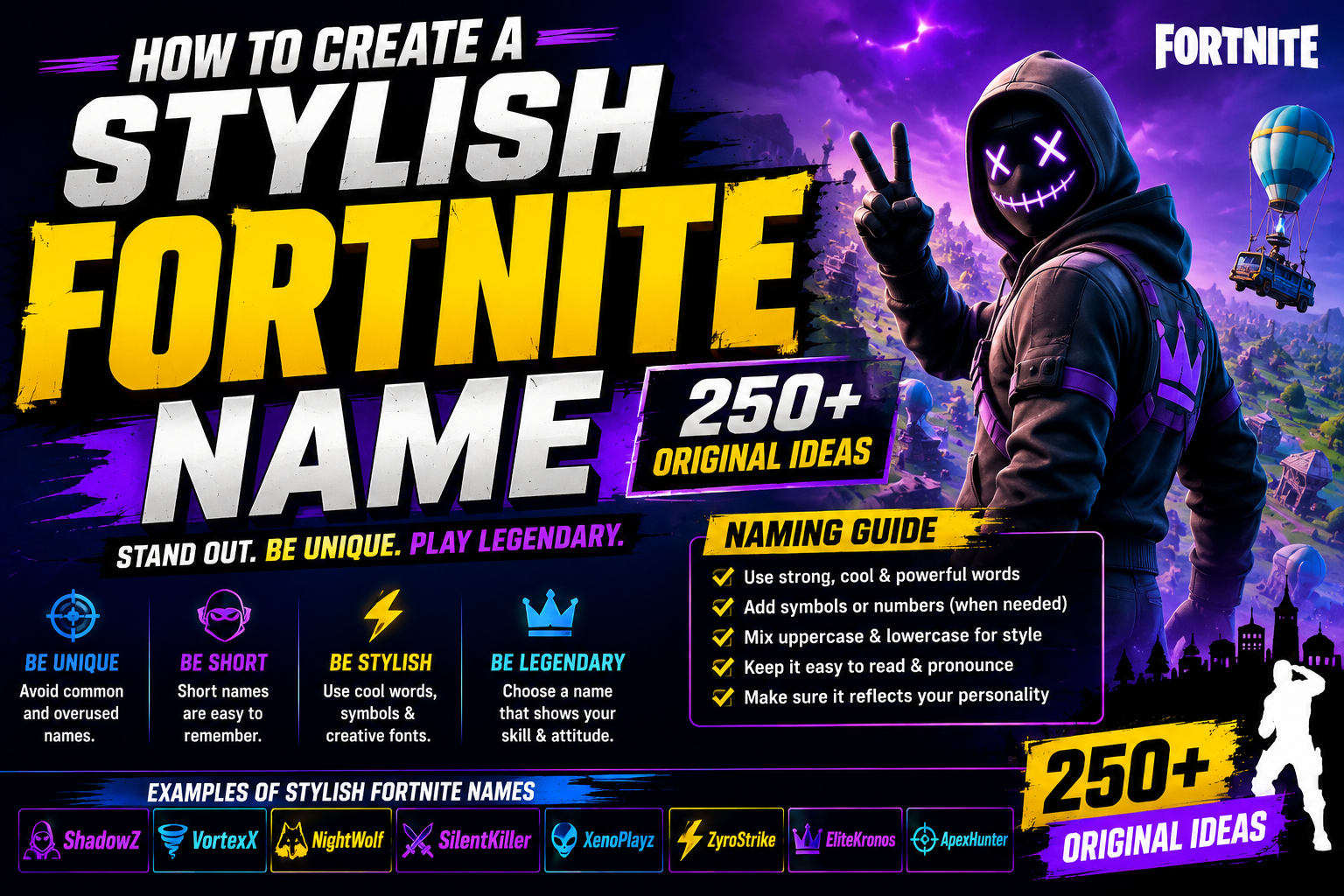
Quick answer: a stylish Fortnite name pairs one clear style — sweaty, OG, dark, aesthetic, or another — with a short, punchy base word, then adds at most one Unicode font or symbol for accent. Epic Games requires display names to be 3 to 16 characters. This guide has 250 original name ideas across ten styles, plus the naming rules, a font-and-symbol guide, and a step-by-step method for building your own.
Your Fortnite name is the first thing an opponent reads on the kill feed and the first thing a viewer sees on your stream — it's doing more work than most players give it credit for.
This guide covers Epic Games' published display name rules, how to change your name without wasting the two-week cooldown, why your name can look different on PlayStation or Xbox, ten name styles, fancy font versions, 250 original name ideas, and clan and duo naming.
Read also: → Fortnite Name Generator — Instant Stylish Usernames

What Makes a Good Fortnite Name?
A strong Fortnite username hits three things at once: it's memorable, visually distinct, and reflects your playstyle or personality. The names that stick are short, punchy, and easy to read at a glance on a kill feed.
- Short and punchy: names between 4–10 characters tend to land hardest.
- Unique spelling or style: a deliberate use of capitals, numbers, or symbols adds visual flair without overdoing it.
- Consistent brand: if you stream or post clips, your name should be recognizable and searchable across platforms.
- Personality fit: sweaty, chill, funny — your name should actually say something about how you play.
A weak name is either too generic (xX_GamerBoy_Xx) or so cluttered with symbols that nobody can read it. The target is clean, distinctive, and unmistakably yours. If you want ideas already built for a specific look, our stylish Fortnite names for girls list and the Fortnite name generator are good places to start.
Epic Games Naming Rules
Before you brainstorm, know what Epic actually enforces. These points come from Epic's own help page, What are the rules for creating my display name?, and its guide on how to change your Epic Games display name.
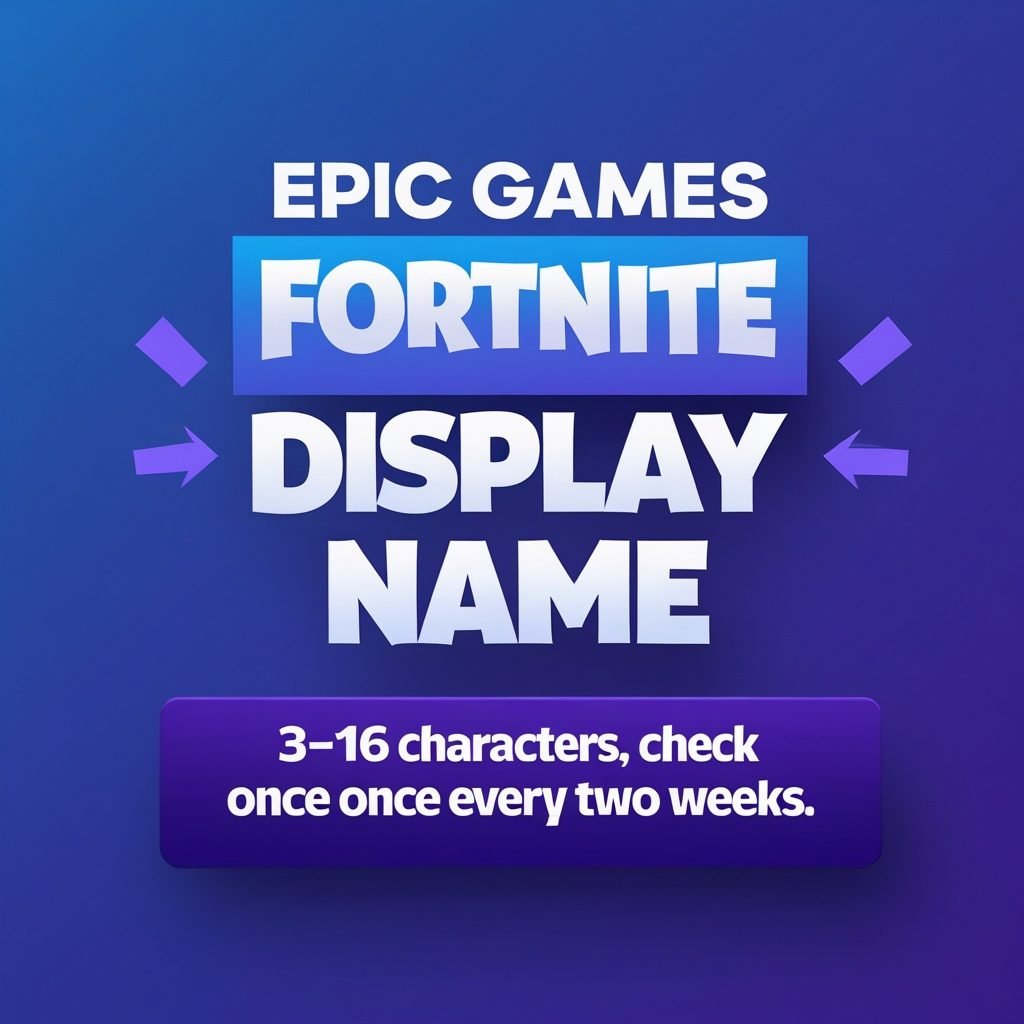
- Length: your display name must be between 3 and 16 characters.
- No offensive content: vulgarity, hate speech, and offensive or derogatory language of any kind are not allowed.
- No references to Epic: a name can't directly reference any Epic Games employee, product, service, or character. Putting "Fortnite" or a skin's name in your name is asking for a reset.
- No private information: phone numbers, addresses, and real names are not allowed.
- What happens if you break the rules: Epic says the name might be automatically reset to a random one in the future, or not accepted at all.
- Change frequency: once every two weeks, and only after your email address is verified.
- Console names are separate: changing your Epic display name doesn't change your PSN or Xbox name, so your in-game name can differ by platform.
One thing Epic's rules page doesn't do is publish a list of allowed characters. It sets limits on length and content. So a fancy font or symbol may be accepted or refused when you type it in, and it can look different on another device. Treat every styled name as something to test before you commit to it.
How to Create a Stylish Fortnite Name (Step-by-Step)
- Choose your style. Sweaty, OG, funny, dark, aesthetic — pick one and let it drive every choice after this.
- Pick a base word or concept. Something tied to your personality, a favorite weapon, or your playstyle — Storm, Void, Blaze, and Glitch are popular starting points for good reason.
- Add stylistic elements. Layer in a capitalization pattern, a meaningful number, or a Unicode character — ShadowBolt becomes Sh▲dowBolt or a small-caps variant using the small text generator.
- Test readability. Say it out loud. If someone can't parse it off a kill feed in a second, trim it down.
- Test it. Type it into the Display name box and see whether Epic accepts it. Keep two or three backups in case it doesn't.
- Lock it in. Confirm the change, then remember you have to wait two weeks before you can change it again, so choose deliberately.
How to Change Your Fortnite Display Name
On PC, Mac, Switch and mobile, the name other players see in Fortnite is your Epic Games display name. Here's the process from Epic's display name change guide:
- Verify your email address. Epic won't let you change your display name until it's verified.
- Open your Account settings page on the Epic Games website.
- Type your new name in the box labeled Display name.
- Select Continue to save the change.
If you see a lock icon and can't edit the field, you've most likely changed your name in the last two weeks. Hover over the small i icon next to your current display name to see when the last change happened, then come back once the cooldown ends.
That two-week wait is the real reason to plan ahead. A typo, or a styled font that looks broken on your friend's screen, stays with you until the cooldown ends. Write your top three picks down, check each against the rules above, and test them before you open the settings page.
Why Your Fortnite Name Looks Different on PlayStation or Xbox
Epic's help page says changing your Epic display name will not affect your PSN or Xbox name, so your in-game name may be different depending on the console you play on. If a new Fortnite name isn't showing up for you on console, this is usually why.
| Where you play | Name to update | Where to change it |
|---|---|---|
| PC or Mac | Epic Games display name | Epic Games Account settings |
| Nintendo Switch or mobile | Epic Games display name | Epic Games Account settings |
| PlayStation | PSN Online ID | On the PlayStation side, not in Epic settings |
| Xbox | Xbox Gamertag | On the Xbox side, not in Epic settings |
If you've only ever played on console, Epic says you'll need to finish setting up your Epic Games account before you can create a display name. Sign in on the Epic Games website with your console account and fill in the "Finish Setting Up Your Account" prompt. If you play on more than one platform, use the same base name everywhere, so squadmates and viewers can find you wherever you're logged in.
Best Fortnite Name Styles
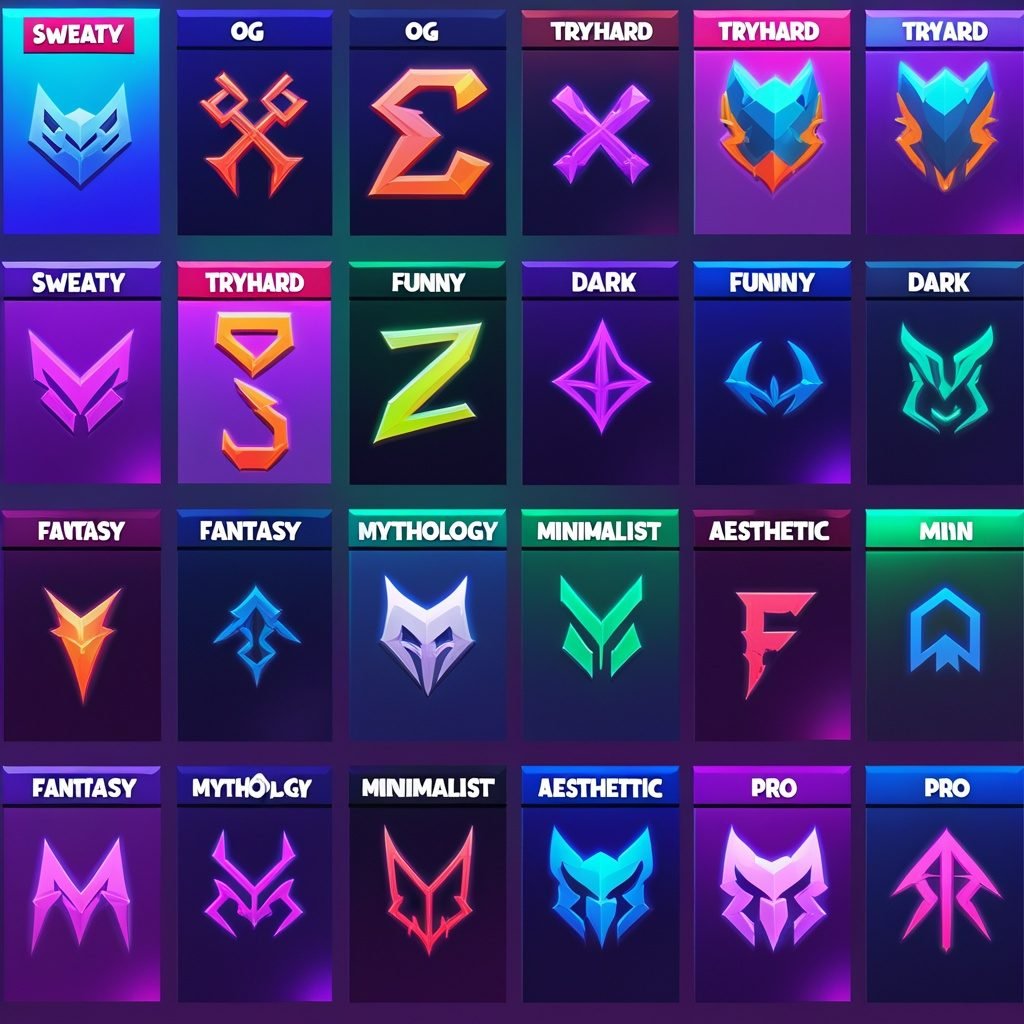
Ten distinct directions, each with its own logic. Pick the one that actually matches how you play rather than the one that sounds coolest in isolation.
Sweaty
Sharp, aggressive, and fast to read — built to signal you're here to dominate.
Examples: FragPulse, VaultRush, StrikeZen
OG
Clean, single-word names that read as timeless rather than trendy.
Examples: Stormly, Driftwood, Cobalt
Tryhard
Lowercase mixed with strategic capitals or numbers, unapologetically competitive.
Examples: nøScope, Zer0Chill, vFrag
Cool
Aesthetic appeal first — sounds great and reads clean on screen.
Examples: NightEdge, Veltrix, CrystalGale
Funny
Puns, pop-culture nods, and absurdist humor that gets a smirk in the lobby.
Examples: BuilderOfNothng, LaggingForYou, YesIWallBounced
Dark
Brooding, mysterious energy for a sinister persona.
Examples: VoidEater, CorruptedSoul, ShadowRift
Fantasy
RPG and mythic imagery that makes your name feel like a character from another world.
Examples: ThornWarden, EclipseRune, SilverDusk
Mythology
Names drawn from gods, titans, and ancient legends.
Examples: ZephyrOath, IronTitanis, AuroraWrath
Minimalist
Short, clean, and confident enough not to need decoration.
Examples: Axe, Lune, Kael
Aesthetic
Soft, visual quality — lowercase, flowing sounds, Unicode accents.
Examples: velvet, softstorm, florxl
How to Use Fonts & Symbols
Unicode fonts and special characters are one of the most effective ways to make a name stand out visually — used well. They're recognized as text, not images, so tools can convert regular text into stylized versions instantly.
- Unicode fonts: script/cursive, double-struck, small caps, and enclosed-letter styles are the most common and the most reliable.
- Special characters: ▲, ✦, and ∆ can accent or replace individual letters — used sparingly, they read as polished rather than cluttered.
- Readability check: if a styled name takes more than a second or two to parse, dial it back.
- Compatibility: not every Unicode font displays correctly on every device — some characters render as boxes on older systems. Test on both PC and console before finalizing.
| Do | Don't |
|---|---|
| Use 1–2 Unicode styles max | Mix four or more font types in one name |
| Test on mobile and console | Assume it looks the same everywhere |
| Use symbols as accents | Replace every letter with a symbol |
| Keep it comfortably under 16 characters | Go right up to the limit with cluttered text |
| Preview before confirming | Rush the final decision |
Fancy Font Versions to Test
Here's how the same names look in the font styles people use most. Some of these letters count as two characters in many systems, so keep styled names short and test them in the Display name box before you commit.
| Font style | Example | How to make it |
|---|---|---|
| Small caps | SᴛᴏʀᴍCʀᴇsᴛ | Small text generator |
| Full-width | NightEdge | Fancy text generator |
| Bold serif | 𝐊𝐚𝐞𝐥 | Font generator |
| Circled | Ⓛⓤⓝⓔ | Font generator |
| Symbol frame | 『AsʜBʟᴀᴅᴇ』 | Gaming symbols |
Copy any of these to try them out. Every one is 16 characters or fewer, even if each special letter counts as two. For more decoration, grab a star symbol or read our guide to using gaming symbols in usernames.
Select any name in the following list to copy it.
Read also: → Stylish Font Generator — 32 Unicode Fonts to Restyle Your Name
Read also: → Unicode Symbols — Copy and Paste 3,300+ Symbols
250 Stylish Fortnite Name Ideas
All 250 names below are original. None are based on real streamers, esports players, or existing usernames, and none use Epic's own product or character names, which Epic's rules don't allow. Tap a name to copy it, and remember a name can already be taken, so test your favorite before you set your heart on it.
Sweaty Fortnite Names (25)
Select any name in the following list to copy it.
OG Fortnite Names (25)
Select any name in the following list to copy it.
Tryhard Fortnite Names (25)
Select any name in the following list to copy it.
Cool Fortnite Names (25)
Select any name in the following list to copy it.
Funny Fortnite Names (25)
Select any name in the following list to copy it.
Dark Fortnite Names (25)
Select any name in the following list to copy it.
Fantasy Fortnite Names (25)
Select any name in the following list to copy it.
Mythology Fortnite Names (25)
Select any name in the following list to copy it.
Minimalist Fortnite Names (25)
Select any name in the following list to copy it.
Aesthetic Fortnite Names (25)
Select any name in the following list to copy it.
Pro Player Style (5 Bonus Names)
Five extra picks in a clean, clan-ready structure — a short tag or strong noun that pairs well with a clan prefix.
Select any name in the following list to copy it.
Fortnite Clan & Duo Names
Building a squad? Your clan tag is just as important as your individual name. Strong clan names are short — typically 2–4 characters — and act as a recognizable prefix across every member's username.
| Clan tag | Full name | Style |
|---|---|---|
| VLT | VaultElite | Sweaty |
| NVX | NovaxClan | Sci-Fi |
| SRG | SurgeSquad | Aggressive |
| DRK | DarkRift | Dark |
| ZRO | ZeroBuild | Tryhard |
| ECL | EclipseFam | Aesthetic |
| FRG | FragForce | Pro |
| NYX | NyxTribe | Mythology |
| BLZ | BlazeUnit | Cool |
| ARC | ArcPack | Minimalist |
Squads usually add the tag to each member's display name, which means the tag comes out of every player's 16 characters: a 3-letter tag plus a space leaves 12 for the name. For more tag ideas, see our clan names with tags or the duo and squad team names guide.
Duo Name Ideas (Matching Pairs)
- FrostBite & SnowBurn
- DawnRift & DuskRift
- VoidLight & VoidDark
- StormRise & StormFall
- NeonSurge & NeonFade
Read also: → Nickname Generator — Fun, Short Names for Friends & Clubs
How to Check If a Fortnite Name Is Available
The most direct test is the Display name box on Epic's settings page.
- Account settings: type the name in the Display name box. If Epic won't accept it, it's taken or it breaks a rule, so move to a backup. Don't press Continue until you're sure, because saving starts the two-week cooldown.
- In-game search: the Add Friend search can show whether someone already uses the name. Console players may show up under their PSN or Xbox name instead, so no result isn't proof the name is free.
- Your other platforms: if you stream or post clips, check the same name on those sites now, before you build a brand around it.
Common Mistakes
- Over-using symbols — stacking several different Unicode characters makes a name unreadable rather than stylish.
- Copying famous players — even a slight variation on a known streamer's name risks enforcement and reads as unoriginal.
- Ignoring platform compatibility — a name that looks great on PC can render as broken characters on console.
- Pushing right to the limit — cramming symbols, numbers, and mixed fonts into all 16 characters creates visual noise, not style.
- Generic combos — names like XxProSniperxX are so overused they've stopped meaning anything.
- No future-proofing — a name tied to a current weapon or trend ages badly once the meta moves on.
- Using your real name or birth year — Epic's rules ban private personal information like real names, and a name plus a year hands strangers more about you than you mean to share.
- Naming yourself after Fortnite itself — direct references to Epic products or characters break the rules and can get your name reset to a random one.
Expert Naming Tips
- Think like a brand — check whether the name works on a stream banner, a channel handle, and a kill feed all at once.
- Say it out loud. A name a commentator or teammate can't say smoothly hurts your identity as a player.
- Check for unintended meanings, especially with creative spelling — run it by a friend before locking it in.
- Go timeless over trendy. A name built around this season's mechanic feels clever now and dated in two seasons.
- Use a generator as a starting point, then refine and personalize whatever it gives you rather than using it verbatim.
- Less is more with Unicode — one clean font style applied consistently beats a chaotic mix every time.
Turning Your Fortnite Name Into a Creator Brand
If you stream, post clips, or plan to, your Fortnite name is also the name people will type into a search bar. That changes what makes a name good. A name that reads fine on the kill feed but can't be spelled after hearing it once will lose you viewers.
Keep the version you use on YouTube, Twitch, or TikTok plain and easy to spell, and save fancy fonts for places where people see the name rather than type it. Our gaming channel name ideas cover channel naming in depth, and the Discord name ideas help if your squad has a server.
If you play more than one game, one base name across all of them builds recognition faster than a new name per game. Compare how the same approach works for Valorant usernames and stylish Roblox usernames, where the rules are different but the branding logic is the same.
Read also: → Gaming Names Hub — Stylish Usernames for Every Game
People Also Ask
What is the best Fortnite name?
There's no single best name — the strongest pick reflects your playstyle, reads clearly at a glance, and is distinctive enough to be memorable.
Can I use symbols in my Fortnite name?
Epic's published rules cover length and content but don't list allowed characters, so the only way to know is to type the name into the Display name box. Symbols that are accepted can still look different on another device. Browse symbols for nicknames to find ones to test.
How long can a Fortnite name be?
Between 3 and 16 characters, according to Epic's display name rules.
What are sweaty Fortnite names?
Sharp, aggressive names that signal competitive intent — often used by skilled players who want to set the tone before the match even starts.
What are OG Fortnite names?
Clean, single-word names that read as rare and timeless, as if they've been around since the earliest seasons.
Can I change my Fortnite name?
Yes. Verify your email, open Account settings on the Epic Games website, and enter a new display name. You can do this once every two weeks.
What makes a Fortnite name unique?
Pairing a distinctive base word with one personal styling element — a capitalization pattern, a Unicode font, or an unexpected character combination — rather than stacking several at once.
What are aesthetic Fortnite names?
Names built around soft, flowing language, often using Unicode small caps or similar accent styles for a delicate, visual quality.
How do I make my Fortnite name look cool with fonts?
Type your name into the fancy text converter, copy a style you like, and paste it into the Display name box. If Epic won't accept it, try a simpler style or keep the plain version.
Quick Recap: How Do You Create a Stylish Fortnite Name?
To create a stylish Fortnite name, pick one style, like sweaty, aesthetic, or dark, and choose a strong base word that fits how you play. Add one font style or symbol at most, keep the name between 3 and 16 characters, avoid Epic product names and personal information, and test it in Account settings before you confirm, since you can only change it once every two weeks.
Your Fortnite name is more than a username. It's your gaming identity. Whether you want something sweaty and aggressive, soft and aesthetic, or clean and minimalist, the strongest names start with knowing the rules, committing to one style, and adding just enough flair to stand out without losing readability. Browse the 250 ideas above, test a few Unicode styles from the Stylish Font Generator, see our gaming fonts collection for more styles, and if you're naming a full squad, the Nickname Generator rounds out your clan roster.
Generate Your Fortnite Name →