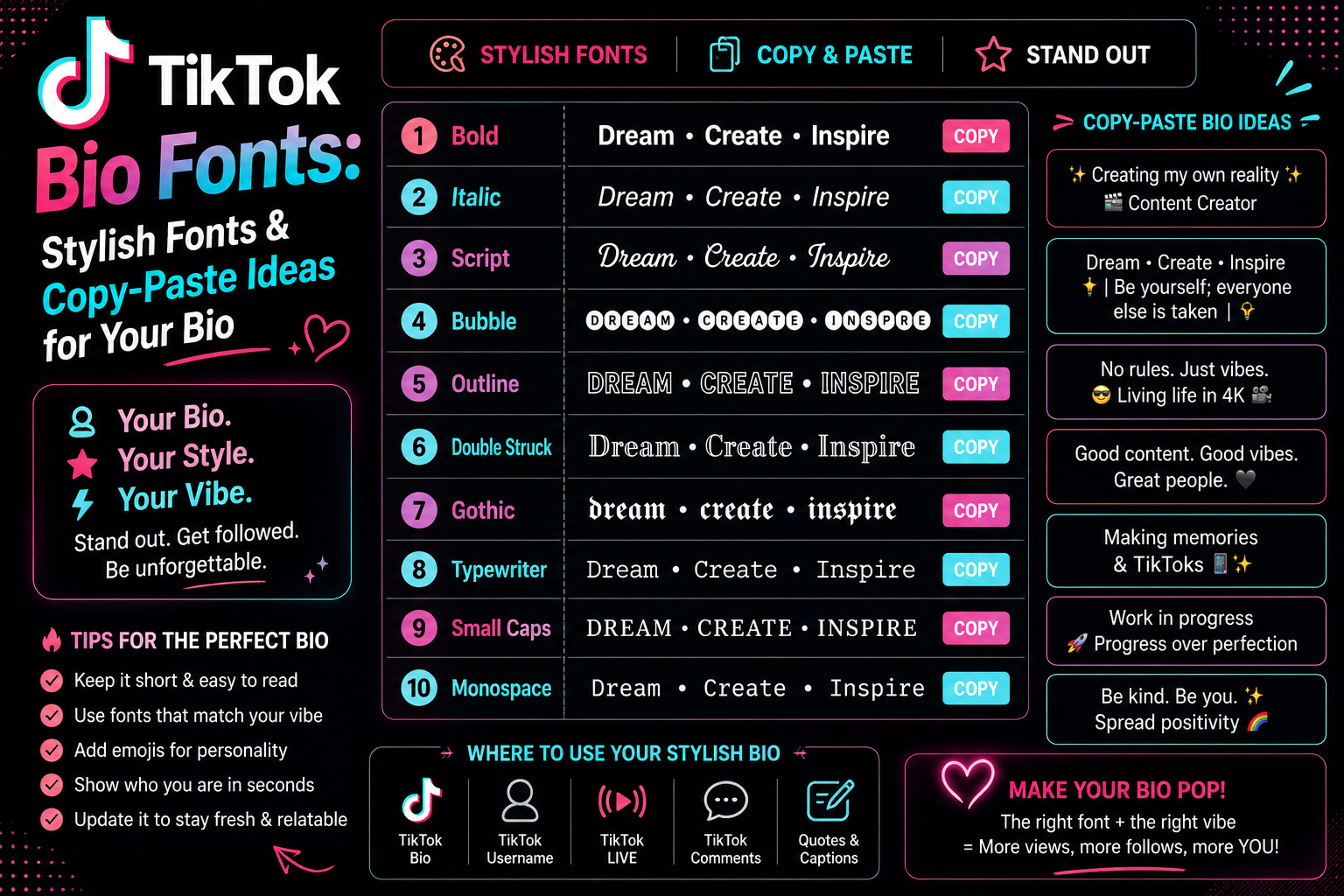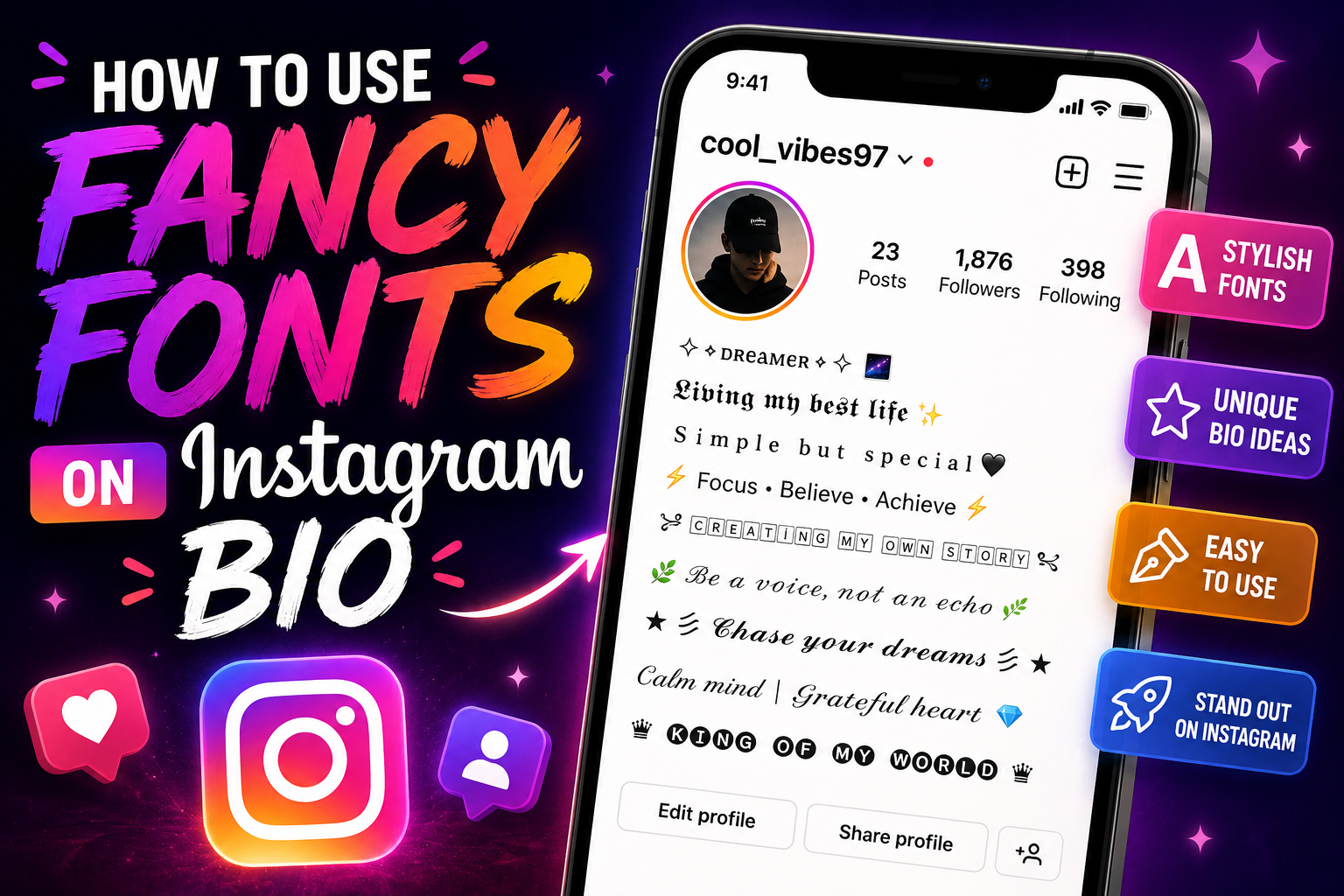
How to use fancy fonts on Instagram bio: the styles are Unicode characters that already look bold, italic or script, not a font you install. A generator converts your words, you copy the result, and you paste it into the Bio field under Edit profile.
Instagram gives you one bio field and no formatting buttons — no bold, no italic, no font picker. That is why styled bios look like they are using a font Instagram does not offer. They are not, and once you understand the difference the whole process takes about a minute.
The sections below cover the full workflow: what these styles actually are, how to generate and copy them, exactly where the Bio field lives, how to blend styled and plain text so your profile still reads well, and what to do when a character shows up as an empty box.
What Are Fancy Fonts on Instagram?
A font is a file your device installs and applies to text. Instagram does not let you do that, and nothing you copy from a website can change the typeface Instagram renders with. What people call "Instagram fonts" is something different: separate Unicode characters that were designed to look like styled letters.
Unicode is the standard that assigns a number to every character your device can display. Alongside the ordinary Latin alphabet it contains whole alternate alphabets — a bold set, an italic set, a script set, a monospace set, and more. These exist mostly so mathematicians can write different kinds of variables, but the characters are real letters as far as your keyboard and clipboard are concerned.
So when a generator turns Welcome to my profile into 𝐖𝐞𝐥𝐜𝐨𝐦𝐞 𝐭𝐨 𝐦𝐲 𝐩𝐫𝐨𝐟𝐢𝐥𝐞, it has not applied bold formatting. It has replaced every letter with a different character that happens to be shaped bold. That distinction explains almost everything about how to use fancy fonts on Instagram bio text — why the styling survives copy and paste, why it works in a field with no formatting options, and why it sometimes breaks.
How to Use Fancy Fonts on Instagram Bio
The full process, from blank bio to saved profile. Steps 1 to 5 happen on this site; steps 6 to 10 happen in the Instagram app.
- Open the fancy text generator.
- Type or paste the bio text you want to style into the input box.
- Scroll the list of styles — each one shows your own words, not a sample phrase.
- Read the preview carefully and check every character converted, especially numbers and punctuation.
- Tap the copy button next to the style you want.
- Open Instagram and go to your profile.
- Tap Edit profile.
- Tap the Bio field.
- Paste the copied text, and type any plain text you want to keep unstyled.
- Save the change — the confirm control is usually Done on iPhone and a checkmark on Android; on the web version the button is labelled Submit.
Instagram's own Help Centre describes the web path as clicking your profile picture, clicking Edit profile, then clicking the text box next to Bio. Exact wording shifts between app versions and platforms, so treat the labels above as a guide rather than a script — the sequence itself has been stable for a long time.
How to Create a Fancy Instagram Bio
Styling is the easy half. A bio that looks good but says nothing wastes the most valuable text on your profile. Instagram's Help Centre puts the bio limit at 150 characters, which is less room than it sounds like once decorated styles are involved — fullwidth text, for example, replaces every ordinary space with a wider one. Write the words first, style them second.
A bio that works usually carries four things in this order:
- Identity — who you are or what the account is, in a few words.
- Description — what someone gets by following you.
- Detail — location, niche, or interests, kept short.
- Call to action — what you want the visitor to do next, pointing at your link.
Style the identity line and leave the rest plain. That gives the eye somewhere to land without turning the whole bio into decoration. Symbols and emoji work as separators between those lines rather than as filler — a single character from the symbols library between sections does more than a row of them.
Here is the same bio written four ways, with only the first line styled:
| Account type | Bio |
|---|---|
| Simple | 𝐀𝐦𝐢𝐧𝐚 — plant photos and slow mornings |
| Creator | ᴅᴀɪʟʏ ᴅᴇꜱɪɢɴ ᴛɪᴘꜱ · new video every Thursday · link below |
| Gaming | 𝕹𝖎𝖌𝖍𝖙𝖋𝖆𝖑𝖑 | ranked grind · clips daily · stream link below |
| Aesthetic | 𝓼𝓸𝓯𝓽 𝓱𝓸𝓾𝓻𝓼 · film photography · Lisbon |
Read also: → Instagram Names — Usernames, Display Names & Bio Ideas
Best Fancy Font Styles for Instagram Bios
Not every style is worth using on a profile people are meant to read. These are the categories worth knowing, roughly in order of how safely they render:
| Style | Example | Best used for |
|---|---|---|
| Bold | 𝐲𝐨𝐮𝐫 𝐧𝐚𝐦𝐞 | The safest emphasis. Widest character coverage of any style. |
| Sans bold | 𝘆𝗼𝘂𝗿 𝗻𝗮𝗺𝗲 | Same job as bold, closer to Instagram's own typeface. |
| Italic | 𝑦𝑜𝑢𝑟 𝑛𝑎𝑚𝑒 | Soft emphasis for a tagline or a single phrase. |
| Script | 𝔂𝓸𝓾𝓻 𝓷𝓪𝓶𝓮 | Decorative names. Hard to read in long sentences. |
| Gothic | 𝖞𝖔𝖚𝖗 𝖓𝖆𝖒𝖊 | Strong character, low legibility. One or two words only. |
| Small caps | ʏᴏᴜʀ ɴᴀᴍᴇ | Quiet, tidy emphasis that still reads as normal text. |
| Small text | ʸᵒᵘʳ ⁿᵃᵐᵉ | Subtitles and asides. Genuinely small on a phone. |
| Bubble | ⓨⓞⓤⓡ ⓝⓐⓜⓔ | Playful accents. Tiring to read at length. |
| Monospace | 𝚢𝚘𝚞𝚛 𝚗𝚊𝚖𝚎 | Technical or minimal profiles. |
| Wide | your name | Airy spacing. Consumes the character limit fastest. |
If you want to explore a category properly rather than pick from a table, the stylish font generator lays every style beside your own text, and the small text generator and bubble text generator cover those two effects on their own.
How to Mix Fancy Fonts With Normal Text
The most common mistake is styling everything. A fully styled bio has no emphasis left — when every word looks special, none of them do, and the whole block gets harder to scan.
One styled element per bio is usually enough. Compare:
Select any name in the following list to copy it.
The first reads instantly and the styled name still stands out. The second takes real effort to decode, and on a small screen most visitors will not bother.
Two rules keep mixed bios readable. First, do not mix two decorative styles in one bio — pick one and let plain text do the rest. Second, keep anything that has to be read accurately in plain letters: your real name, an email address, a discount code, or a spelling someone might need to type. Styled characters cannot be searched for reliably, and a visitor cannot retype them from your profile.
Why Some Fancy Fonts Do Not Work on Instagram
Knowing how to use fancy fonts on Instagram bio text is only half the job; knowing when a style will fail is the other half. Instagram accepts Unicode text in the bio, but accepting a character and displaying it are different things. Whether a character appears correctly depends on the device, the operating system version, and the app doing the rendering — not on Instagram alone.
When a character has no matching glyph in the font installed on the viewer's device, that device substitutes a fallback — usually an empty rectangle, sometimes a question mark. The text itself is intact; the device simply has nothing to draw. This is why a bio can look perfect on your phone and broken on someone else's.
Coverage varies by style for a simple reason: some of these alphabets are far older and more widely supported than others. Bold, italic and monospace tend to render almost everywhere. Newer or more obscure blocks, and heavily decorated styles, are the ones most likely to fall back.
Two other limits are worth knowing. Styles built from incomplete alphabets leave some characters unconverted, so a name may come out half-styled — bubble text, for instance, handles letters but not every punctuation mark. And accented characters, non-Latin scripts, and most punctuation usually pass through unchanged, because no styled equivalent exists for them.
Tips for Making a Readable Fancy Instagram Bio
- Style one thing. Usually the name or the first line. Let the rest carry information.
- Favour high-coverage styles. Bold and small caps render in more places than script or gothic.
- Keep searchable words plain. Nobody finds a styled word by searching for the normal spelling of it.
- Watch the character count. Decorated styles eat the 150-character allowance faster than plain letters.
- Use symbols as punctuation, not filling. One separator between ideas beats a decorative border.
- Check it on a phone. Most people will see your profile on a screen far narrower than the one you wrote it on.
One consideration that rarely gets mentioned: screen readers do not treat these characters as ordinary letters. Because they are formally mathematical symbols, assistive software may announce them by their technical Unicode names or skip them altogether, rather than reading the word you intended. A visitor using a screen reader may get nothing usable from a fully styled bio. Keeping your name and your key line in plain text is the single change that helps most.
How to Change or Remove Fancy Text From Your Bio
Reversing it is the same path as adding it. Open Instagram, go to your profile, tap Edit profile, then tap the Bio field.
To remove the styling entirely, delete the styled text and type the words again from your keyboard. Typing always produces plain characters, so there is nothing else to undo. Editing individual letters inside styled text is fiddly — clearing the line and retyping is faster and avoids leaving a mix of styled and plain characters in the same word.
To switch to a different style, run the original wording through the generator again and paste the new version over the old one. Do not feed already-styled text back into a generator: it takes ordinary letters as input, and styled characters are not ordinary letters, so most of them will pass straight through unchanged.
Save with the same control you used before, then reload your profile to confirm the change stuck.
Putting It All Together
Once you know how to use fancy fonts on Instagram bio text, the work itself takes under a minute: generate, copy, paste, save. The judgement is in the restraint. Style one line, leave the rest in plain letters, keep anything searchable or typeable unstyled, and look at the result on a second device before you walk away from it.
If the style you picked turns out to be the wrong fit, nothing is locked in — clear the field, retype the words, and run them through a different style whenever you want.
Read also: → Cool Instagram Usernames for Boys: 562 Stylish and Unique Names
Frequently Asked Questions
How do I use fancy fonts on my Instagram bio?
Type your text into a fancy text generator, copy the style you want, then open Instagram, go to your profile, tap Edit profile, tap the Bio field, paste the text and save. The styling travels with the characters, so nothing needs to be installed.
Does Instagram let you change the font in your bio?
Not directly — there is no font setting or formatting toolbar in the bio field. Styled bios work by pasting in Unicode characters that already look styled, which is a different thing from changing the font Instagram uses.
How many characters can an Instagram bio hold?
Instagram's Help Centre states that a bio can be up to 150 characters. Decorated styles use that allowance up faster than plain letters, so a bio that fits before styling may not fit afterwards.
Why does my Instagram bio show empty boxes or question marks?
The device viewing your profile has no glyph for that character in its installed fonts, so it draws a fallback box instead. Your text is not corrupted. Switching to a widely supported style such as bold or small caps usually fixes it.
Do fancy fonts work on every phone?
Not guaranteed. Rendering depends on the device, its operating system version, and the app, so a bio can look correct on one phone and broken on another. Checking on a second device before you settle on a style is worth the minute it takes.
Can people still find my profile if my bio uses fancy fonts?
Styled characters are different characters from the ones people type into a search box, so styled words are not reliably searchable. Keep your name and any term you want to be found by in plain text.
Are fancy fonts safe to use on Instagram?
They are standard Unicode characters, so there is nothing unsafe or against the rules about the characters themselves. Instagram's normal content rules still apply to whatever your bio actually says.
How do I remove fancy text from my Instagram bio?
Open Edit profile, tap the Bio field, delete the styled text and retype it from your keyboard. Typing always produces plain characters, so retyping is faster and cleaner than editing styled letters individually.