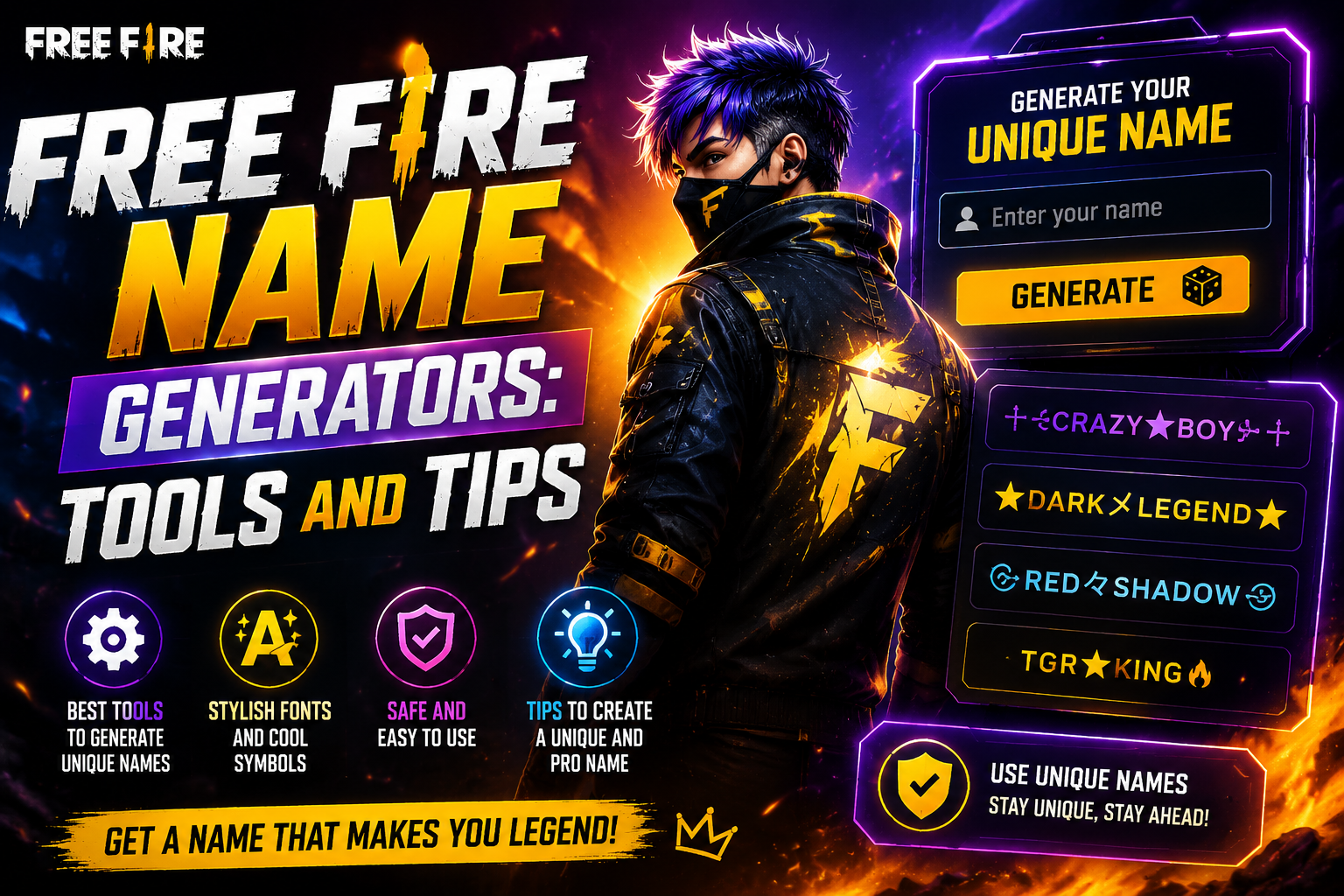
A Free Fire name generator turns a plain word into a stylish, ready-to-paste name in seconds, using fonts, symbols and decorative Unicode. This guide covers the main kinds of generators, how they work, and how to get a generated name through Free Fire's rename screen without wasting a rename. Your name is the first thing every squad, enemy and spectator sees, so it's worth getting right.
The best part? Creating an epic name is easy. With the right tools and a few simple tricks, you can build a username that's stylish, unforgettable, and totally you. Let's dive in!
Why Your Free Fire Name Actually Matters
Free Fire is one of the biggest mobile battle royale games on the planet, and the competition is fierce. Your name does a lot of heavy lifting:
- It builds your identity. A cool name makes you recognizable to friends, clans, and rivals.
- It shows your style. Symbols, fancy fonts, and clever wordplay tell people who you are before the first shot is fired.
- It earns respect. A sharp, stylish name signals confidence the second you land.
- It helps you get noticed. Streaming or climbing the ranks? A memorable name sticks in people's minds.
- A great name is your first win of the match. Let's make yours count!
Popular Free Fire Name Generator Tools
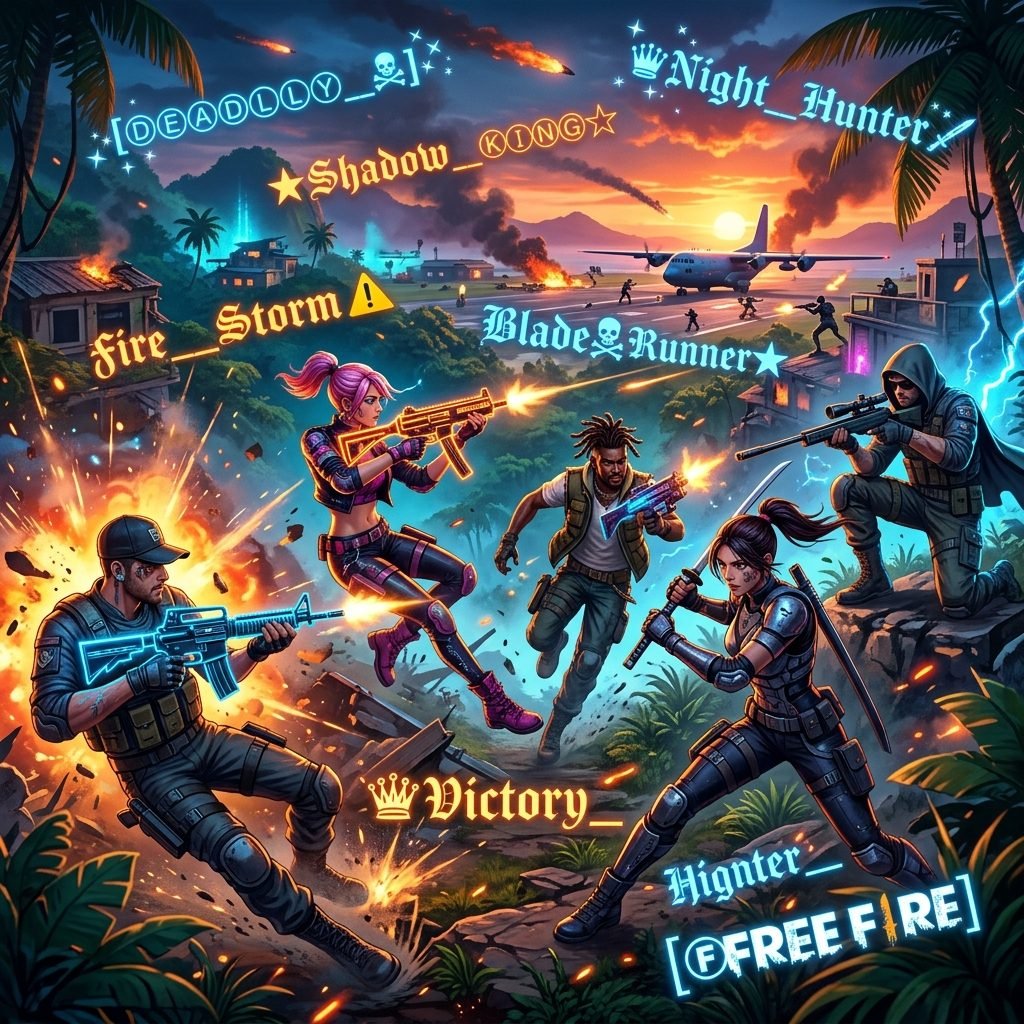
You don't need to be a design wizard to craft something amazing. These free, easy-to-use tools do the hard work for you in seconds.
1. Nickname Generators (AI NAME DESIGN)
These are the go-to favorites for a reason. You type in your desired name, and the tool instantly spits out dozens of stylized versions loaded with fancy fonts, symbols, and decorative characters.
- How it works: Enter a base name, hit generate, and scroll through the results.
- Why players love it: Endless variety, one-tap copying, and zero effort.
2. Fancy Text Generators
Want your name to look totally unique? Fancy text tools transform ordinary letters into bold, italic, cursive, glitchy, and upside-down styles using Unicode characters that work right inside Free Fire.
- How it works: Type your text, then pick from a huge menu of styled versions.
- Why players love it: Perfect for adding personality without changing your actual name.
3. Symbol and Emoji Combiners
These handy tools let you wrap your name in stars, crowns, hearts, swords, and other eye-catching symbols or emoji. Add a ꧁꧂ frame or a ⚔️ to instantly level up your look.
- How it works: Choose your symbols, drop your name in the middle, and copy the finished design.
- Why players love it: Instant flair that makes your name pop.
4. Clan and Guild Name Generators
Rolling with a squad? These tools create matching, themed names for your whole crew, so your entire clan looks unified and intimidating on the leaderboard.
- How it works: Pick a theme or keyword, and generate a set of coordinated names.
- Why players love it: Team spirit and style, all in one.
| Tool Type | Description | How It Works | Why Players Love It |
|---|---|---|---|
| Nickname Generators (AI NAME DESIGN) | Generates stylized names with fancy fonts, symbols, and decorative characters. | Enter a base name, hit generate, and scroll through the results. | Endless variety, one-tap copying, and zero effort. |
| Fancy Text Generators | Transforms ordinary letters into bold, italic, cursive, glitchy, and upside-down styles using Unicode characters. | Type your text, then pick from a huge menu of styled versions. | Perfect for adding personality without changing your actual name. |
| Symbol and Emoji Combiners | Wraps your name in stars, crowns, hearts, swords, and other eye-catching symbols. | Choose your symbols, drop your name in the middle, and copy the finished design. | Instant flair that makes your name pop. |
| Clan and Guild Name Generators | Creates matching, themed names for your whole squad. | Pick a theme or keyword, and generate a set of coordinated names. | Team spirit and style, all in one. |
How a Free Fire Name Generator Works
A generator doesn't install a font or change the game. It swaps each normal letter for a different Unicode character that happens to be drawn in a style, like a small-caps “ᴀ” or a script “𝓪”, then optionally adds symbols around the result. Because the output is ordinary text, you can copy it anywhere, including Free Fire's name field.
| Base word | Style | Output |
|---|---|---|
| Vexlo | Small caps | Vᴇxʟᴏ |
| Vexlo | Full-width | VEXLO |
| Vexlo | Small caps + frame | ꧁Vᴇxʟᴏ꧂ |
| Vexlo | Bold script + sparkle | 𝓥𝓮𝔁𝓵𝓸✦ |
| Vexlo | Small caps + 乂 frame | 乂Vᴇxʟᴏ乂 |
That's also why some results fail in-game. If Free Fire's font doesn't include a character, it shows an empty box, and some styles are built from several characters stacked together, which count against the 12-character limit.
Which Generator Fits Your Goal?
| If you want… | Use… | Why |
|---|---|---|
| A finished, game-ready name fast | Free Fire name generator | Results are built around Free Fire's short name field |
| Ideas when you have no base word | Nickname generator | Suggests words, not just styles |
| Your own name in a new font | Fancy text generator | Live preview and character count |
| Just a crown, frame or sword | Symbols collection | Copy one symbol pair and add it yourself |
Step by Step: Make a Name With a Generator
- Open the Free Fire name generator and type a short base word, 4 to 6 letters is ideal.
- Scroll the results and pick one style you can still read at a glance.
- If you want a frame, add one symbol pair, not one on every side of every letter.
- Tap the copy button next to the result.
- Paste it into the Free Fire rename field and look at every character before confirming.
- If it's taken or too long, go back and change one thing: a different frame, a shorter word, or a different style.
Tips for Getting a Generated Name Into Free Fire
A generator hands you dozens of names in seconds. Changing your name in-game is the part that costs a Name Change Card or diamonds, so run these quick checks before you confirm:
- Start with a short base word. Free Fire's 12-character limit includes every symbol, so a 4–6 letter word leaves room for a frame on each side. The Free Fire name page covers the limit in more detail.
- Let one thing do the showing off. A heavy font inside a thick frame is hard to read at scoreboard size. Pick either a bold style or a symbol frame, and keep the other simple.
- Copy with the copy button. Dragging to select styled text often misses a leading symbol or picks up a stray space.
- Paste it into a note or chat first. If anything shows up as an empty box, that device's font doesn't have the character, and some players will see the same box.
- Watch for symbols built from several pieces. Some symbols that look like one character are stored as two or three Unicode pieces. If a name gets trimmed or rejected, remove these first.
| Symbol | Unicode pieces | What's inside | Tip |
|---|---|---|---|
| ꧁ ꧂ | 1 each | One Javanese ornament per side | A popular frame that stays compact |
| ♛ 👑 | 1 each | Chess queen and crown emoji | Single pieces; ♛ also blends with text styles |
| ⚔️ | 2 | Crossed swords plus an invisible emoji selector | Use ⚔, the plain-text version: one piece |
| ☠️ | 2 | Skull and crossbones plus an invisible emoji selector | Use ☠ or 💀: one piece each |
| ×͜× | 3 | Two × signs joined by a combining mark | Looks like 2 characters, stores 3 |
Still stuck? The Free Fire name page lists the other reasons a name gets rejected, and how to change your Free Fire name walks through the rename screen step by step. Single-piece frames and crowns are ready to copy in the symbols library.
What to Avoid When Using Name Generators
- Taking the first result. Thousands of players type the same popular words, so the top result is the most likely to be taken. Scroll further or edit it.
- Glitch and Zalgo text. Stacked accent marks look wild on a website, but they blow past the 12-character limit and often get rejected.
- Mixing three styles. A script word inside a gothic frame with emoji on top is unreadable in the kill feed.
- Invisible characters. Blank-name tricks can break after updates. Use them only if you understand the risk.
- Copying someone else's tag. A generator can recreate a streamer's styled name exactly, which can get reported as impersonation.
Your Free Fire name is your personal battle cry, and with the right generator, you can forge one that’s as unique as your playstyle. Whether you choose a nickname generator for instant style, fancy text for a custom look, or symbols to frame your tag, each tool gives you a way to claim your identity without hassle. Stop settling for a forgettable username—head to AI Name Design or any of these generators now, and pick a name that demands attention from the moment you drop in.
Read also: → Cool Free Fire Names for Pro Gamers: 475 Stylish IGN Ideas
Once you've picked a generator, fine-tune the result with the fancy text generator, grab decoration from the symbols page, or jump straight to the Free Fire name generator for game-ready picks.