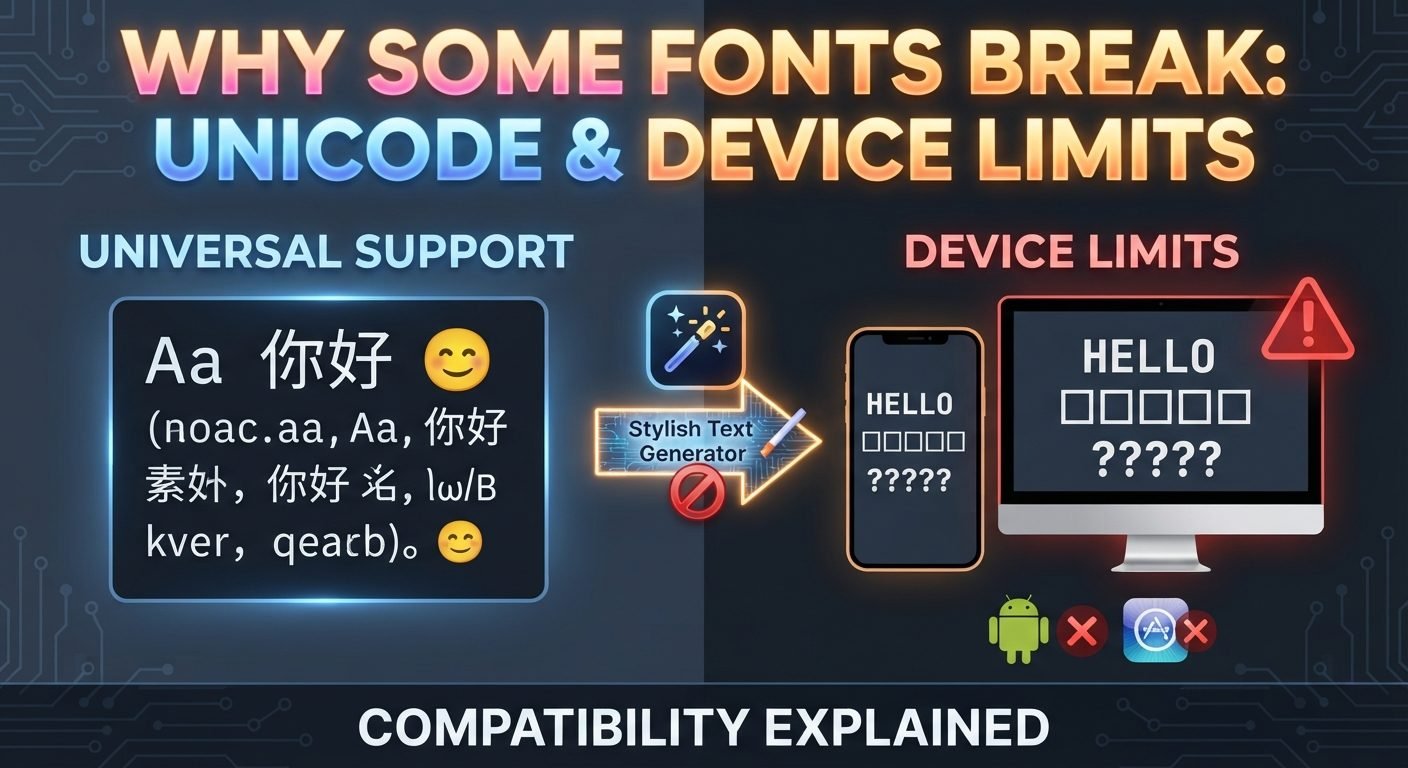
Stylish text can look completely different depending on where it is viewed. A name that appears beautifully on one phone may show ordinary-looking characters, empty boxes, question marks, or strange symbols on another device.
This can be confusing when you create a stylish username, social media name, gaming nickname, or profile bio. You may copy the same text from a stylish text generator and expect it to look identical everywhere, only to discover that some characters have changed or disappeared.
The reason is that stylish text often depends on Unicode characters, fonts, operating systems, applications, and platform support. All of these parts work together to display the final result.
Understanding why this happens can help you choose stylish text that is more reliable and avoid designs that cause problems.
Read also: → Samsung One UI 8.5 Emoji
Stylish Text Is Not Always a Traditional Font
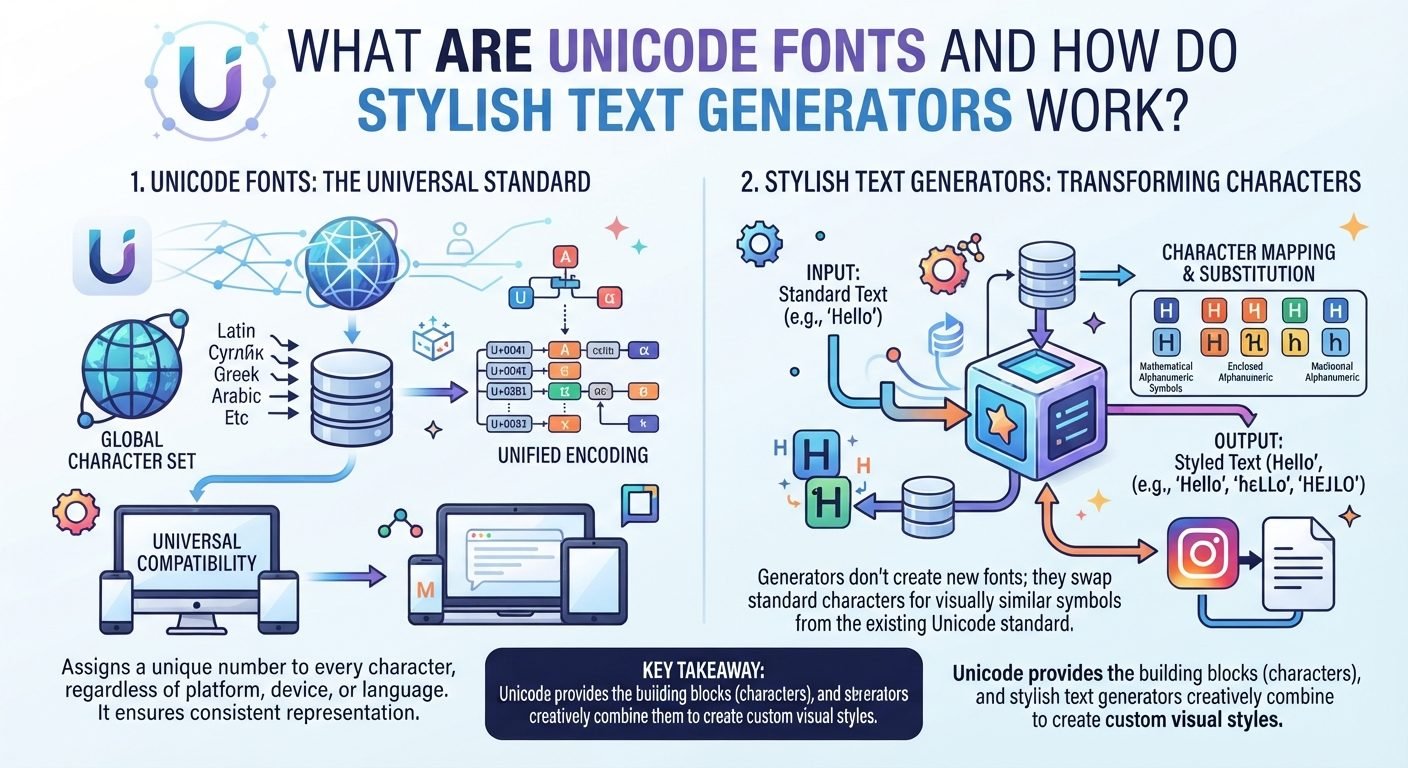
One of the first things to understand is that what websites call a "stylish font" is often not a traditional font at all.
A traditional font changes the visual appearance of ordinary characters.
For example, the letter:
A
can be displayed using many different fonts while remaining the same underlying character.
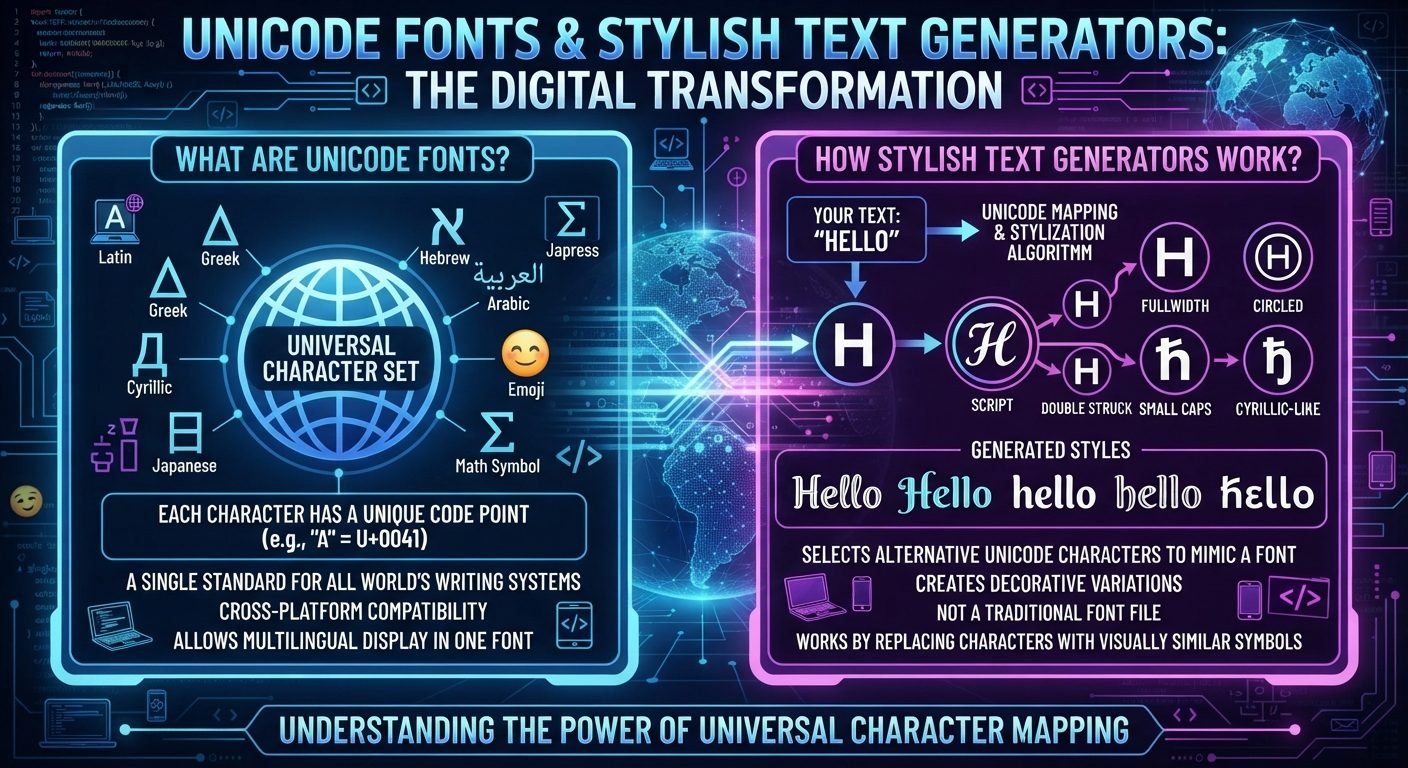
Stylish text generators often work differently. They may replace ordinary letters with special Unicode characters.
For example:
Nova
could become:
𝑵𝒐𝒗𝒂
The second version contains Unicode characters that have a different visual appearance from ordinary letters.
This distinction is important because Unicode characters still need to be supported by the device or application displaying them.
What Is Unicode?
Unicode is a standardized system for representing characters digitally.
It includes characters used by many writing systems as well as symbols, punctuation, mathematical characters, emoji, and other special characters.
Every Unicode character has a defined identity.
When you copy stylish text, you are often copying these Unicode characters rather than copying a special font file.
For example, a stylish text generator might transform a normal letter into a Unicode character that looks bold or script-like.
The receiving device then tries to display that character.
If everything needed to display it is available, the result looks correct.
If something is missing, you may see a different result.
Why a Unicode Character Needs a Font
Unicode defines what a character is, but it does not completely determine how that character should look.
A font contains the visual information needed to draw characters on a screen.
When your device encounters a Unicode character, it needs a font containing a suitable design for that character.
For common letters such as A, B, and C, this is rarely a problem because nearly every modern system has fonts containing them.
Less common Unicode characters can be different.
If the system does not have an appropriate font, it may need to find another font that supports the character.
If no suitable font is available, the character may not display properly.
What Is a Missing Character Box?
One of the most recognizable signs of a font or character compatibility problem is an empty square.
It may look like:
□
This is sometimes called a missing-glyph box or tofu.
It generally means the system knows that a character exists but cannot find a suitable glyph to display it.
The problem is not necessarily that the Unicode character itself is invalid.
The device simply may not have the necessary visual representation available.
Why One Phone Can Display a Character and Another Cannot
Different devices can use different operating systems, system fonts, software versions, and applications.
For example, an Android phone and an iPhone may not use the same collection of fonts.
Even two phones using the same operating system may have different software versions or manufacturer-specific components.
As a result, one device may have support for a particular Unicode character while another does not.
This is why testing stylish text on only your own phone does not guarantee that everyone else will see the same thing.
Operating System Support Matters
The operating system plays an important role in text rendering.
Different systems maintain their own font collections and rendering technologies.
Common environments include:
- Android
- iOS
- Windows
- macOS
- Linux
- Smart TVs
- Gaming systems
They do not necessarily provide identical support for every Unicode character.
A character introduced or supported more recently may be especially likely to cause problems on older systems.
Software Version Can Also Matter
Even when two devices use the same operating system, their software versions may differ.
An older operating system may not support a newer Unicode character that a newer version displays correctly.
This means a stylish name could work on a recently updated phone but fail on an older device.
Software updates sometimes add support for new Unicode characters, emoji, and related rendering capabilities.
However, updating is not always possible or practical for every device.
Websites Can Have Their Own Font Systems
A website may use custom fonts rather than relying entirely on system fonts.
When a website loads a page, it can specify which fonts should be used for particular text.
If the selected font contains the necessary Unicode character, it may display correctly.
If not, the browser may attempt to use another available font.
This process is commonly known as font fallback.
The final appearance can therefore depend on both the website's font choices and the fonts available on the device.
What Is Font Fallback?
Font fallback is the process of using another font when the preferred font does not contain a particular character.
Imagine a website uses Font A for its text.
Font A supports ordinary Latin letters but does not contain a particular Unicode symbol.
The system may look for another font, Font B, that contains the missing character.
If Font B is available, the character can still appear.
If no suitable fallback font exists, you may see a missing-character box.
This is one reason why a single sentence can sometimes contain characters that look slightly different from one another.
Why Some Letters Look Different in the Same Name
You may have seen stylish text where most letters look decorative but one character looks normal.
For example, a generated name might appear mostly stylized while one number or symbol remains ordinary.
This can happen because the selected Unicode style does not contain an equivalent character for every part of the input.
A generator may therefore combine:
- Styled Unicode characters
- Ordinary letters
- Ordinary numbers
- Regular punctuation
- Other Unicode symbols
The result can still function, but the visual style may not be perfectly consistent.
Not Every Unicode Style Contains Every Character
This is an important limitation of stylish text generators.
Unicode has many different character groups, but there is not a complete decorative version of every possible letter, number, punctuation mark, and symbol in every visual style.
A generator may have a stylish version for:
A, B, C, D
but lack an equivalent for a particular symbol or character you enter.
The generator may simply leave that character unchanged.
This is why changing your username may produce an unexpected mixture of styles.
New Unicode Characters Can Cause Compatibility Problems
Unicode continues to evolve.
New characters and symbols can be added over time, and software developers need to update their systems to support them.
If a character is relatively new, older devices may not recognize or display it correctly.
This is particularly noticeable with some newer emoji and specialized symbols.
A stylish text generator may provide a character that your modern phone handles perfectly while an older device does not.
Emoji Have Similar Compatibility Issues
Emoji are also Unicode characters, and they can demonstrate the same basic problem.
The same emoji can have different artwork on different platforms.
For example, an emoji sent from one device may appear with a slightly different visual design on another.
The underlying character can remain the same even though the artwork changes.
Stylish symbols can behave similarly.
The exact visual representation is not always controlled by the person who created the text.
Browser Differences Can Matter
When you view stylish text on a website, the browser also participates in displaying it.
Different browsers can have different rendering behavior, especially when combined with different operating systems and installed fonts.
Common browsers include:
- Chrome
- Edge
- Firefox
- Safari
A character that works correctly in one browser may have a slightly different appearance in another.
Major modern browsers generally have strong Unicode support, but that does not mean every character will look identical.
Why Copy and Paste Does Not Preserve Everything
When you copy stylish Unicode text, you are generally copying the characters themselves.
You are not necessarily copying the exact font used to display them.
This means the destination device has to render those characters using its own available fonts.
For example, you may copy:
𝓢𝓽𝔂𝓵𝓲𝓼𝓱
from one website.
When you paste it somewhere else, the receiving application determines how those Unicode characters are displayed.
The result may look slightly different or may not display correctly if the characters are unsupported.
Why Stylish Text Can Work in One App but Not Another
Different applications can impose different restrictions.
Some apps accept a wide range of Unicode characters.
Others may sanitize, remove, normalize, or restrict certain characters.
For example, a platform might allow decorative Unicode in a profile display name but prevent the same characters from being used in a username.
A game may allow certain Unicode characters in chat but restrict them in player names.
This is a platform-specific issue rather than necessarily a problem with the text generator.
Display Names and Usernames Have Different Restrictions
A display name is often more flexible than a username.
For example, a platform might allow:
Display name: 𝑺𝒊𝒍𝒗𝒆𝒓 𝑵𝒐𝒗𝒂 ✦
while requiring a username such as:
@silvernova
The display name is intended for presentation, while the username is used as an account identifier.
Because usernames need to work reliably for searching, mentions, and account links, platforms may impose stricter character rules.
Why a Stylish Username Might Be Rejected
If you paste decorative text into a username field and it is rejected, the platform may simply not allow those characters.
Possible restrictions include:
- Only letters allowed
- Letters and numbers only
- Limited symbols
- Maximum length
- Minimum length
- No spaces
- Restricted Unicode characters
- Reserved words
This does not necessarily mean the generated text is broken.
It means the platform's username system has different requirements.
Why Search Results Can Be Affected
Two characters can look almost identical while being different Unicode characters.
For example, a normal letter and a decorative Unicode character may appear similar to a person but have completely different underlying character values.
Search systems may not always treat them as equivalent.
This means:
Nova
and:
𝑵𝒐𝒗𝒂
could potentially behave differently when someone searches for them.
The exact result depends on the platform's search and text-processing systems.
For this reason, simple usernames are often easier to find.
Why Some Stylish Names Are Difficult to Type
Ordinary letters are available directly on standard keyboards.
Many Unicode decorative characters are not.
If your username contains unusual characters, another person may have to copy and paste the name instead of typing it manually.
This can become a problem when:
- Telling someone your username verbally
- Sharing your account on another platform
- Creating a profile link
- Searching for an account
- Mentioning someone
- Entering a name on a device without the same character support
A stylish display name can be decorative while the underlying username remains simple.
Accessibility Can Be Affected
Stylish Unicode text can also create accessibility challenges.
Screen readers and other assistive technologies may interpret unusual characters differently from ordinary letters.
A decorative string that looks like a simple word to a sighted user may be read in an unexpected way.
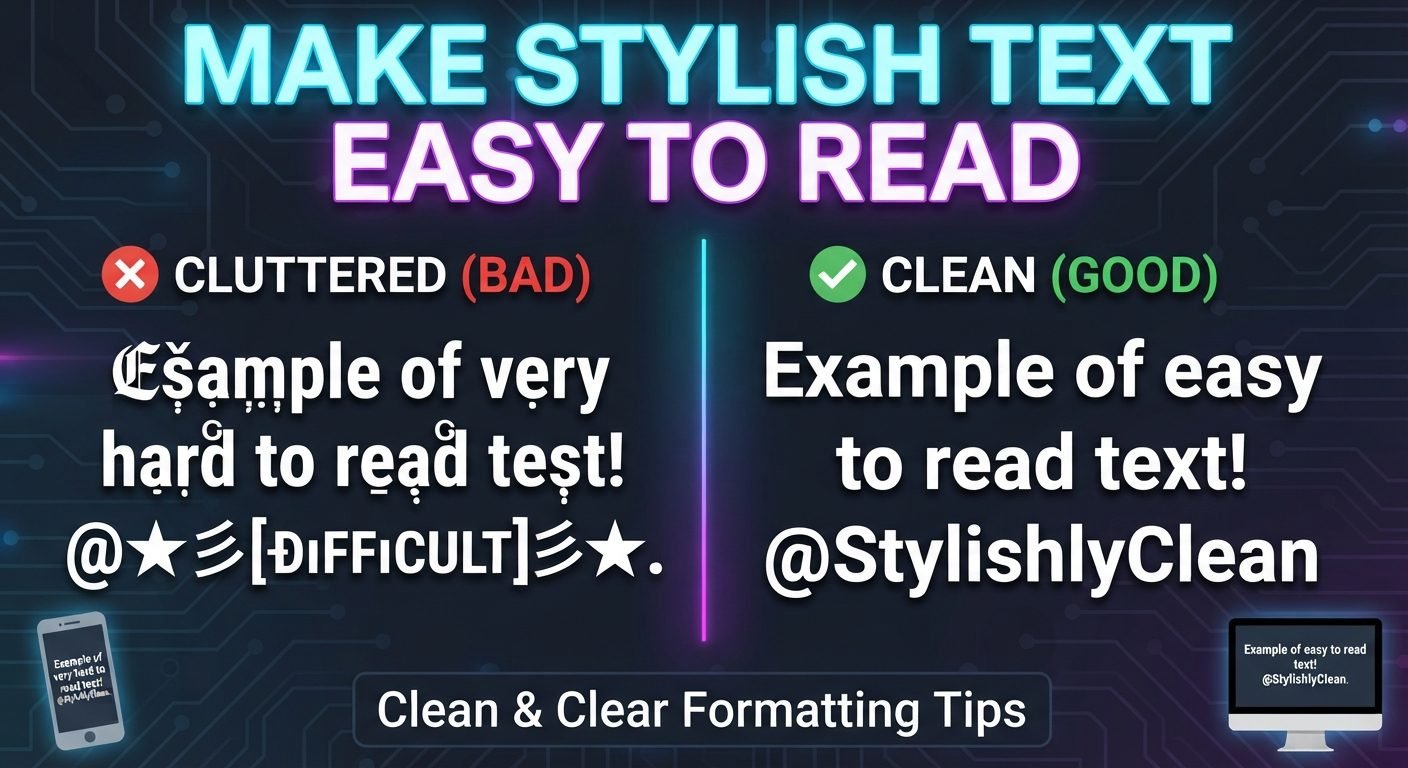
For important information, normal text is generally easier for a broad range of users and technologies to understand.
This is another reason to use stylish Unicode primarily for decoration rather than essential information.
Choose Common Characters When Compatibility Matters
If you want the widest possible compatibility, avoid extremely unusual Unicode characters.
Simple decorative characters are often easier for systems to handle than obscure ones.
For example, a name such as:
Nova ✦
may be more practical than one containing a large collection of highly specialized symbols.
The more unusual the characters become, the more important testing becomes.
Keep Your Username Simple When Possible
One of the best solutions is to separate your username from your visual style.
For example:
Display name: 𝑵𝒊𝒈𝒉𝒕 𝑺𝒌𝒚 ✦
Username: @nightsky
This gives you a stylish profile name while keeping the account identifier easy to search and communicate.
You can also use a simple base name with a small decorative element instead of converting every character.
What To Do When Stylish Text Does Not Display Correctly
If your stylish name appears incorrectly, try these steps.
Use a Different Style
The generator may offer another Unicode set that has better compatibility.
Remove Unusual Symbols
Keep the main letters and remove decorative characters one at a time.
Use a Simpler Version
Try ordinary letters with one small symbol.
Check the Platform Rules
The problem may be caused by the platform rejecting certain characters.
Update the Device or App
If your device or software is outdated, an update may improve character support.
Test Normal Text
Paste the ordinary version of the name.
If normal text works but the stylish version does not, the issue is likely related to Unicode character support or platform restrictions.
Common Mistakes to Avoid
Assuming Every Unicode Character Works Everywhere
Unicode is standardized, but support for individual characters can vary across software and devices.
Testing Only on Your Own Phone
Your device may support characters that another person's device does not.
Using Extremely Rare Symbols
Unusual characters have a greater chance of creating compatibility or readability problems.
Decorating Every Character
More decoration does not automatically make a name better.
Ignoring the Username Rules
A display name may accept characters that a username does not.
Forgetting About Accessibility
Decorative text can be harder for some users and assistive technologies to interpret.
What a box actually means, case by case
An empty box is not one fault with one fix. It has distinct causes, and the cause decides whether changing the style helps or whether nothing will.
| What you see | Cause | Who sees it | What fixes it |
|---|---|---|---|
| Empty box □ | The device has no font containing that character | Older phones, minimal Linux and TV browsers | A style from a common range: Bold, Italic, Small Caps |
| Box with hex digits | The same, drawn by a last-resort font | Mostly desktop browsers | Same — change the style, not the device |
| Plain letters instead of styled ones | The platform normalised your text on save | Any field that rejects non-standard characters | Nothing; use the display name field instead |
| Some letters styled, others not | That style is missing those letters in Unicode | Everyone | A different style family |
| Whole name boxed, though each half worked alone | Ornament and letters come from distant ranges that no single font covers | Device-dependent | Ornaments from the Latin range |
| Correct for you, boxes for a friend | Font coverage differs by operating system version | Cross-platform groups | Test before adopting it everywhere |
The last row was measured on this site: of 127 catalogue styles, one paired mathematical italic letters with halfwidth katakana ornaments and rendered as boxes even though each half worked on its own. It was rebuilt with Latin-range ornaments in September 2026.
Read also: → Stylish Font Generator — styles that travel well
Frequently Asked Questions
Why does my stylish text show as boxes?
The device or application may not have a suitable font containing the Unicode character. A different style or simpler character set may work.
Why does my stylish name look different on another phone?
Different devices can use different fonts, operating systems, software versions, and rendering systems. The same Unicode character can therefore have a different visual appearance.
Can I make a stylish font work on every device?
There is no way to guarantee identical rendering across every device and application. Using common characters and testing the result can improve compatibility.
Why does stylish text work in my browser but not in an app?
The browser and app may use different fonts, rendering systems, or character restrictions. The app may also block certain Unicode characters.
Should I stop using stylish text?
Not necessarily. Stylish text can be useful for profile names and other decorative purposes. The important thing is to choose characters carefully and test them where you plan to use them.
Is a normal username more reliable than a stylish one?
Generally, simple letters and numbers have broader compatibility and are easier to search and type. Decorative Unicode can be useful for display names, but simple identifiers are usually more practical.
Read also: → Stylish Font Generator — 50+ Unicode Fonts Free