Halloween text is ordinary text wearing a costume. The letters are still letters — your phone and your followers read them the same way — but they are drawn from corners of Unicode that look carved, cursed, handwritten or half-dissolved. Nothing here is a font you install. It is text you copy.
This page gives you two things. First, a set of Halloween styles with the same word rendered in each, so you can see exactly what you are copying before you take it. Second, a library of ready-made spooky words, borders, symbols, emoji strings, bios and captions — every one of them a real string you can lift with a tap.
Everything below is plain Unicode. It travels through Instagram, TikTok, Discord and most messaging apps without a download, an app or an account. Where a platform is fussy, this page says so rather than promising it will work everywhere.
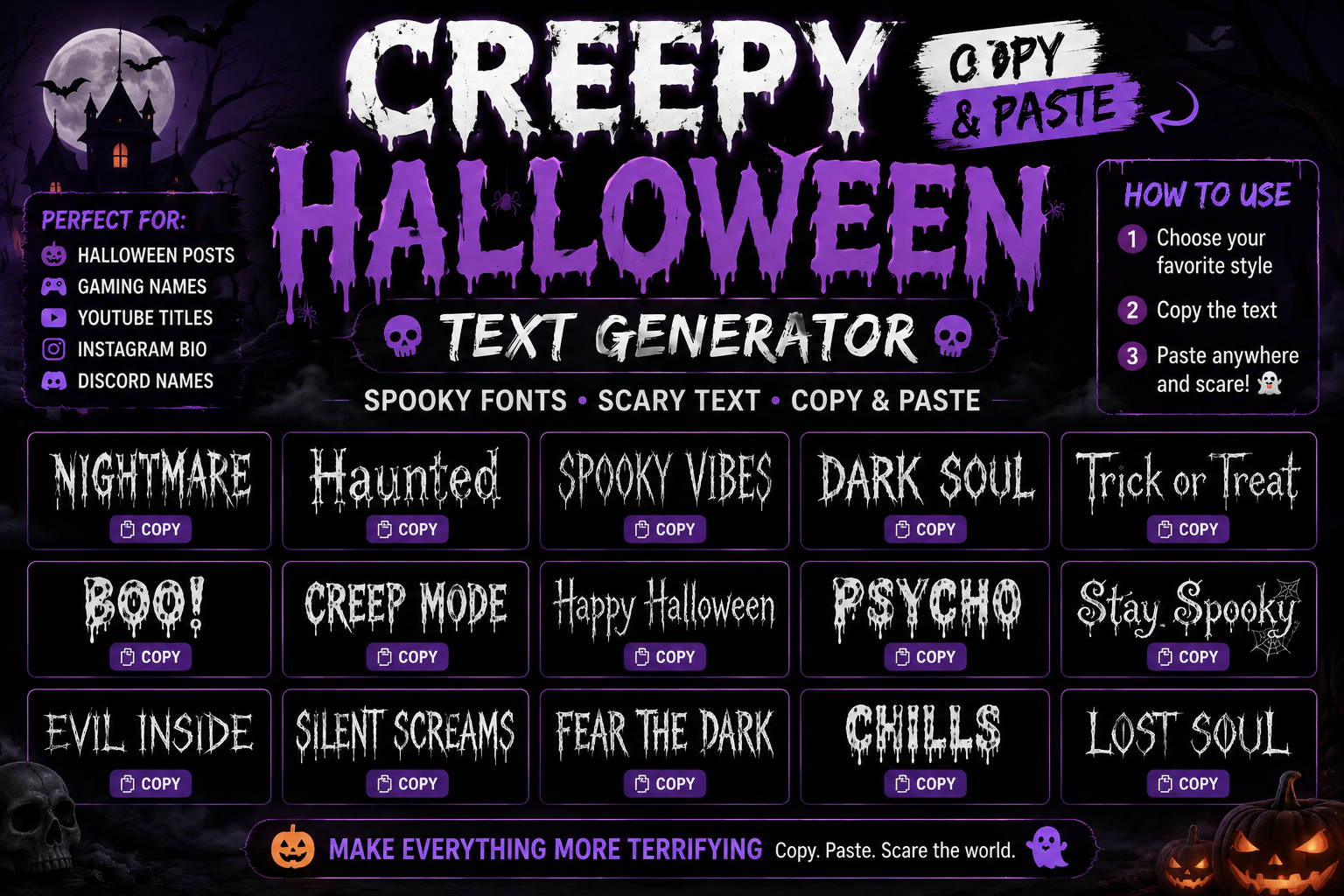
Creepy Halloween Text Styles
Each line below is the word Halloween written in a different Unicode style. Tap any one to copy it, then replace the word with your own — the style lives in the characters themselves, so typing your own text in the same shapes means copying a sample and editing it, or using one of the generators linked further down.
The styles are ordered from the most readable to the most distorted. If you are writing a bio that people actually need to read, stay near the top of the list.
Select any name in the following list to copy it.
Scary Halloween Words to Copy and Paste
These are single words and short phrases in the Gothic and small-caps styles, which are the two that hold up best in usernames and bios. They are ready to use as they are.
Gothic Halloween Words
Select any name in the following list to copy it.
Small Caps Halloween Words
Select any name in the following list to copy it.
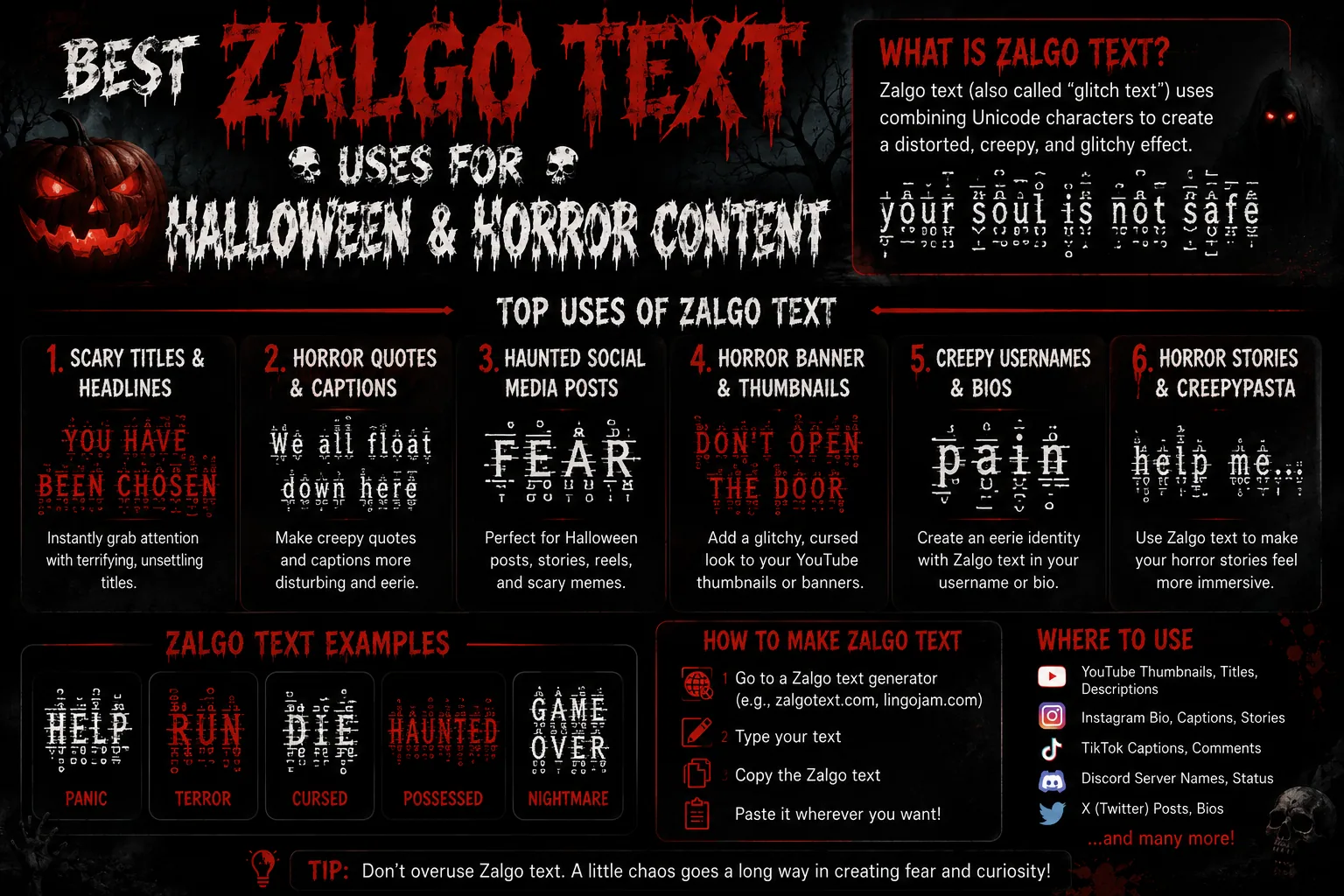
Zalgo and Cursed Text
Zalgo text — often called cursed or glitched text — is not a font. It is normal letters with Unicode combining marks stacked on top of them. A combining mark is a character with no width of its own: accents, cedillas, the ring above the a in å. Each one attaches to the character before it, and nothing stops you attaching twenty.
That is the whole trick. The letter underneath is untouched, which is why a search engine, a screen reader and a copy-paste still see your actual word. What changes is that the marks spill out of the line box and bleed into the rows above and below. The more marks, the more it bleeds.
The three levels below use the same word so you can judge the difference. They are generated the same way every time, so what you see is what you copy.
Light
Select any name in the following list to copy it.
Medium
Select any name in the following list to copy it.
Heavy
Select any name in the following list to copy it.
Read also: → Best Zalgo Text Uses for Halloween & Horror Content
Gothic Halloween Lettering
Fraktur — the blackletter shapes people usually mean by "Gothic" — is the single most useful Halloween style, because it reads as horror without being hard to read. Unicode carries two weights of it, and both survive platforms that reject combining marks.
One quirk worth knowing: a few Fraktur capitals are missing from the main block and Unicode substitutes a letterlike symbol instead, which is why the H in ℌ𝔞𝔩𝔩𝔬𝔴𝔢𝔢𝔫 looks slightly different in weight from the letters after it. That is correct Unicode, not a broken character.
Gothic
Select any name in the following list to copy it.
Bold Gothic
Select any name in the following list to copy it.
Read also: → Goth Usernames for All Social Media: 609 Dark, Aesthetic & Unique Ideas
Halloween Text Decorations and Borders
Borders and dividers do the work that a font cannot: they frame a name, break a bio into sections, or sit under a caption as a full stop. Each one below is a single line you can copy whole and type inside, or drop between two paragraphs as a separator.
Frames — put your text in the middle
Select any name in the following list to copy it.
Dividers — drop between two lines
Select any name in the following list to copy it.
Headers — short, bold, top of a post
Select any name in the following list to copy it.
Halloween Symbols and Emoji Combinations
Symbols and emoji are different things, and it matters here. Emoji are colour pictures the operating system draws. Symbols are ordinary text characters that take the colour of your text — which is why a ⛧ sits neatly inside a Gothic username and a 🎃 does not.
Text symbols that suit Halloween
Select any name in the following list to copy it.
Halloween emoji strings
Select any name in the following list to copy it.
Emoji and text together
Select any name in the following list to copy it.
Read also: → iPhone Emoji List: All Apple Emojis to Copy and Paste
Spooky Bios for Instagram, TikTok and Discord
A bio has to survive a character limit and still read as a sentence. These are short on purpose. Copy one, then swap the middle line for something that is actually about you — a bio that is only decoration says nothing.
Select any name in the following list to copy it.
TikTok
Select any name in the following list to copy it.
Discord
Select any name in the following list to copy it.
Halloween Captions and Short Messages
Select any name in the following list to copy it.
Building a Halloween Username That Still Fits
Most of the frustration with styled text happens in username fields, and nearly all of it is arithmetic. A field that allows twenty characters is counting storage units, not letters — and several of these styles spend more than one unit per letter.
Platforms differ in exactly how they count, but the common case is UTF-16 code units, and that is where the surprise lives. A Gothic letter sits outside the part of Unicode that fits in a single unit, so it is stored as a pair and usually counted as two. Small caps, by contrast, sit inside it and cost the same as plain letters.
Here is the same nine-letter name measured in each style, so the trade-off is a number rather than a guess.
| Style | Nine-letter name costs | Per letter |
|---|---|---|
| Plain letters | 9 | 1× |
| Small caps | 9 | 1× |
| Double-struck | 17 | about 2× |
| Gothic and bold Gothic | 18 | 2× |
| Zalgo light | 27 | 3× |
| Zalgo medium | 54 | 6× |
| Zalgo heavy | 90 | 10× |
Symbols and emoji add to that. A text symbol such as ⛧ or ☾ costs one unit. A plain emoji such as 🎃 or 👻 costs two. An emoji assembled from several pieces joined together — 🧛♂️, 🧙♀️, 🐈⬛ — costs four or five, because it really is several characters glued with invisible joiners.
What that means for a twenty-character field
- Small caps fits with room to spare, at nine units for a nine-letter name.
- Gothic just fits at eighteen, and leaves nothing for decoration.
- Gothic plus two text symbols comes to twenty — exactly at the line.
- A plain emoji, a space and Gothic comes to twenty-one, which is already over.
- Any Zalgo at all is out of reach: the lightest level costs twenty-seven.
Three worked examples, measured
Select any name in the following list to copy it.
Longer fields change the maths entirely. An Instagram bio has room for far more than a username, which is where emoji, borders and light Zalgo all become affordable.
How to Use Creepy Halloween Text
There is no app and no font file. The whole process is four steps.
- Pick a style above and tap the sample. It goes straight to your clipboard.
- Paste it where you want it — a bio field, a caption box, a username field, a message.
- Edit the text around it. The styled characters stay styled when you move the cursor past them; anything you type fresh comes out in your keyboard's normal letters.
- Check it before you save. A field that looked fine while typing can still reject the characters when you submit.
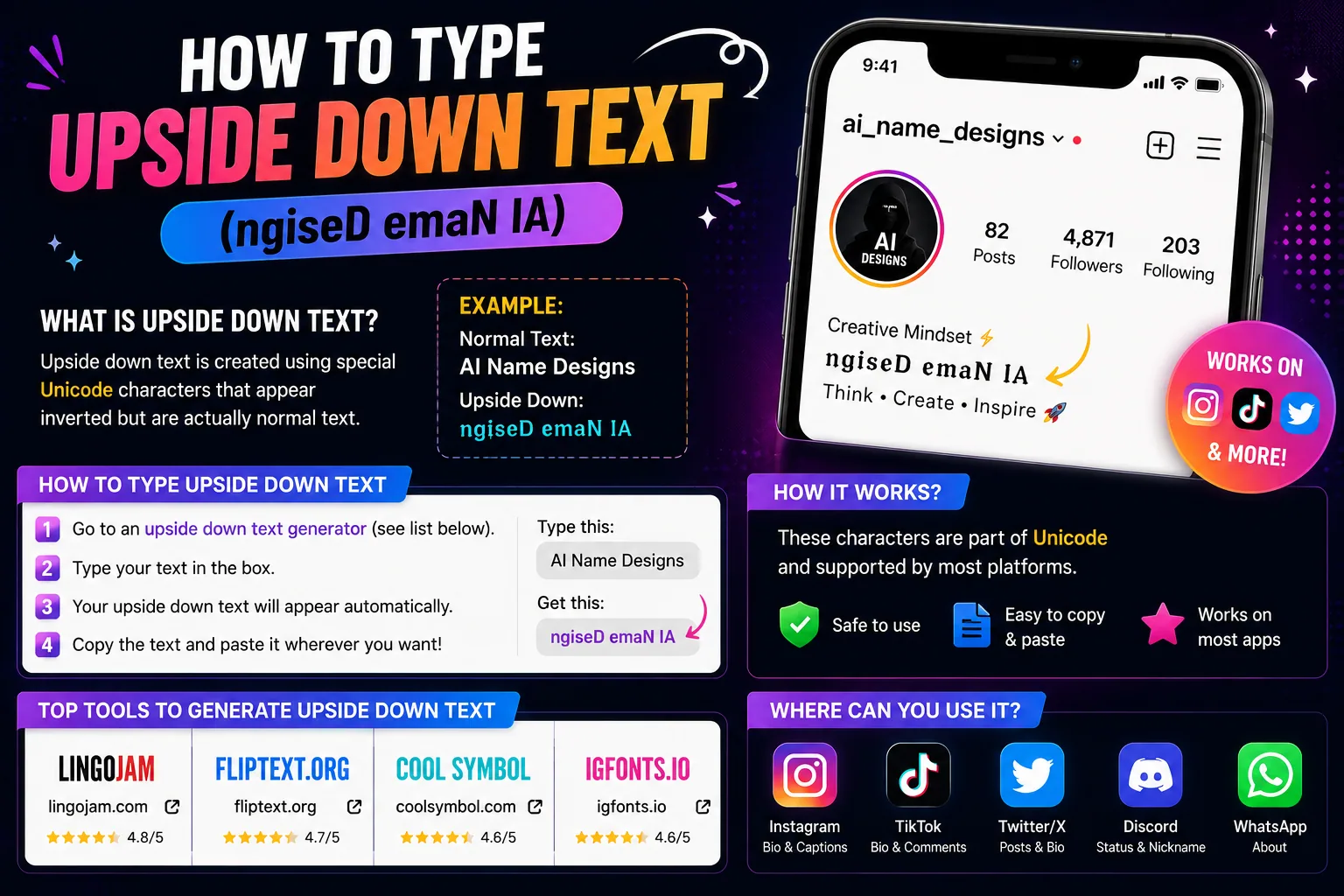
To style your own words rather than copy a sample, use one of the generators on the site: the fancy text generator covers the decorative styles, the font generator covers the letterform alphabets including Gothic, and the nickname generator builds names with symbols attached.
Where Creepy Halloween Text Works
Unicode support is not one switch. A platform can accept a character, store it, and still refuse to show it the way you expect — or accept it in a caption and reject it in a username. This is what to expect, and where to be careful.
| Platform | Gothic and Small Caps | Zalgo and combining marks |
|---|---|---|
| Instagram bio and captions | Works | Usually works; heavy stacks can be trimmed on display |
| Instagram display name | Works | Often rejected or stripped |
| TikTok bio | Works | Light levels usually survive; heavy often does not |
| Discord messages | Works | Works, and renders generously |
| Discord server nickname | Works | Often blocked by the nickname filter |
| Roblox display name | Mostly rejected | Rejected |
| WhatsApp and Telegram | Works | Works in messages, variable in profile fields |
| X / Twitter | Works | Works in posts; display names are stricter |
The pattern across all of them is the same. Message and caption fields are permissive. Name and username fields are strict. If something is going to be refused, it will be refused in a username field first.
Why Creepy Text Looks Different on Different Devices
Copy a Gothic word to a friend and it can arrive looking bolder, thinner, or as a row of empty rectangles. Nothing was lost in transit. The characters are identical — what changed is the font doing the drawing.
A Unicode character is a number, not a picture. The number says this is mathematical fraktur small a. Drawing it is the font's job, and a font only draws the characters it was built with. When your device has no font containing that character, it shows the fallback box — the tofu — instead. Older Android builds and some Windows system fonts are missing large parts of the mathematical alphanumeric block, which is exactly where the Gothic, double-struck and monospace styles live.
Combining marks fail differently, and more interestingly. Every device has the marks — they are ordinary accents. What differs is how far a device is willing to let them overflow. iOS draws the full stack and lets it bleed over neighbouring lines. Some Android builds clip it at the line box. Discord renders it generously; a few platforms normalise the text and quietly drop the marks altogether. Same characters, four different results.
There is a third case worth knowing: a platform that accepts the characters but normalises them for search and moderation. That is why a name in Gothic letters can still be found by searching the plain spelling — the system is reading the underlying letters even though it is showing you the decorated ones.
Read also: → Why Some Stylish Fonts Do Not Display Correctly on Every Device
Keeping Spooky Text Readable
Decorated text has a cost, and it is worth being clear about it. A screen reader announces the underlying characters, so a Gothic word is usually read correctly — but a word under four layers of combining marks is read as the letter followed by every accent, one at a time. A name in heavy Zalgo can take several seconds to announce.
There are three habits that keep this from becoming a problem. Decorate one element, not all of them: a styled name above plain text reads as a design choice, while a wholly styled profile reads as noise. Keep anything functional — a link, a handle, an instruction — in ordinary letters. And if the text is the only way someone can find or contact you, leave it plain.
Frequently Asked Questions
How do I make creepy Halloween text?
Copy a styled sample instead of installing anything. The letters above are Unicode characters that already look Gothic, cursed or carved, so pasting one carries the look with it. To style your own words, type them into the fancy text generator or the font generator on this site and copy the result.
What is Zalgo text?
Normal letters with Unicode combining marks stacked on them. A combining mark is a zero-width character like an accent that attaches to the letter before it. Stack enough of them and the text appears to melt out of its line. The letters underneath never change, which is why the text can still be copied and read by software.
Is this free?
Yes. Everything on this page is text you copy, with no account, no download and no font to install.
Can I paste creepy text into an Instagram bio?
Gothic and small-caps styles work in Instagram bios and captions. Light combining marks usually work too. Instagram display names are stricter than bios, and heavy Zalgo is often stripped there.
Does creepy text work on Discord?
Discord messages handle these styles well, including fairly heavy combining marks. Server nicknames are a different matter — many servers run a nickname filter that rejects them.
Will it work on Roblox?
Mostly no. Roblox filters display names aggressively and rejects most characters outside the standard Latin set. Treat Roblox as the exception rather than assuming what works elsewhere will work there.
Why does Zalgo text look different on my friend's phone?
Devices disagree about how far combining marks may overflow their line. iOS draws the whole stack, some Android builds clip it, and a few platforms strip the marks entirely. The characters you sent are identical either way.
Why do I see empty boxes instead of letters?
The device has no font containing that character, so it draws a fallback box. It is a missing font, not a broken copy. Gothic and double-struck styles hit this most often on older Android and some Windows system fonts.
What is the difference between Gothic and Zalgo text?
Gothic, or Fraktur, swaps each letter for a different Unicode character that is drawn in a blackletter shape — one character in, one character out. Zalgo keeps the original letter and piles extra marks on top of it. Gothic stays tidy; Zalgo is meant to look damaged.
Do I need to install a font?
No. Installing a font would change how text looks only on your own device. These characters carry their appearance with them, which is what makes them work in someone else's feed.
Take It and Go
The quickest route is the style list at the top: find the look you want, tap it, paste it. If you need your own words in the same shapes rather than the samples here, the fancy text generator and the font generator will style any text you type, and the symbols library has far more than the Halloween selection on this page.
One last thing: test before you commit. Paste it where it is going, look at it on a phone as well as a desktop, and keep a plain version of anything people actually need to read.